Guides
Show your work in motion
Sizes, specs and how-tos for turning screenshots into video, checked against each platform's own documentation.
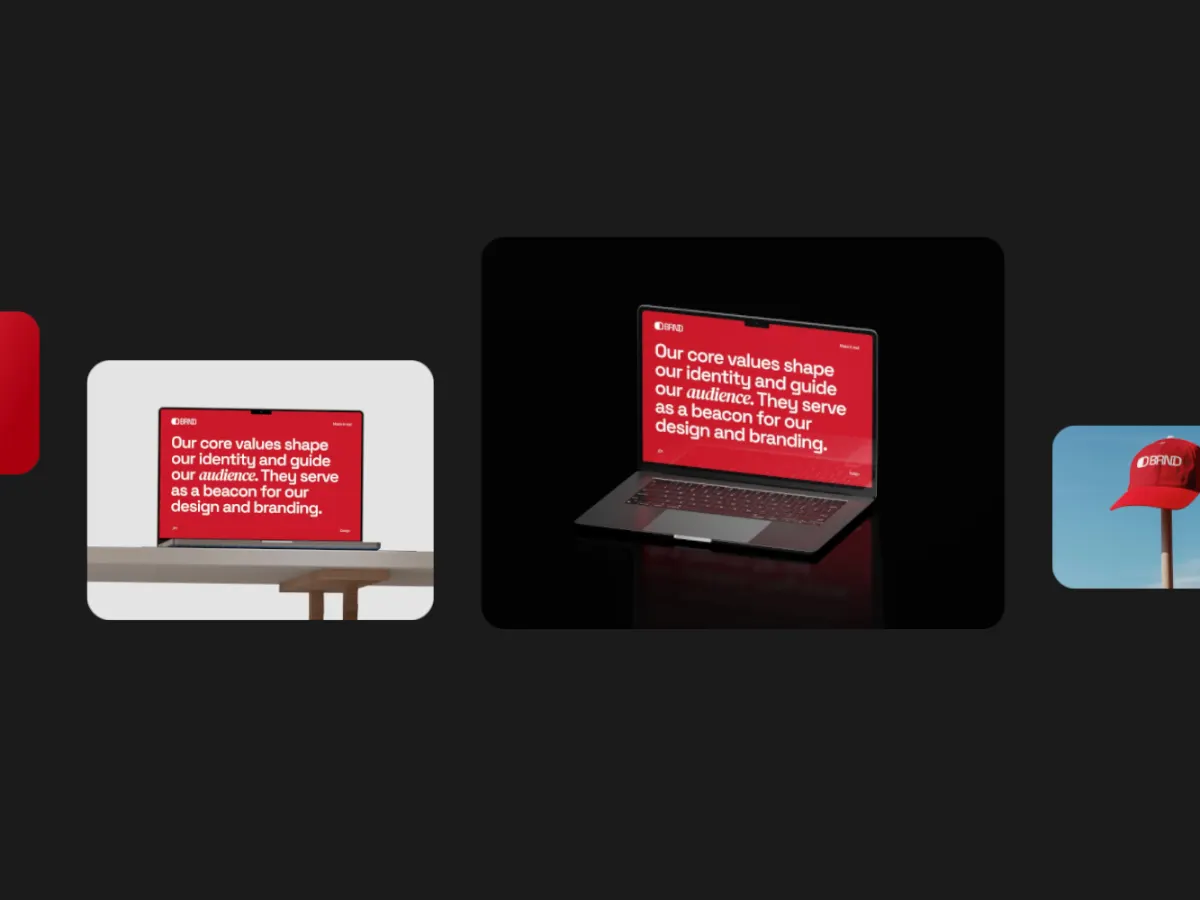 Dribbble shot sizeWhat Dribbble's help center says about shot size: 1600 px minimum width, no fixed ratio, 10MB images, 20MB MP4 or MOV video. Plus how to export a 4:3 loop.Read the guide
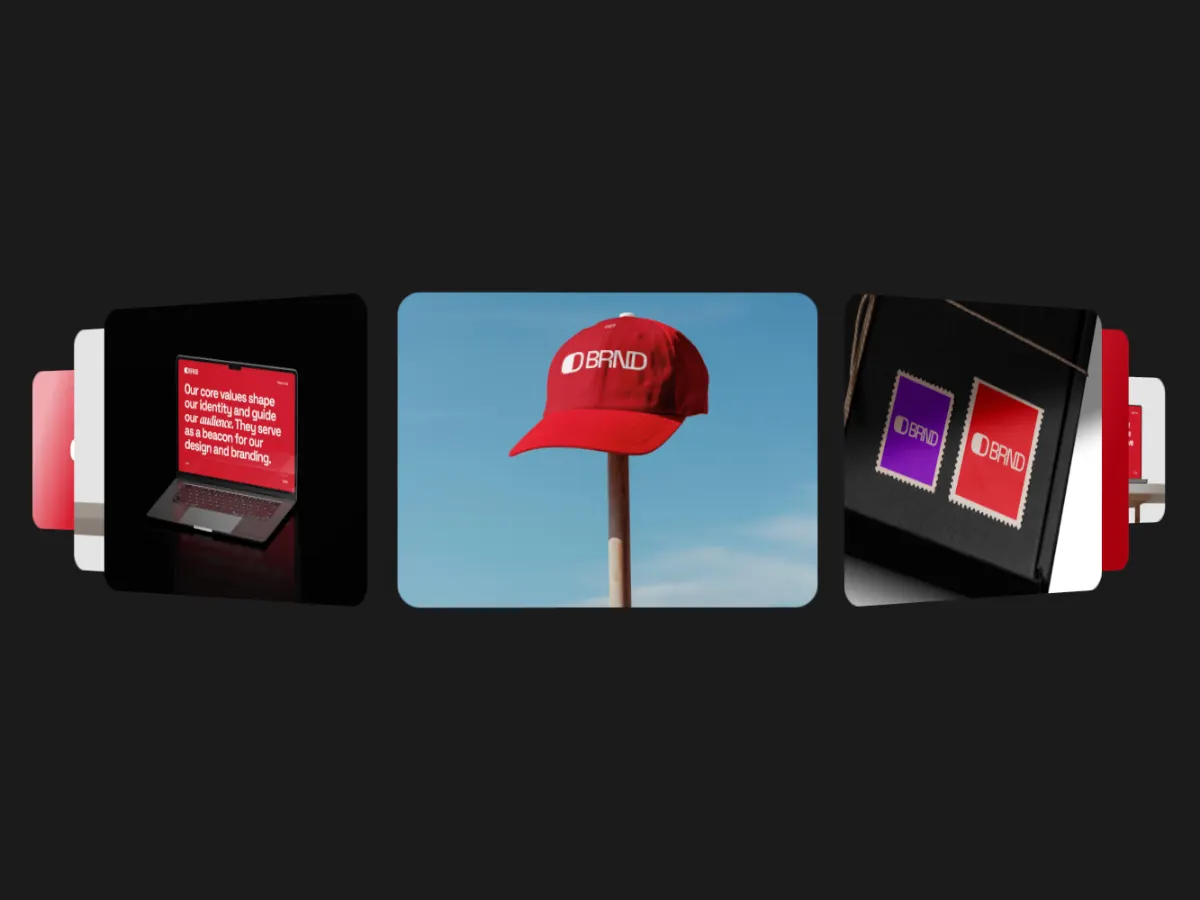 How to animate screenshotsTurn screenshots into a seamless looping video in your browser: prepare 4:3 images, pick a motion template, choose the frame and loop, export MP4 or WebM. Free.Read the guide
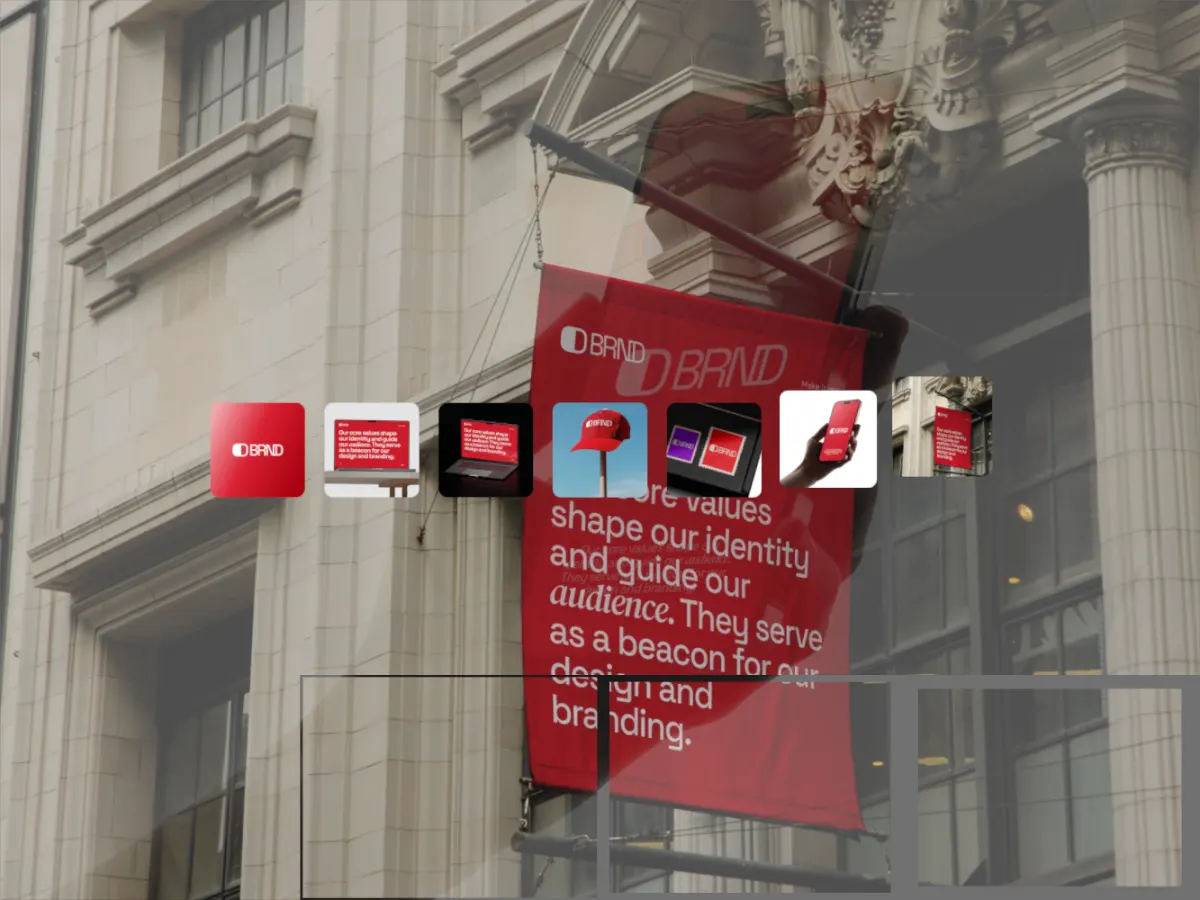 App Store preview specsApple's app preview specs: 15 to 30 seconds, up to 30 fps, H.264 or ProRes, 886 × 1920 for current iPhones, 1200 × 1600 for iPad. Where a showcase loop fits.Read the guide
Compare
Shotreel next to other tools
What each tool is better at, with prices and limits taken from their own sites.
- Shots.so vs ShotreelShots is a mockup tool. You put one design into a device or a frame, style the background, and export a sharp image. It has added animation presets, zooms and video export on top of that.
- Rotato vs ShotreelRotato is a 3D mockup studio. Your screens go onto 30+ modeled devices, with a camera, lighting and a timeline, rendered on your Mac at up to 8K. You pay once.
Try it on your own screenshots
Every template and 720p export are free. Nothing is uploaded.