Behance project video
Behance project video: animate your case study
A Behance project is a long scroll of images. A moving module near the top, or a short loop between sections, gives people a reason to keep going. Shotreel turns the project's own images into that loop, so the motion shows the work instead of decorating it.
Free 720p export. Nothing is uploaded.
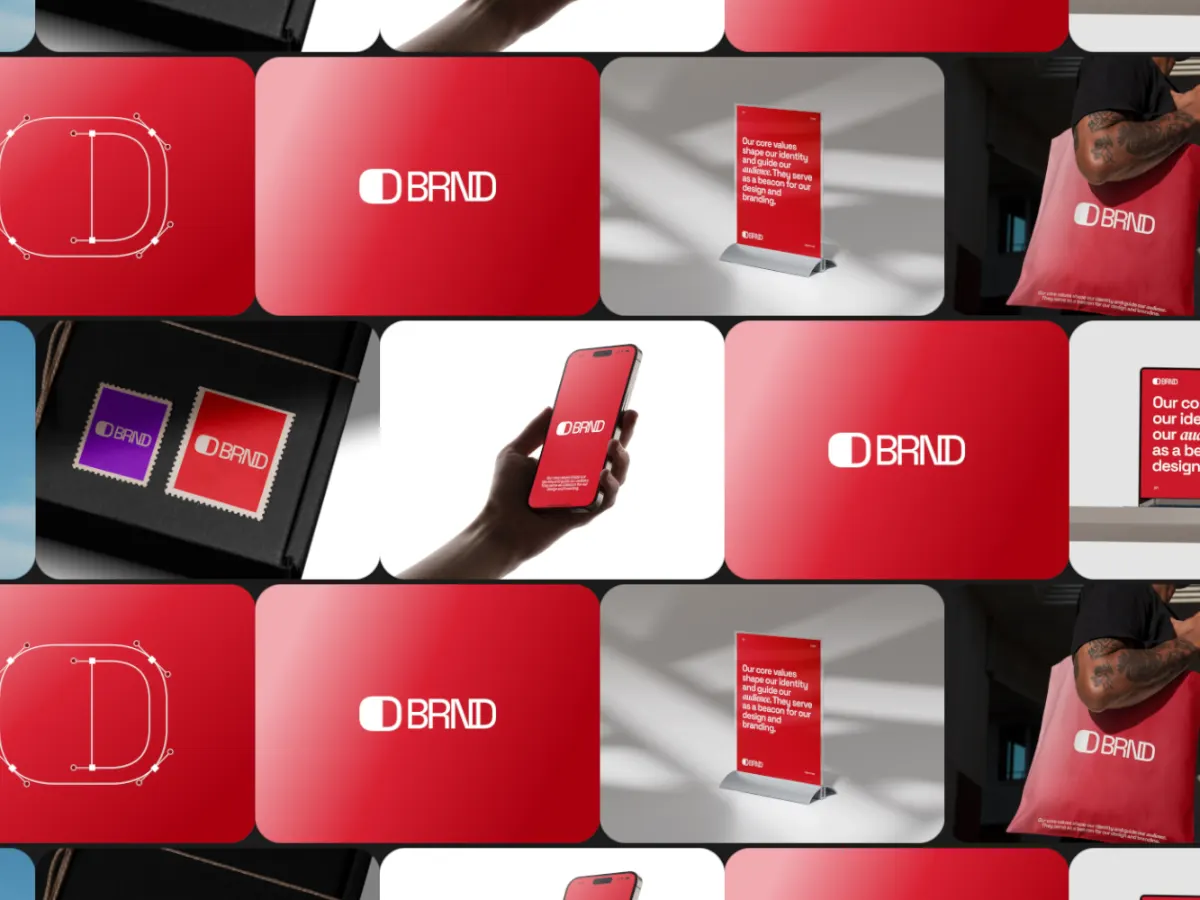
Where motion helps a case study
The opening module
A loop of the finished work right under the title shows the scope of the project before the process.
Section breaks
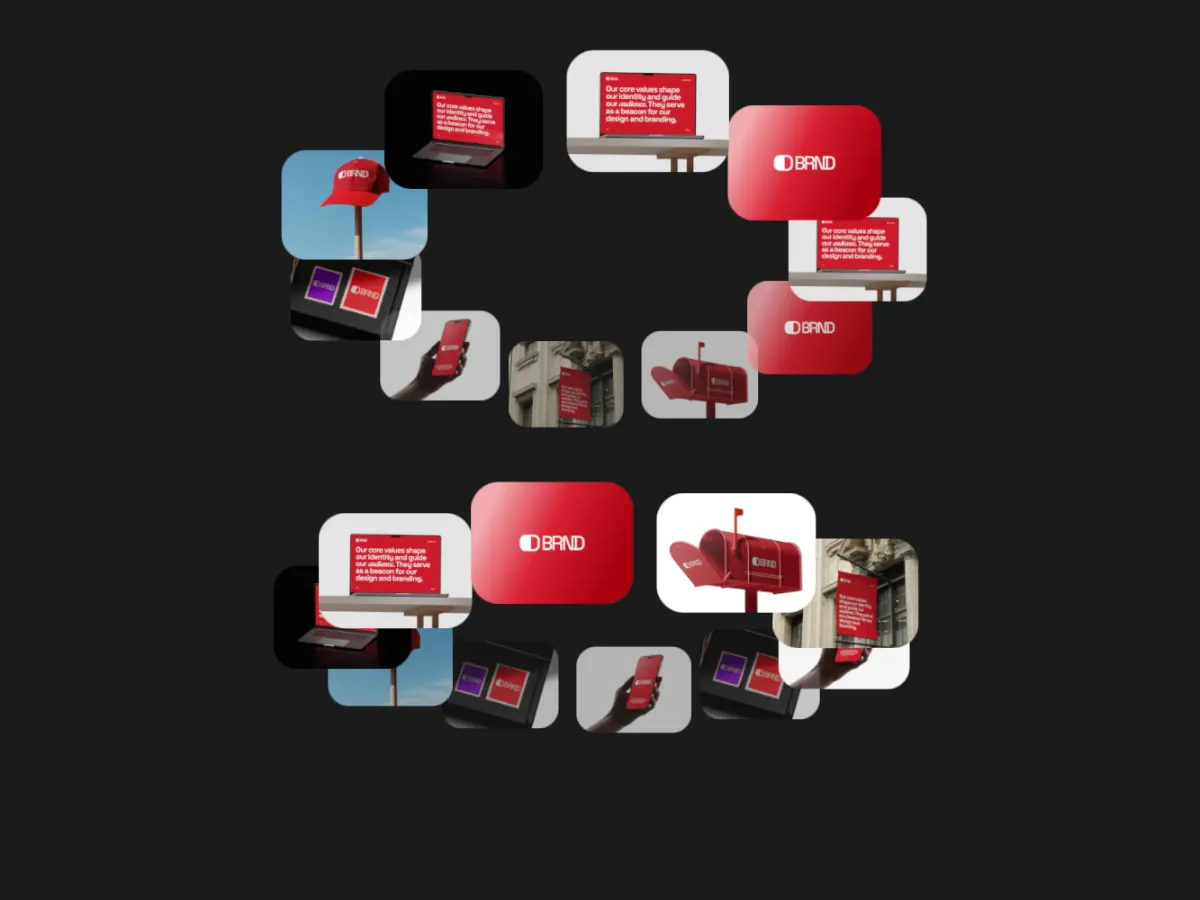
Short loops between chapters, like the screens of a flow or a set of brand applications, keep a long project moving.
A cut for promotion
Export the same project at 1:1 or 4:5 to share the case study on LinkedIn or Instagram.
How it works
Add motion to a Behance project
01
Reuse the project images
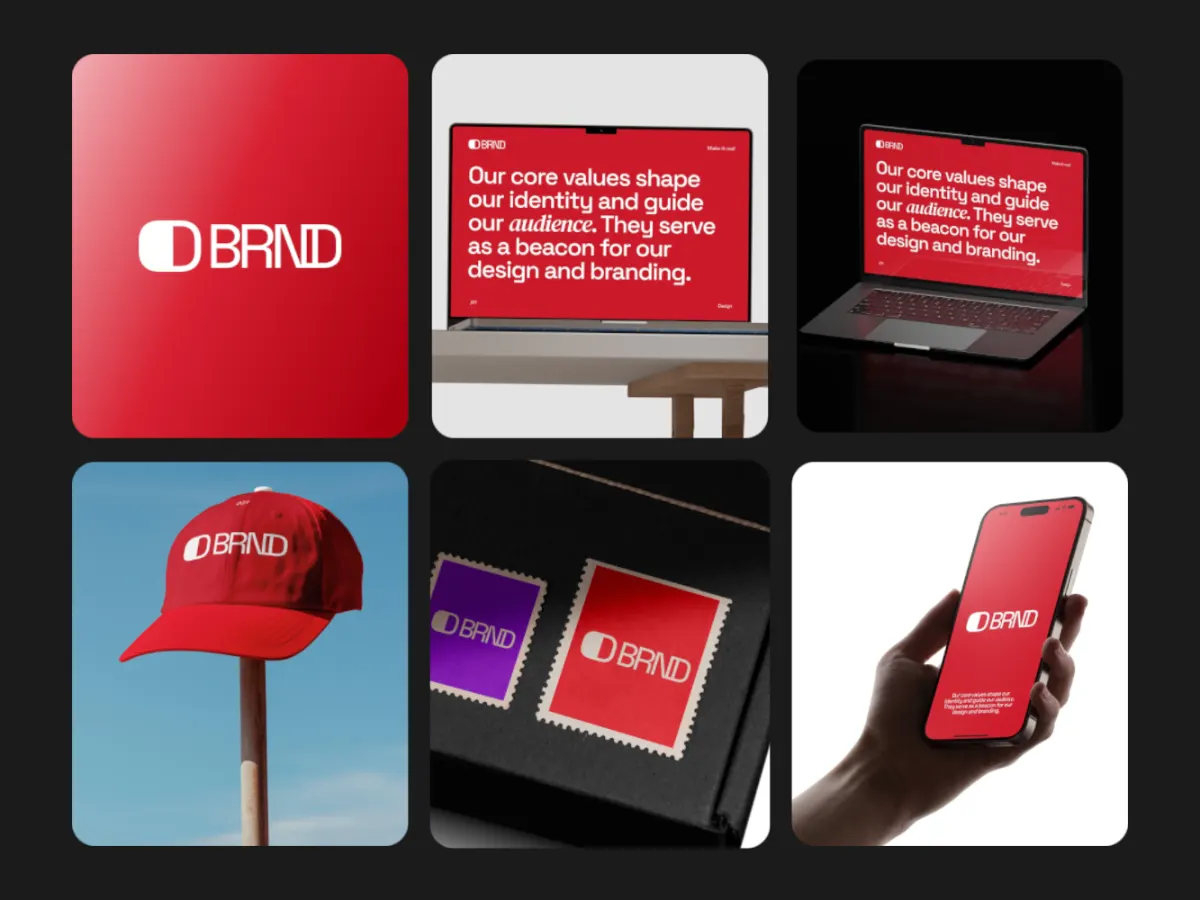
Take the key frames you already exported for the case study. 4:3 images fit the cards as they are.
02
Pick a template per module
Use a wide, busy template for the opening and a single-focus one for detail sections.
03
Export and add to the project
Export MP4 at 16:9 or 4:3, then add it to your project as a video module.
Templates
Templates for case study modules
Use this opens the studio with the template and the right frame already set.
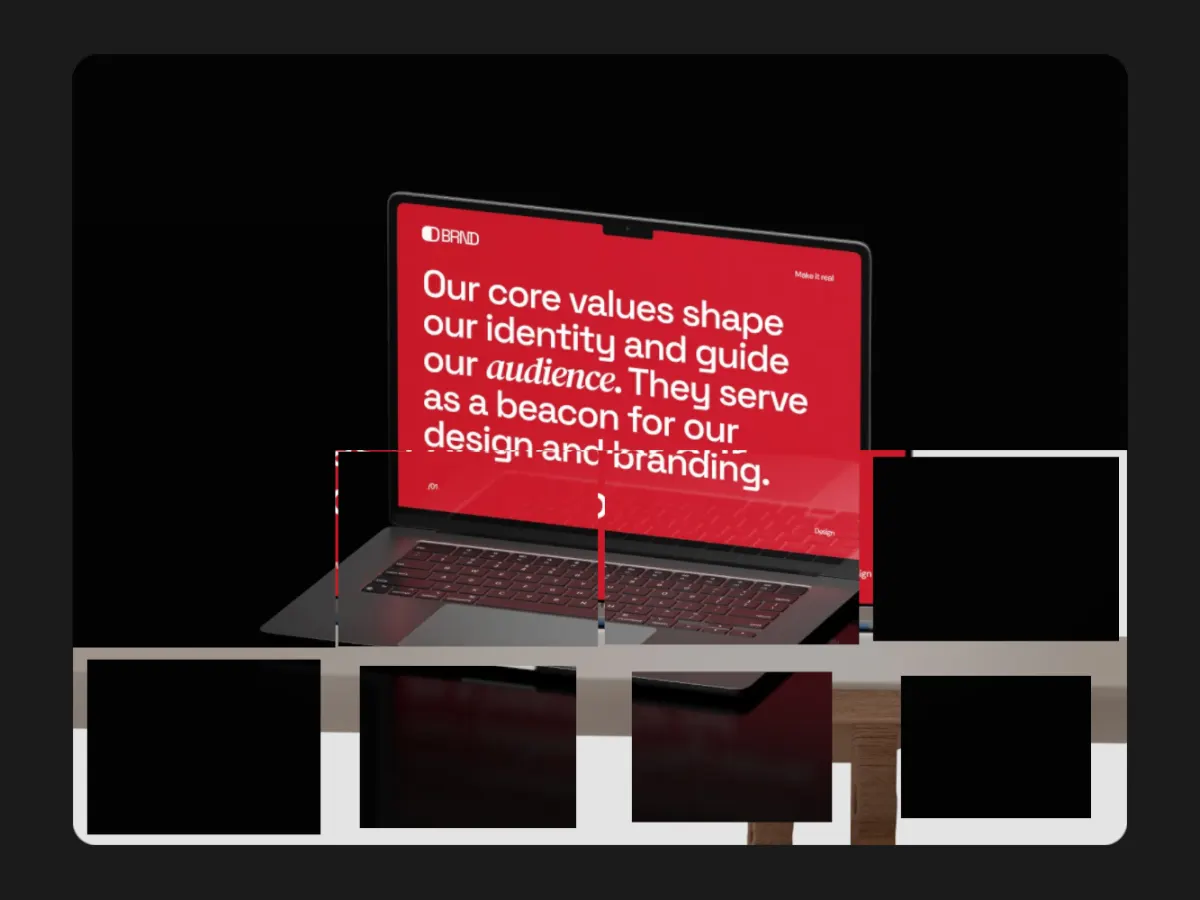
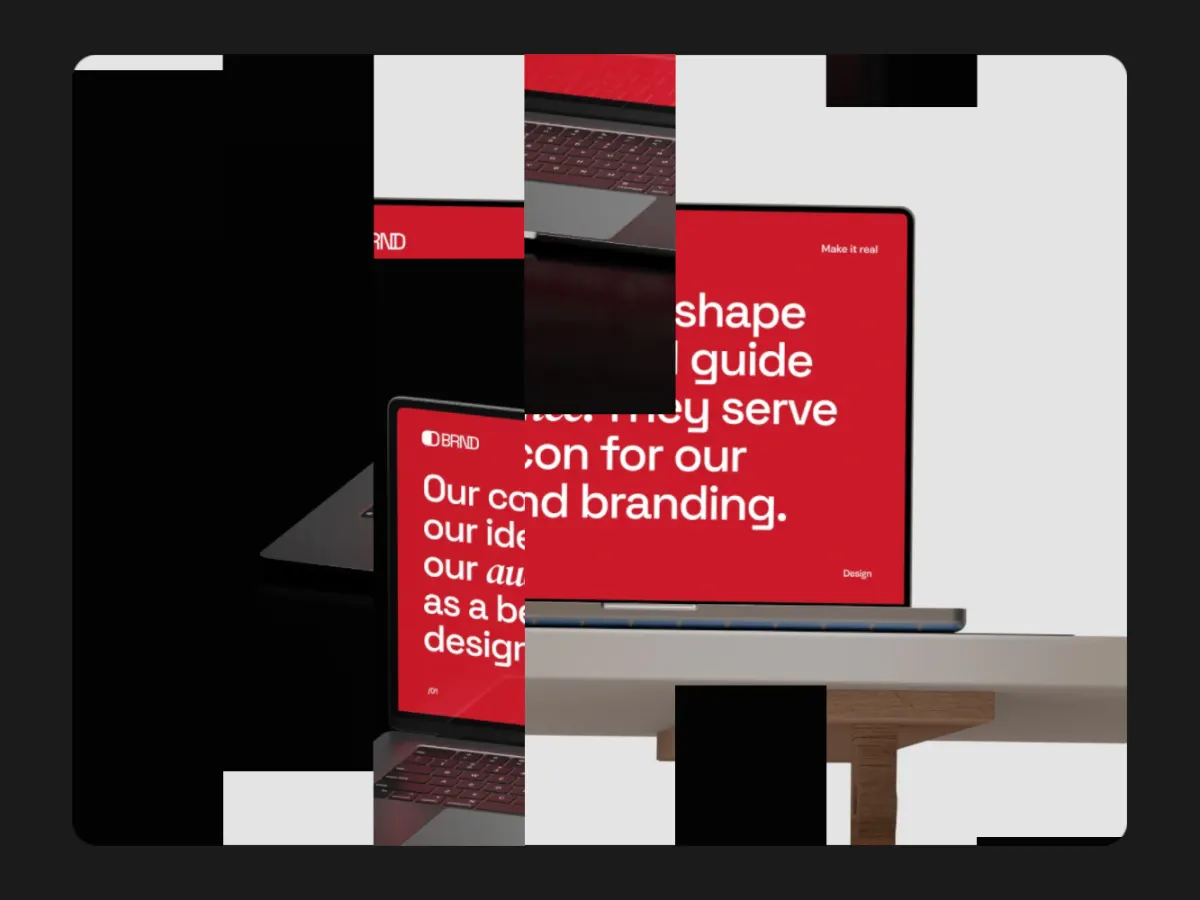
Mosaic Wipe
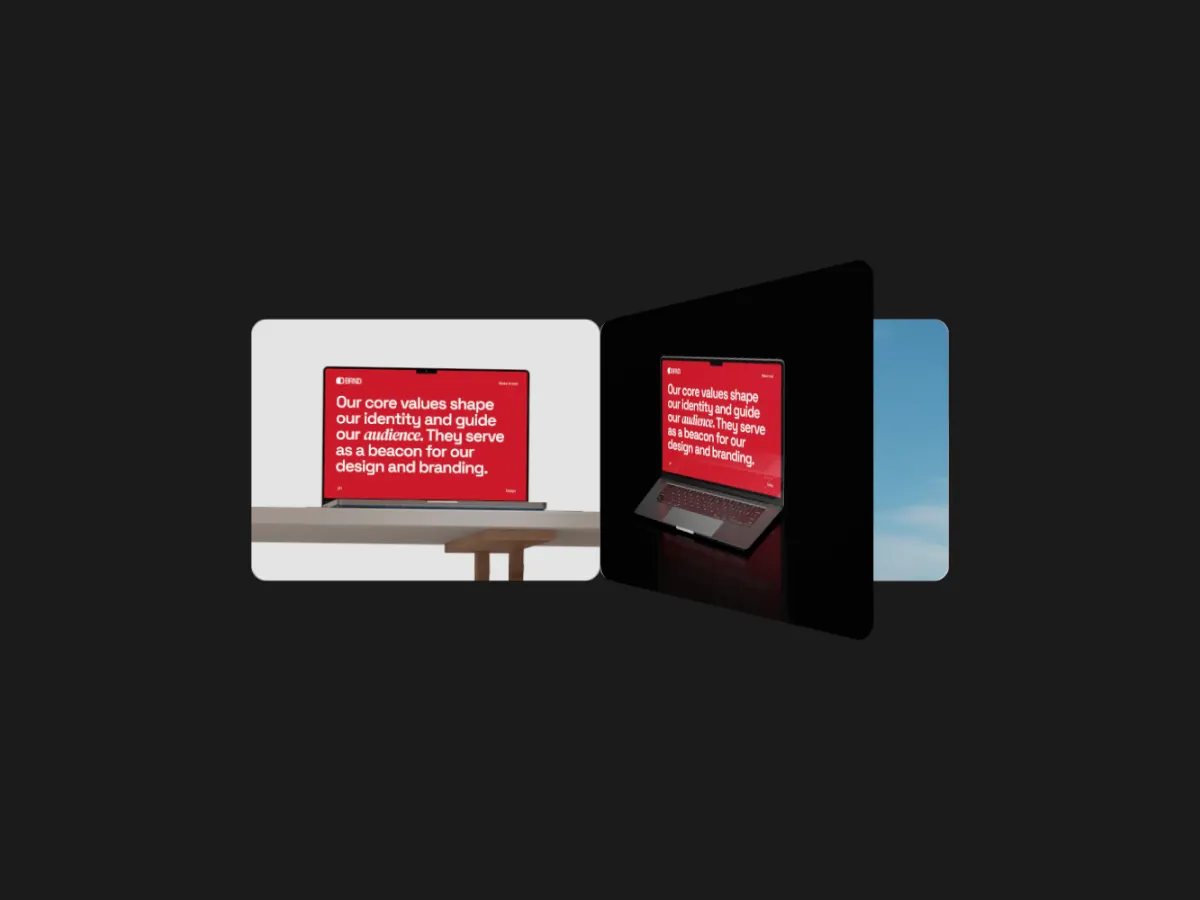
16:9A full-frame image revealed tile by tile. Good for a hero shot or a key screen.
Export
Export settings for Behance
- Frame
- 16:9 or 4:3, to match the width of your other modules.
- Resolution
- 1080p (Pro): 1920 × 1080 at 16:9, 1440 × 1080 at 4:3. Free 720p for drafts.
- Format
- MP4.
- Loop length
- 10 to 15 seconds per module.
Behance projects can include uploaded video and embeds from services like YouTube and Vimeo. Upload limits change, so check Behance's current limits before exporting at 2K or 4K.
FAQ
Questions
Can I add a video to a Behance project?
Yes. Behance projects take uploaded video files as well as embeds from services like YouTube and Vimeo. Check Behance's current upload limits for file size.
Which frame should I use for Behance?
16:9 or 4:3 both fill the project width. Use the shape that matches your image modules so the page keeps an even rhythm.
Can I reuse the video on Dribbble?
Yes. Switch the frame to 4:3 and export again. Dribbble takes MP4 shots up to 20 MB.
Do I need After Effects?
No. Shotreel runs in a desktop browser with no install. You pick a template and drop in your images.
Try it with your own work
The studio opens on Fan Shuffle at 16:9. Every template and 720p export are free. Pro adds 1080p, 2K and 4K for $4 a month.