What Dribbble states
| Spec | Dribbble's guidance |
|---|---|
| Width | Minimum 1600 px recommended, for images, GIFs and videos |
| Aspect ratio and height | Not fixed: no specific ratio or height is required |
| Images | PNG, JPG or GIF, up to 10MB |
| Video | MOV or MP4, up to 20MB |
| Content blocks | Image, Text, Video and Gallery, mixed in one shot |
| Thumbnail | Chosen after upload with "Crop/Select thumbnail", from any block in the shot |
That's the full list. The article sets no rule for video length, frame rate or thumbnail ratio. If a guide tells you a shot must be exactly 1600 × 1200, that's a convention, not Dribbble's current requirement. Read the original article for any change since we checked.
The size we suggest: 4:3 at 1600 × 1200 or larger
This part is our advice, not a Dribbble rule. A 4:3 shot at 1600 × 1200 meets the 1600 px width, and because Dribbble asks you to crop a thumbnail from your shot, a 4:3 design loses little in that step. It's also a familiar shape to design for, and it's the shape every Shotreel card uses.
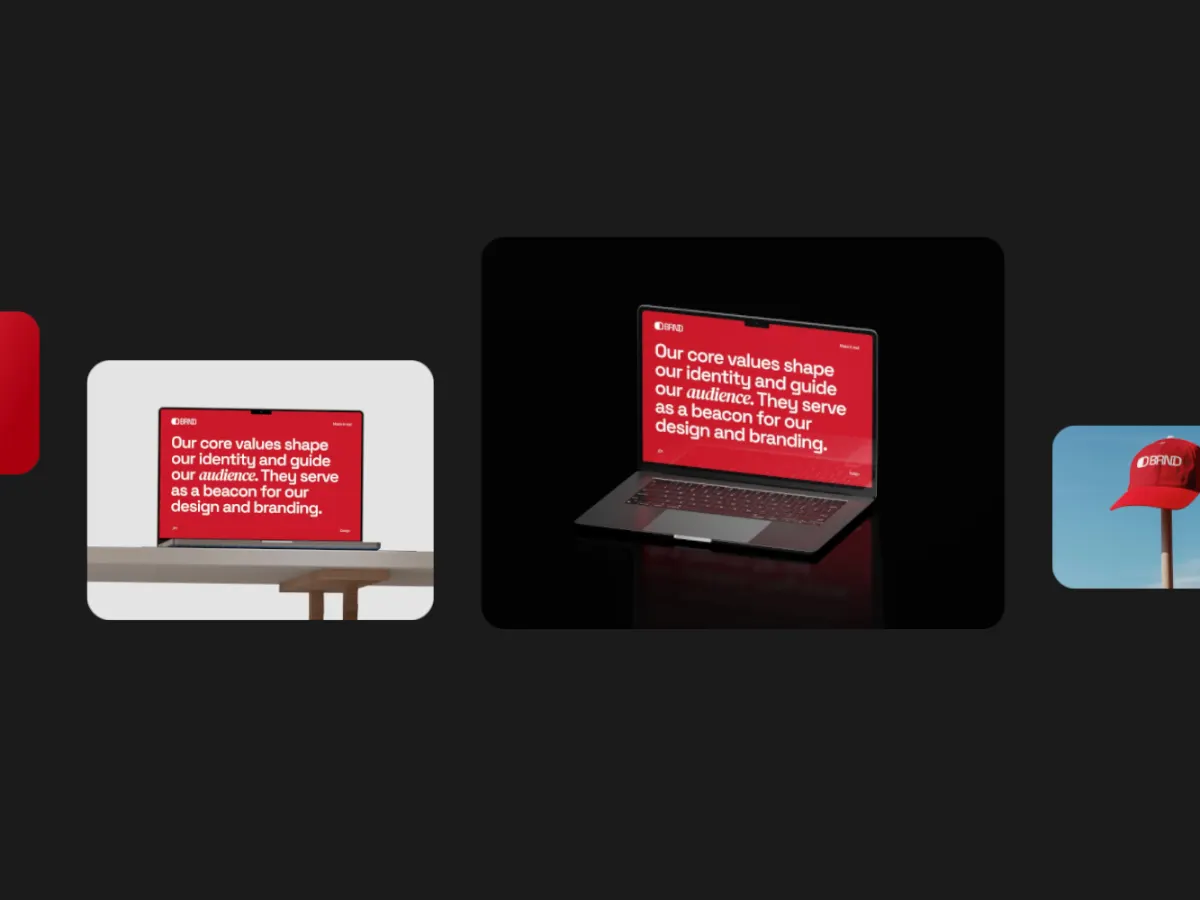
Export a video shot from Shotreel
| Setting | Use | Why |
|---|---|---|
| Frame | 4:3 | Matches the 4:3 shot shape we suggest |
| Resolution | 2K (1920 × 1440, Pro) | Clears the 1600 px width. 1080p gives 1440 × 1080, free 720p gives 960 × 720 |
| Format | MP4 | Dribbble takes MP4 or MOV, not WebM |
| Frame rate | 30 fps | Half the data of 60 fps, so more seconds fit in 20MB |
| Loop length | 10 seconds | At 2K and 30 fps Shotreel encodes at about 11.6 Mbps, roughly 15MB for 10 seconds |
At 60 fps the same 2K loop is about twice the size, so keep it near 5 seconds to stay under 20MB. 4K is more than Dribbble needs and fills the 20MB limit in about 6 seconds at 30 fps.
On the free plan: 720p export (960 × 720) is below Dribbble's recommended width. Dribbble recommends 1600 px rather than requiring it, but the shot will look softer on large screens.
Step by step
- Prepare your images at 4:3, for example 1600 × 1200. Other shapes are cropped to fit the cards.
- Open the studio in a 4:3 frame and pick a template.
- Drop in your images, set the loop to 10 seconds.
- Export MP4 at 2K and 30 fps.
- In Dribbble's uploader, add the file as a Video block, then pick the thumbnail with Crop/Select thumbnail.