Product Hunt launch video
A Product Hunt launch video made from your screenshots
On launch day, your Product Hunt page has a few seconds to show what the product looks like. Shotreel turns the screenshots you already have into a short video of your product in motion, ready to upload to YouTube and link from your launch.
Free 720p export. Nothing is uploaded.
What you get for the launch
The real product, moving
Your actual screens in motion. No stock footage, no device mockups, nothing to explain away in the comments.
Ready for YouTube
A 16:9 MP4 at 1080p is a standard YouTube upload, and that is how Product Hunt takes video.
Cut-downs for launch posts
Export the same project at 1:1 or 4:5 for the posts that point people to your launch.
How it works
From screenshots to launch video
01
Choose the story
Pick five to eight screens in the order a new user meets them: the first view, the core feature, the result.
02
Pick a template and add your tagline
Use a text layer for the tagline and the logo layer for your mark. Set the background to your brand colour.
03
Export, upload, link
Export 16:9 MP4, upload it to YouTube, and paste the full video URL into your launch's media.
Templates
Templates for a launch video
Use this opens the studio with the template and the right frame already set.
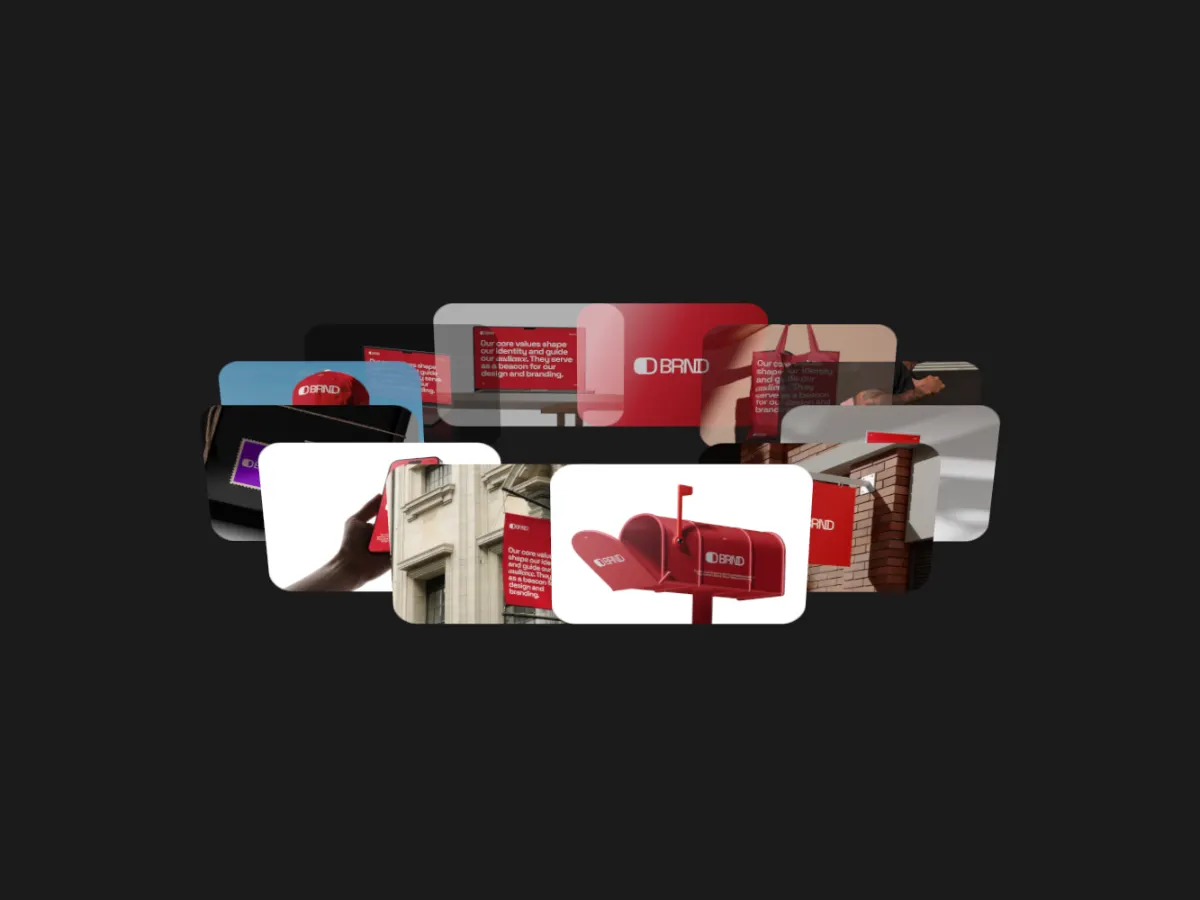
Orbit Showcase
16:9Screens circling a centre point. Shows the breadth of a product in one view.
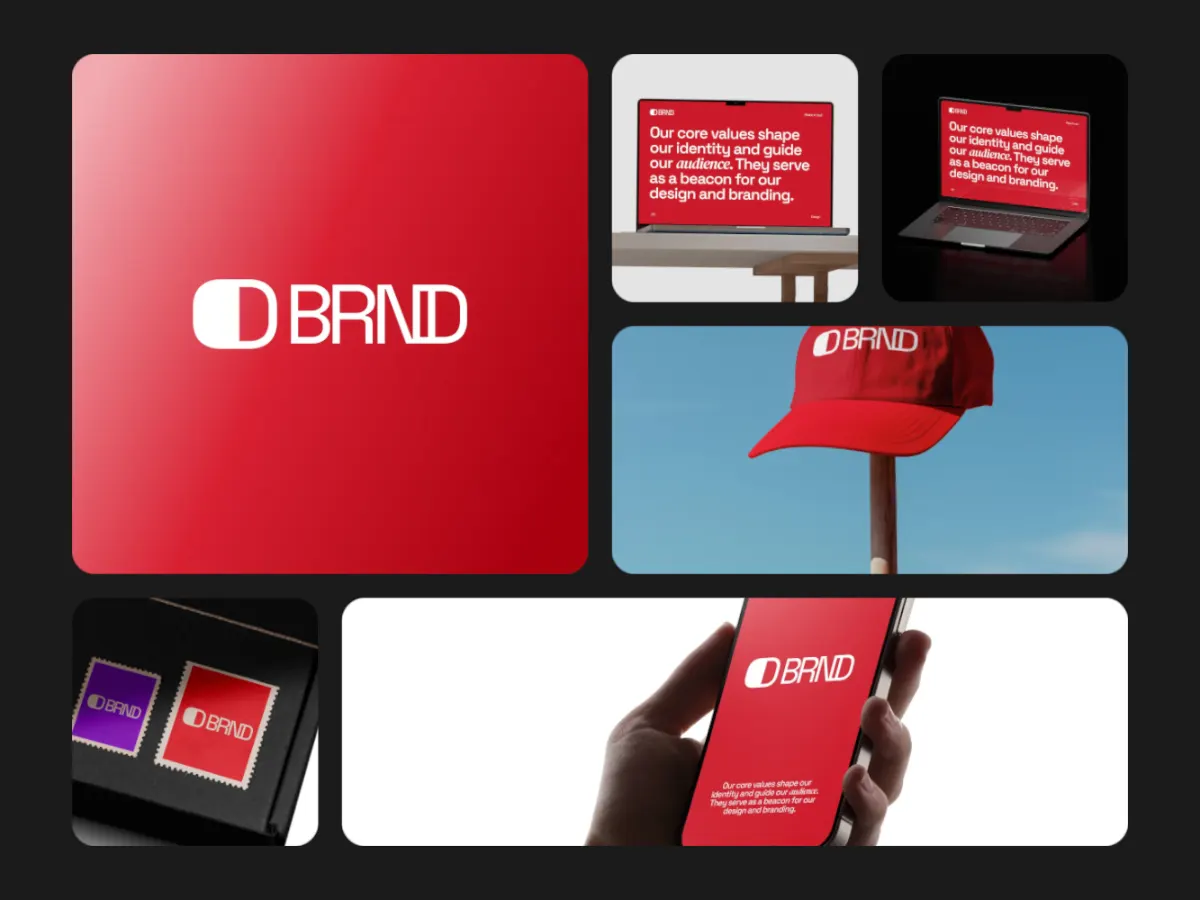
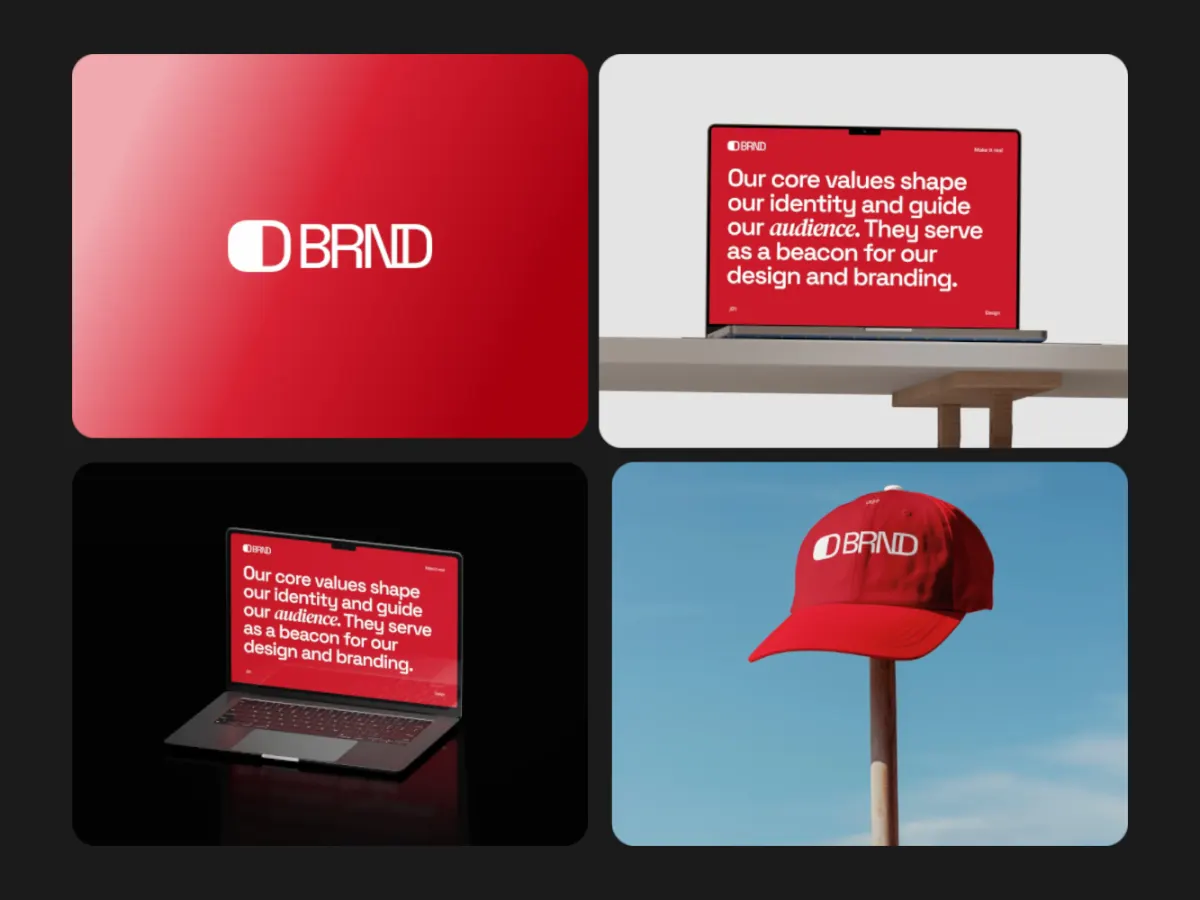
Spotlight Zoom
16:9A grid that zooms into one screen at a time. Good for walking through features.
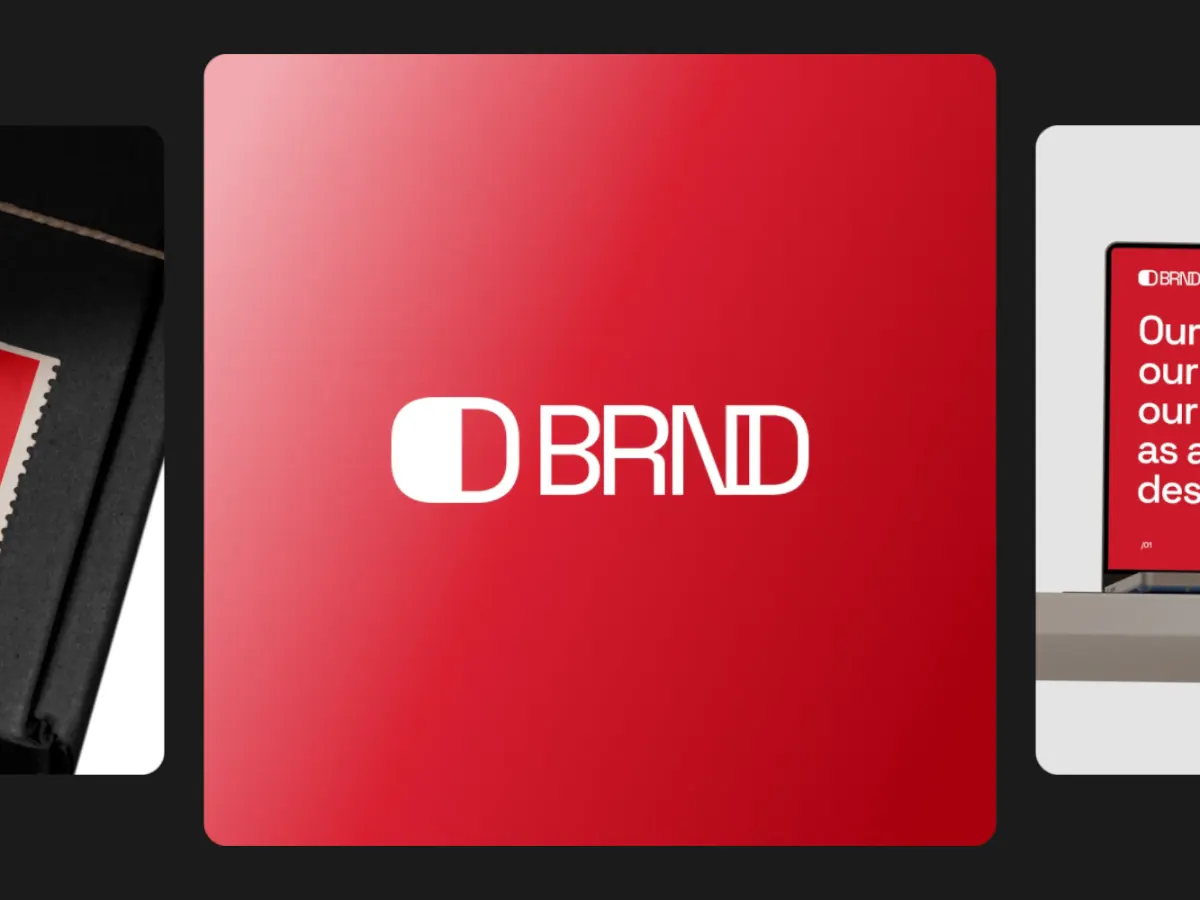
Carousel Flow
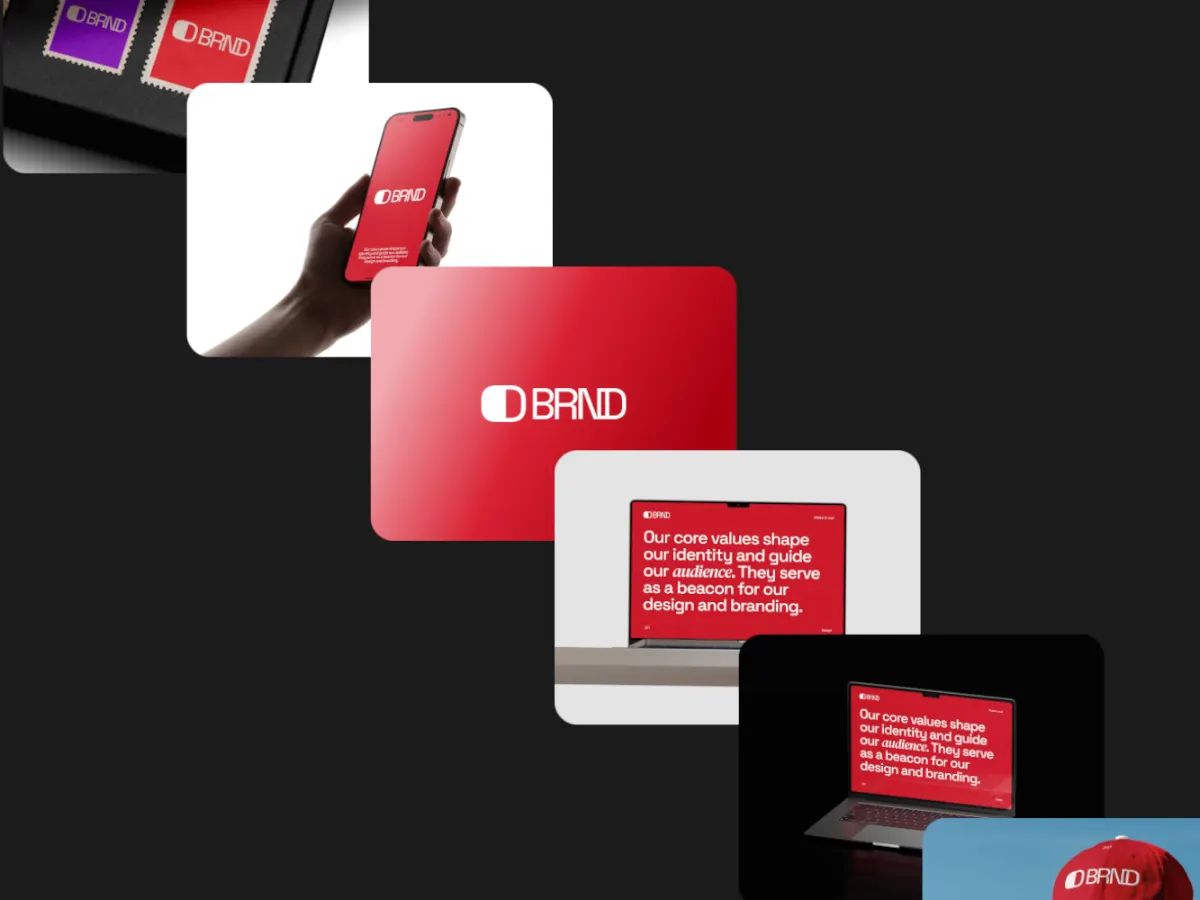
16:9Full-height screens flowing past, one in focus. Reads like a guided tour.
Export
Export settings for Product Hunt
- Frame
- 16:9.
- Resolution
- 1920 × 1080 with Pro, or 1280 × 720 free.
- Format
- MP4, then upload to YouTube.
- Loop length
- 20 or 30 seconds. YouTube plays the video through rather than looping it, so give it enough time to cover every screen.
What Product Hunt accepts
Product Hunt's help center says launch videos are YouTube links only, and that you need the full URL because shortened links won't load. So upload the MP4 to YouTube first.
Shotreel makes the video. Gallery images and the thumbnail are separate:
- Gallery images: 1270 × 760 recommended, and the gallery needs at least two images before it shows.
- Thumbnail: square, 240 × 240 recommended. A GIF works if it is under 3 MB, and it animates on hover. Shotreel exports MP4 and WebM, not GIF, so convert a short clip with another tool if you want an animated thumbnail.
Source, checked October 7, 2026: Product Hunt Help: How to post a product
FAQ
Questions
Can I upload an MP4 straight to Product Hunt?
Not for video. Product Hunt's help center says only YouTube links are supported, so upload the MP4 to YouTube and paste the full link.
Can Shotreel make my animated thumbnail?
Not directly. Shotreel exports MP4 and WebM. Product Hunt's animated thumbnail is a GIF under 3 MB, so you would convert a short square clip with another tool.
Does the video need sound?
Shotreel exports video only, with no audio track. If you want music or a voiceover, add it in a video editor before uploading to YouTube.
How much does it cost?
720p export is free with a free account. 1080p, 2K and 4K come with Pro at $4 a month or $36 a year.
Try it with your own work
The studio opens on Orbit Showcase at 16:9. Every template and 720p export are free. Pro adds 1080p, 2K and 4K for $4 a month.