Reels and Stories
Instagram Reels and Stories from screenshots
A carousel of screenshots asks people to swipe. A Reel moves on its own. Shotreel turns your screenshots into a vertical 9:16 video for Reels and Stories, or a 4:5 one for the feed, using templates whose motion is built for a tall frame.
Free 720p export. Nothing is uploaded.
Why it works on Instagram
Motion made for vertical
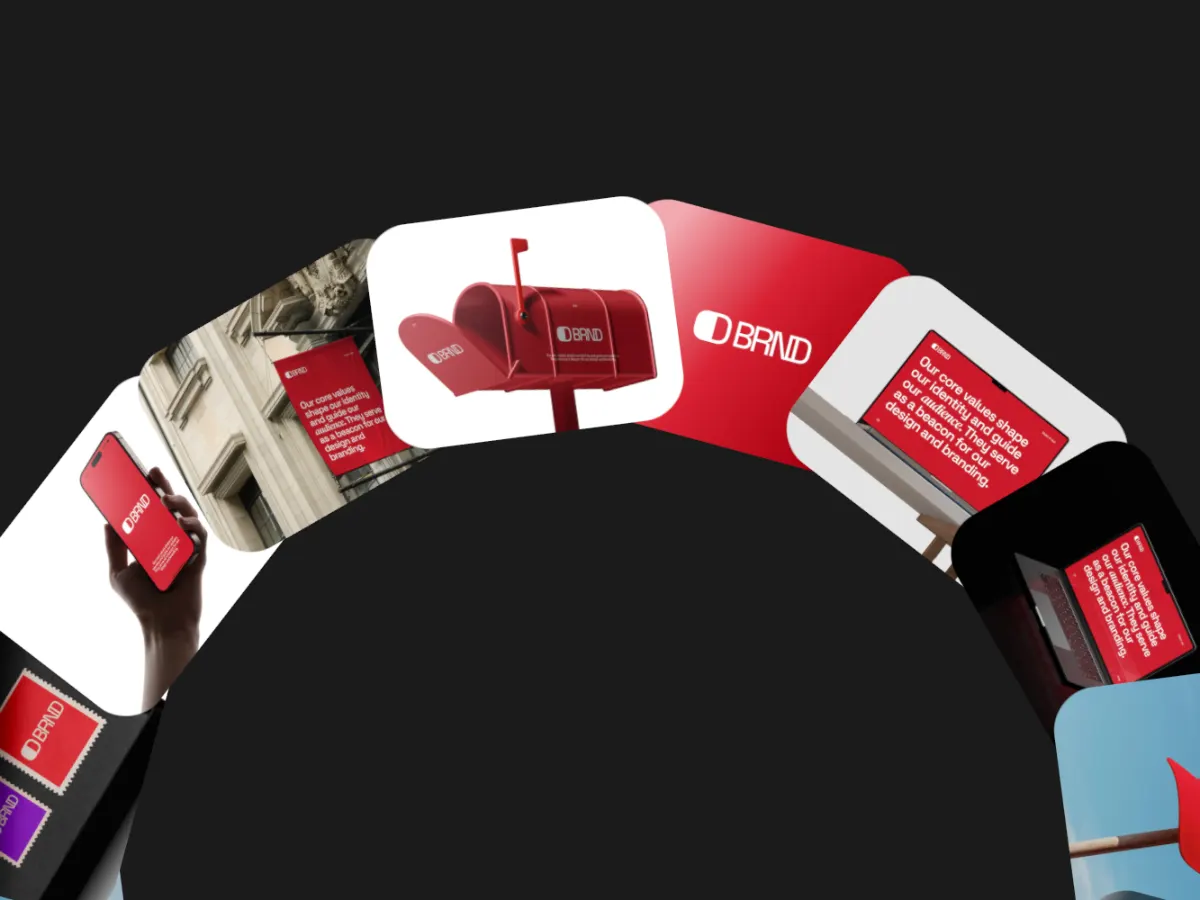
Vertical carousels, a wheel rising from the bottom and spirals use the full height of a 9:16 frame instead of shrinking a wide layout.
Feed and Story from one project
Switch between 9:16 and 4:5 and export again. Nothing to rebuild.
Room for your sound
Exports have no audio track, so you can add music from Instagram when you post.
How it works
Make a Reel from screenshots
01
Open a vertical template
The Use this buttons below open the studio with the frame already set to 9:16 or 4:5.
02
Add screenshots and a line of text
Drop in your screens. Add a short headline with a text layer and keep it near the middle of the frame.
03
Export MP4 and post
Export at 1080p if you have Pro, then upload the MP4 to Instagram and add music there.
Templates
Templates for tall frames
Use this opens the studio with the template and the right frame already set.
A large wheel of screens turning up from the bottom edge. Fills a Story.
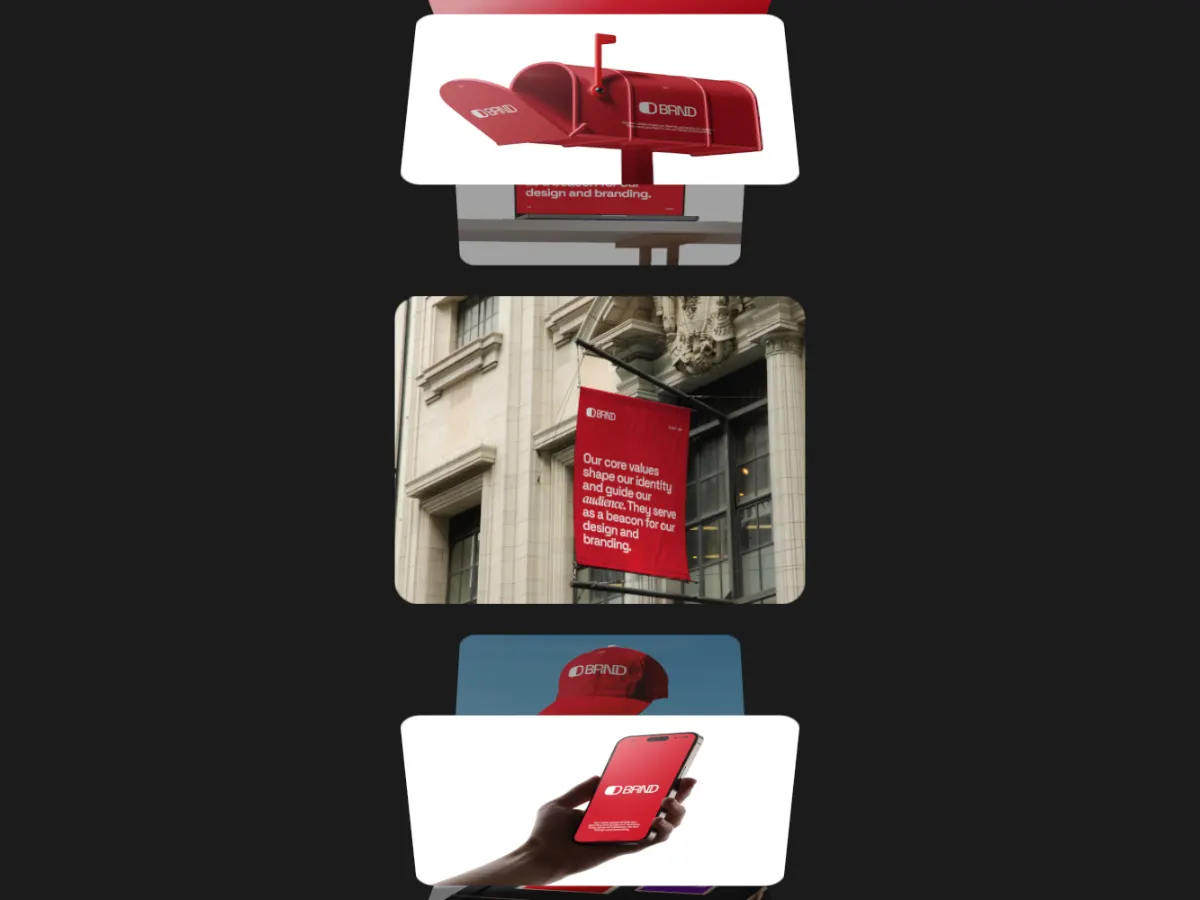
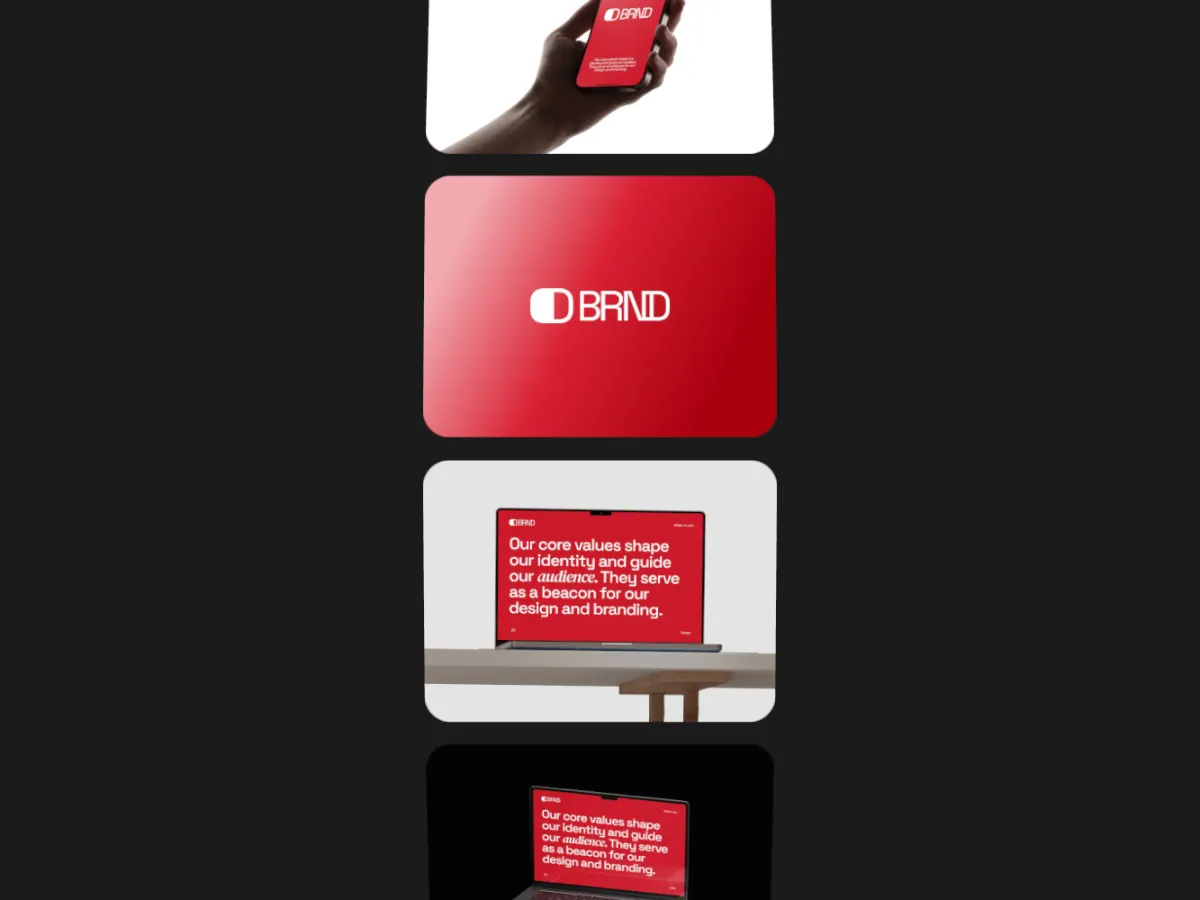
Card Totem
9:16A column of screens rising through the frame. Clean and readable on a phone.
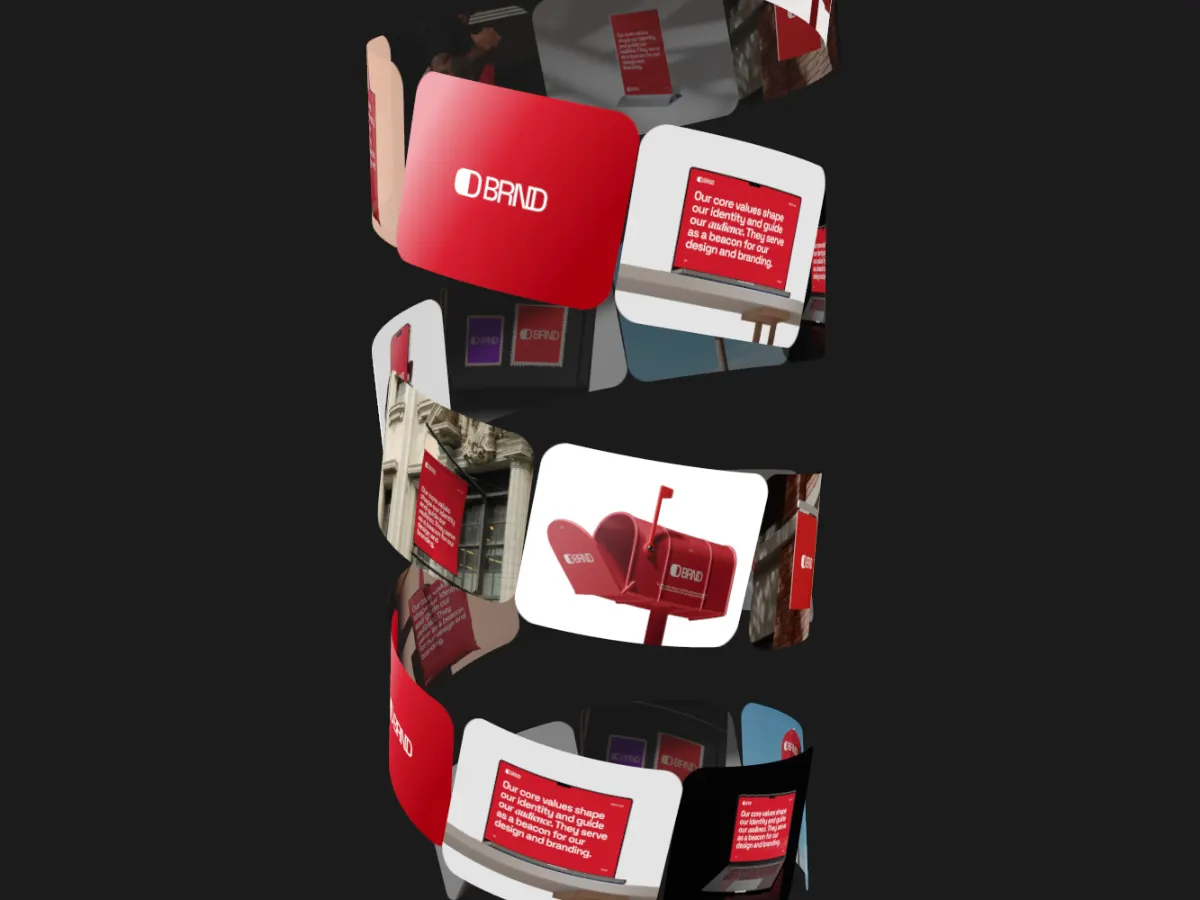
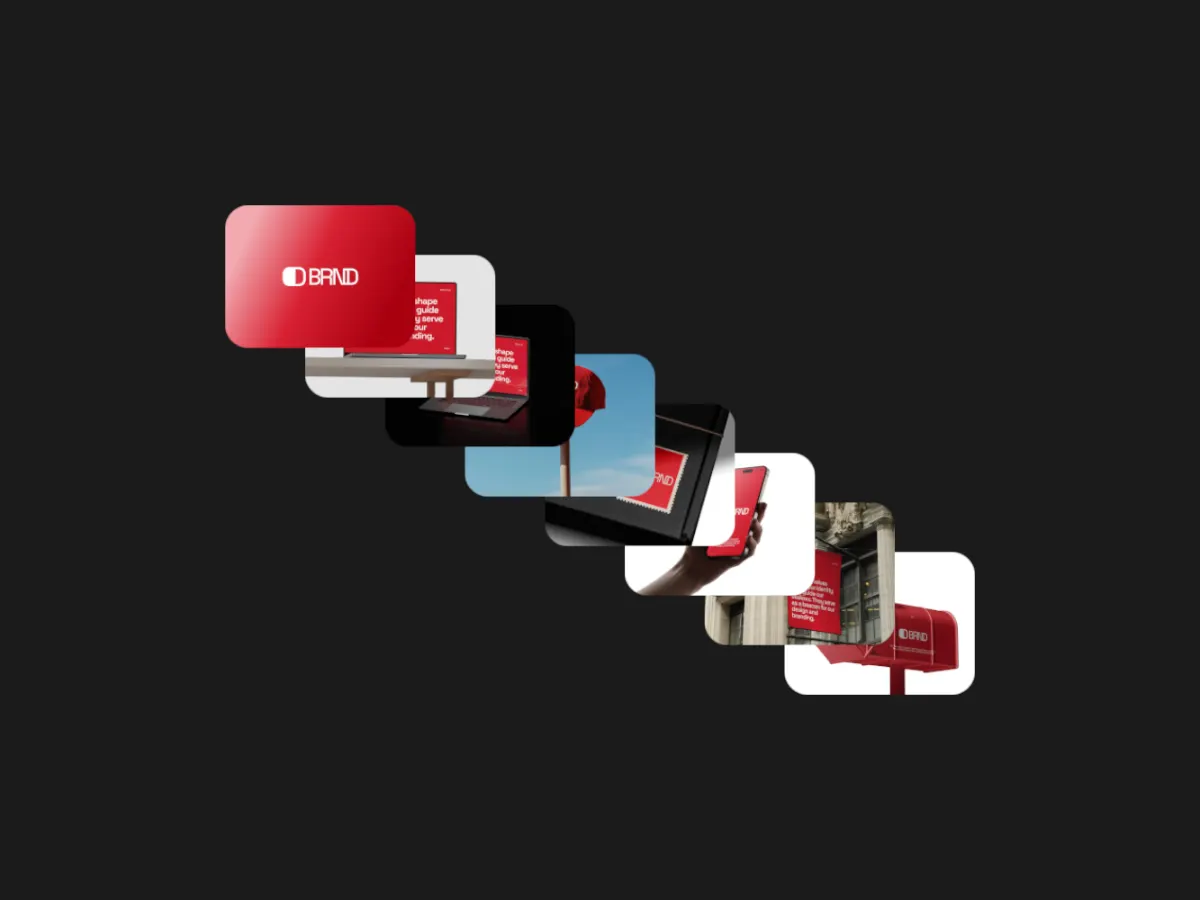
Poster Burst
4:5One screen at a time bursting to full frame. Strong for a single feature.
Export
Export settings for Instagram
- Reels and Stories
- 9:16, MP4. 1080 × 1920 with Pro, 720 × 1280 free.
- Feed video
- 4:5, MP4. 1080 × 1350 with Pro, 720 × 900 free.
- Frame rate
- 30 fps.
- Loop length
- 10 to 15 seconds; the loop is seamless, so it repeats cleanly as people watch.
Instagram draws the caption, username and buttons over the bottom and right side of a Reel. Keep text and the most important screen in the middle of the frame.
FAQ
Questions
What size is an Instagram Reel?
9:16. At 1080p, Shotreel exports 1080 × 1920, the standard Reel size. The free 720p export is 720 × 1280, which posts fine but looks softer on large phone screens.
Can I add music?
Not in Shotreel; exports have no audio track. Add music in Instagram when you post, or in a video editor first.
Will the same video work for TikTok or YouTube Shorts?
A 9:16 MP4 is the standard vertical format on both, so you can usually post the same file. Check each platform's current length and size limits.
My screenshots are from a phone. Will they be cropped?
Cards are 4:3 by default. In templates with a Card ratio setting, switch it to 9:16 so phone screens fit.
Try it with your own work
The studio opens on Wheel Spin Bottom at 9:16. Every template and 720p export are free. Pro adds 1080p, 2K and 4K for $4 a month.