Portfolio reel maker
A portfolio reel maker for UI/UX and product designers
A design showreel has to show a lot of work quickly without turning into a slideshow. Shotreel lays your shots out in 3D walls, collages and multi-scene sequences that change layout on their own, and the result loops, so it can sit at the top of your portfolio or play on repeat during an interview.
Free 720p export. Nothing is uploaded.
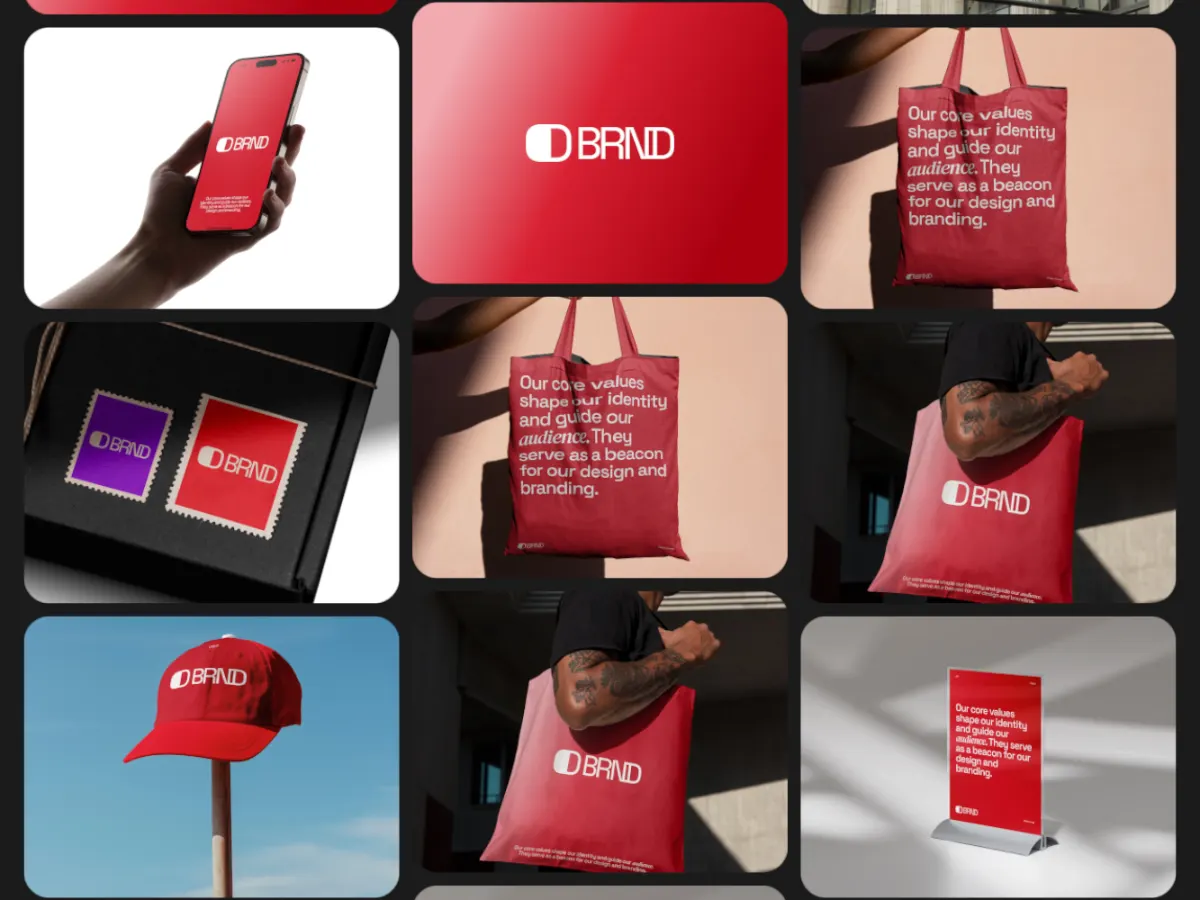
What a reel does that a grid of thumbnails can't
Range at a glance
Multiscene templates move from a grid to a close-up to a collage inside one loop, so a dozen projects read as one body of work.
Your work, not a mockup
The cards are your shots, 4:3 by default, the same shape as a Dribbble shot. No phones, laptops or hands in the way.
One reel, every size
Switch the frame to 16:9 for your site and Vimeo, 1:1 or 4:5 for LinkedIn and Instagram, or 9:16 for Stories, without rebuilding anything.
How it works
Build the reel
01
Gather your best shots
Export key frames from each project at 4:3, like 1600 × 1200. You can change how many spots a template has, and drag shots to set their order.
02
Pick a reel template
Multiscene and 3D templates suit reels because they show many pieces at once. Tune speed and spacing in the settings panel.
03
Add your name and export
A text layer for your name or role, your logo if you have one, then MP4 at 16:9. Change the frame and export again for each channel.
Templates
Templates that work as a showreel
Use this opens the studio with the template and the right frame already set.
Triple Scene
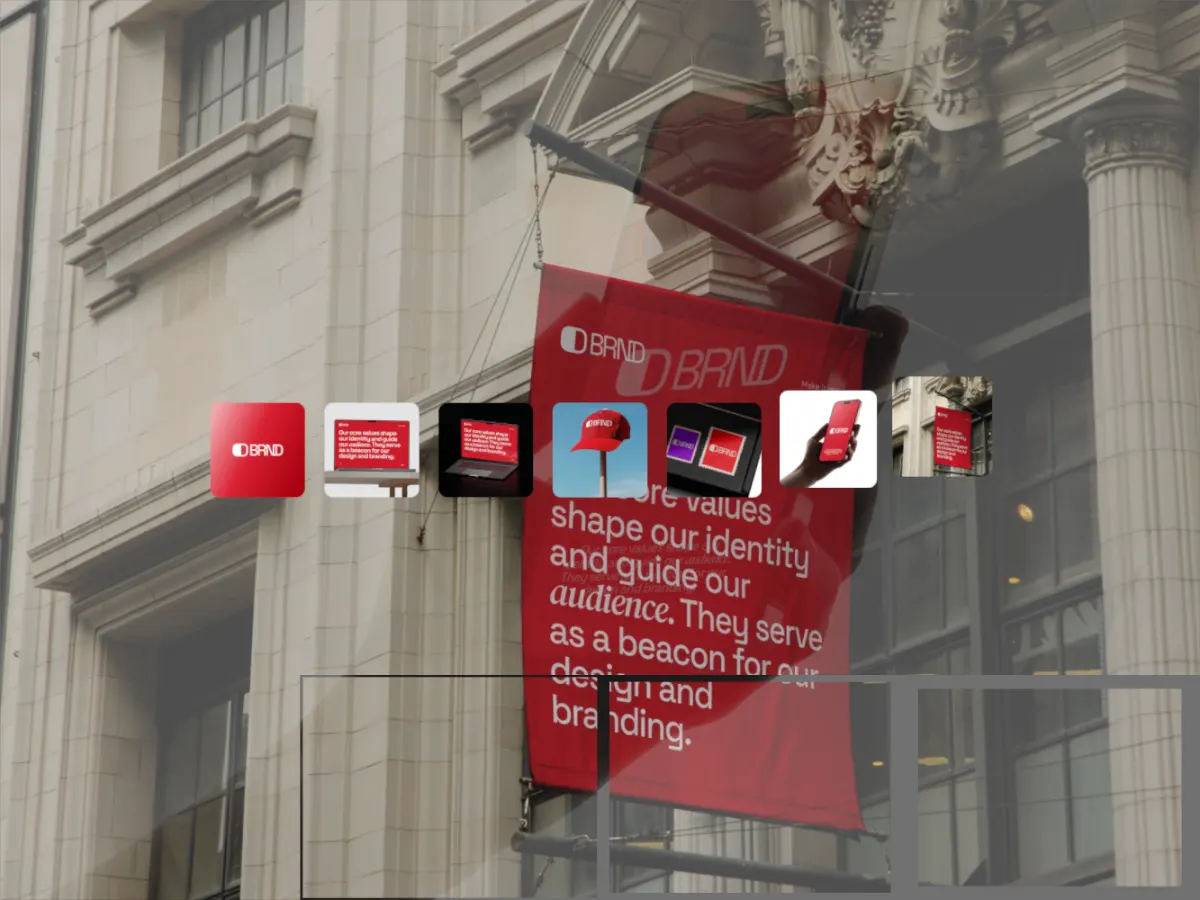
16:9Three layouts in one loop. The closest thing here to an edited reel, with no editing.
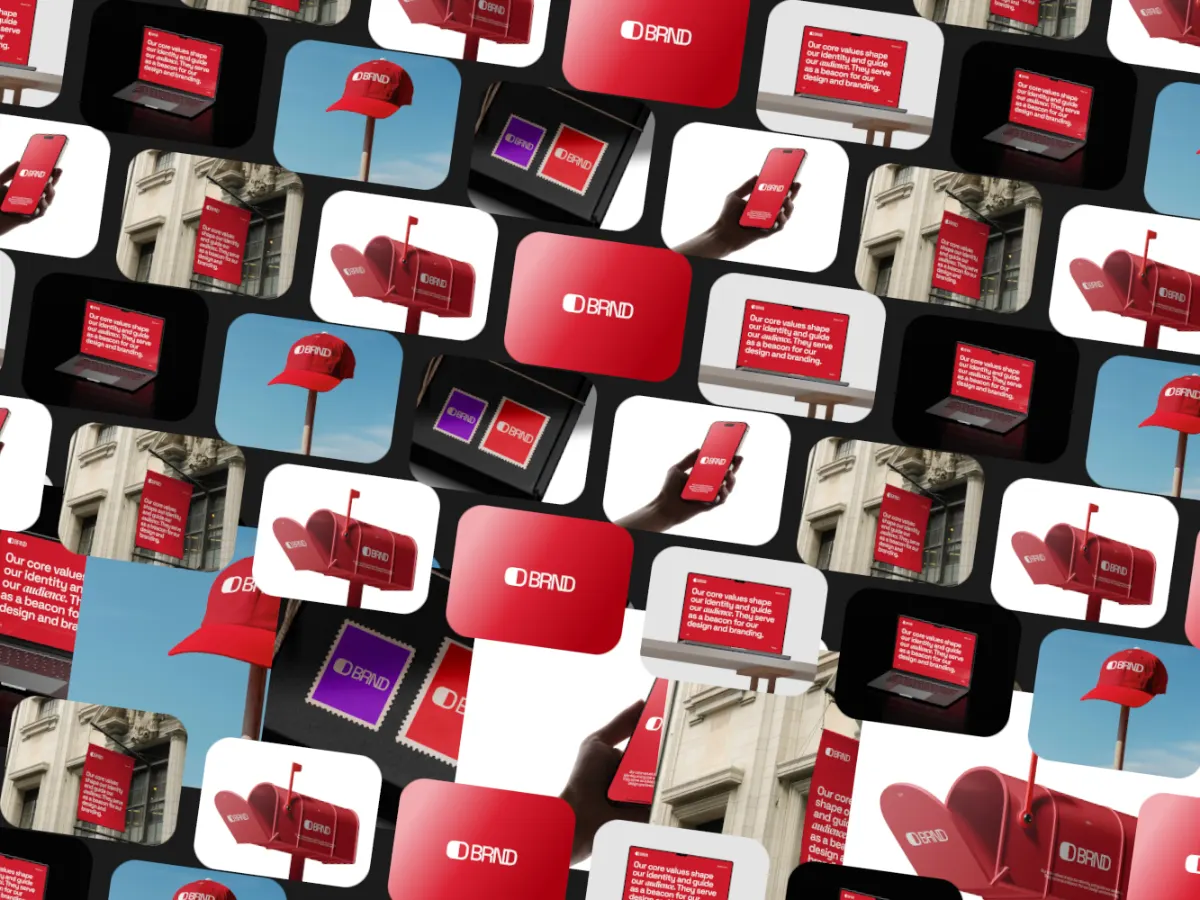
Collage Reel
16:9A tilted wall of work sweeping across the frame. Dense and energetic.
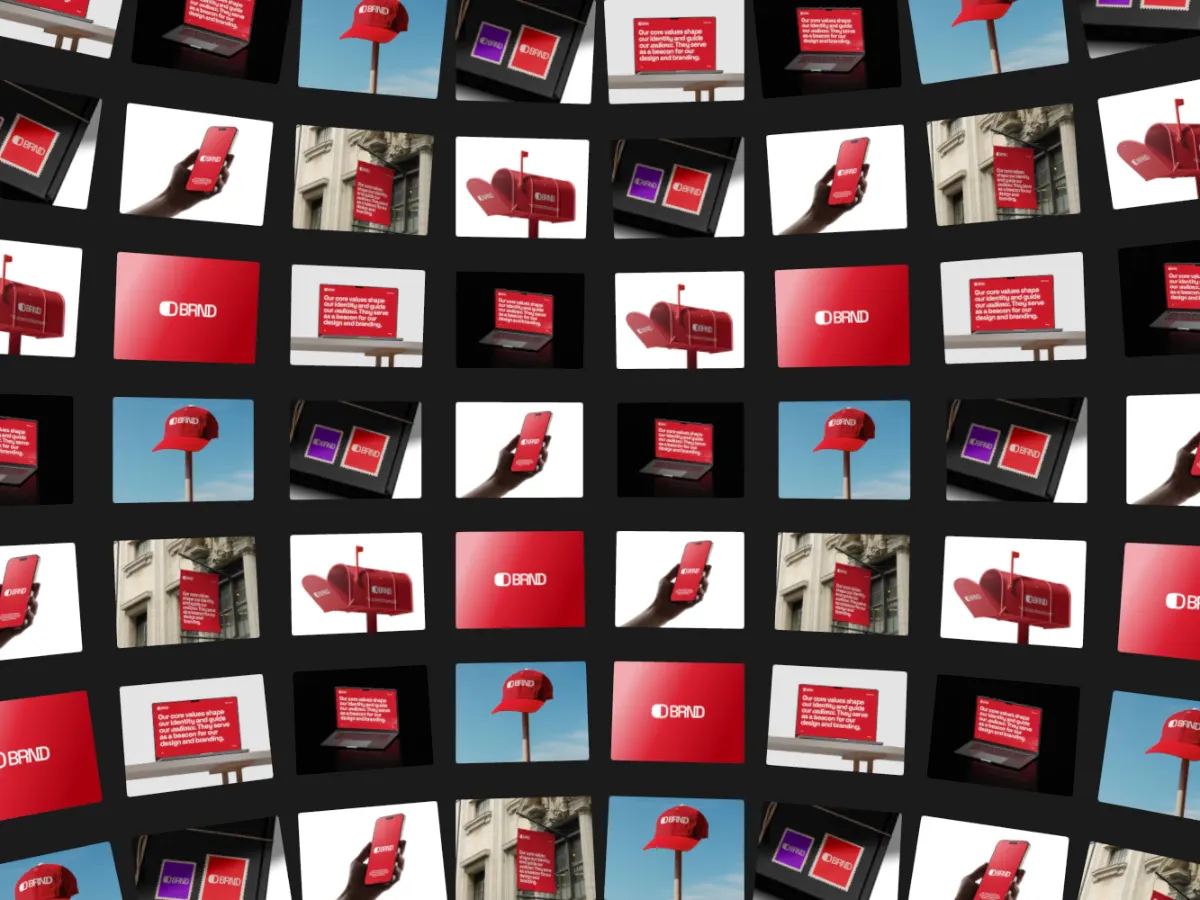
Sphere Wall
16:9A curved wall of cards that drifts past. Best when you have a lot of shots.
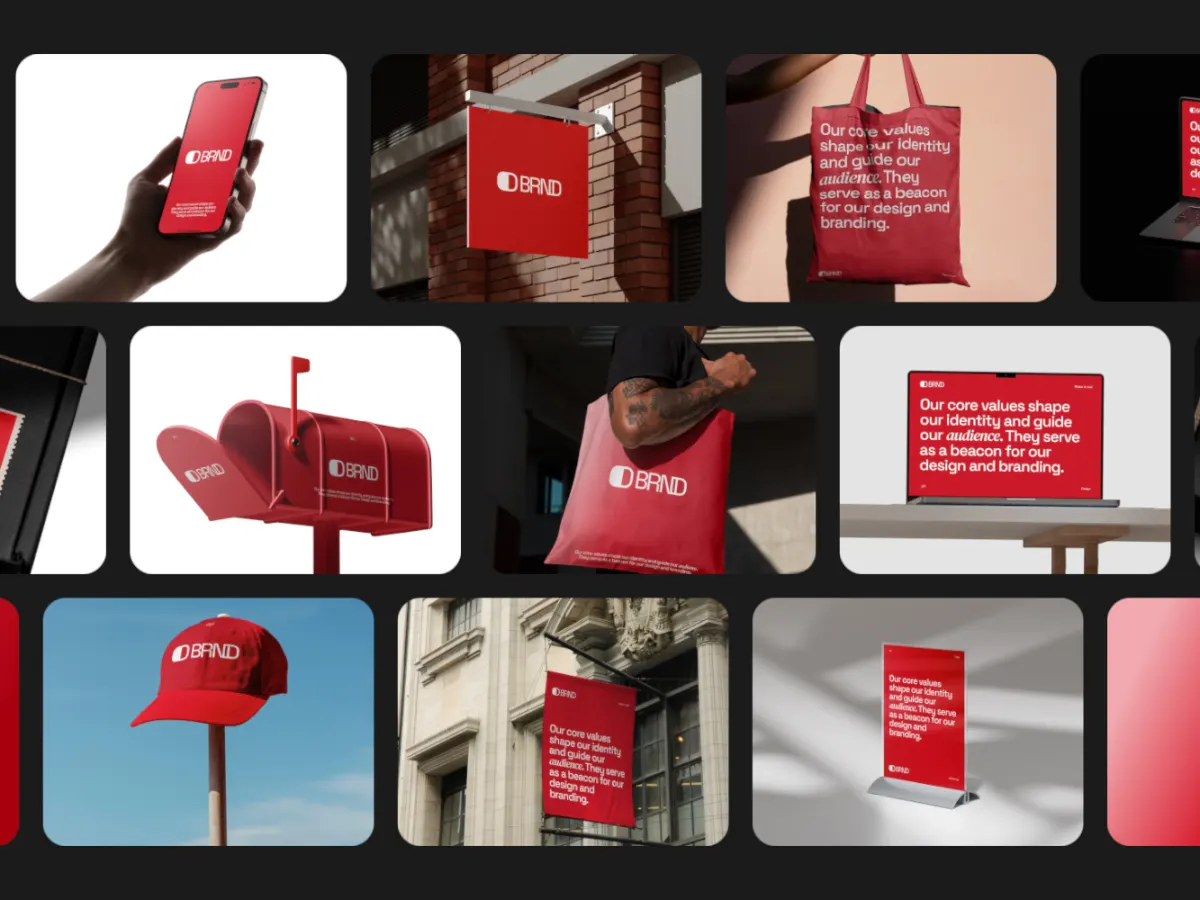
Spread Rows
16:9Rows of work spreading across the frame and regrouping. Good for mixed project types.
Column Drift
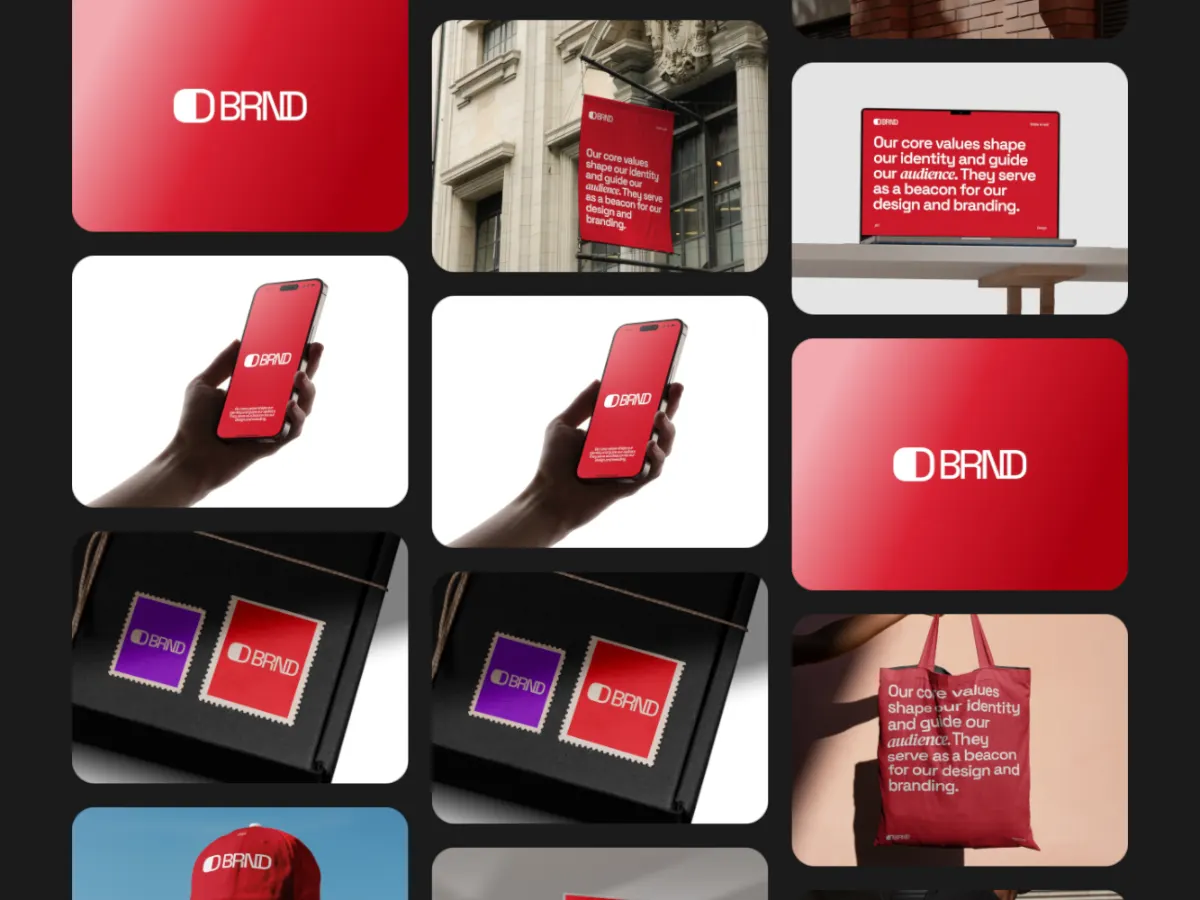
16:9Columns drifting past each other. Calm enough to sit behind your name on a portfolio header.
Export
Export settings for a reel
- Portfolio site, Vimeo, YouTube
- 16:9, MP4. 1920 × 1080 with Pro; WebM if you embed it yourself.
- LinkedIn and Instagram feed
- 1:1 or 4:5, MP4.
- Interviews and screen shares
- 16:9 at 1080p and 60 fps, so motion stays smooth over a call.
- Loop length
- 20 or 30 seconds if you want every project on screen once before the loop repeats.
FAQ
Questions
What is a UI/UX showreel?
A short video of your design work in motion. Designers put it at the top of a portfolio, pin it on LinkedIn, or share it when applying for roles.
Can I include prototype recordings?
Yes. Any slot takes a short video as well as an image, so you can mix static shots with recorded interactions. Videos stay in sync with the loop.
Do I need motion design skills?
No. The templates handle the motion. There is no timeline or keyframes to learn; you pick a template, add work, and adjust settings like speed if you want.
Can I export the reel in 4K?
Yes, with Pro: 1080p, 2K and 4K are included for $4 a month or $36 a year. 720p is free.
Try it with your own work
The studio opens on Triple Scene at 16:9. Every template and 720p export are free. Pro adds 1080p, 2K and 4K for $4 a month.