App showcase video
From App Store screenshots to an app showcase video
You already made App Store screenshots. Shotreel turns those same screens into a looping app showcase video for your website, launch posts, press kit and social accounts. It is a promo video, not an App Store app preview, and the section below explains the difference so the right file goes to the right place.
Free 720p export. Nothing is uploaded.
What it is good for
Phone-shaped cards
Templates with a Card ratio setting can switch every card to 9:16 or 3:4, so tall phone screens fit with little or no cropping.
One set of screens, every channel
9:16 for Reels, Stories and TikTok, 16:9 for your site and YouTube, 1:1 or 4:5 for feeds. Same project, export again.
Silent, so it autoplays
Exports have no audio track, so they autoplay on websites and in feeds. Add music in your editor or on the platform if you want it.
How it works
Make the showcase
01
Collect your screens
Use your App Store screenshots or raw app screens as PNG. Plain screens without marketing text often read better in motion.
02
Pick a template and set the card ratio
Open a vertical template below, then set Card ratio to 9:16 in the template's settings so the cards match phone screens.
03
Add a headline and your icon
Use a text layer for the app name or tagline and the logo layer for the app icon, then export MP4.
Templates
Templates for app screens
Use this opens the studio with the template and the right frame already set.
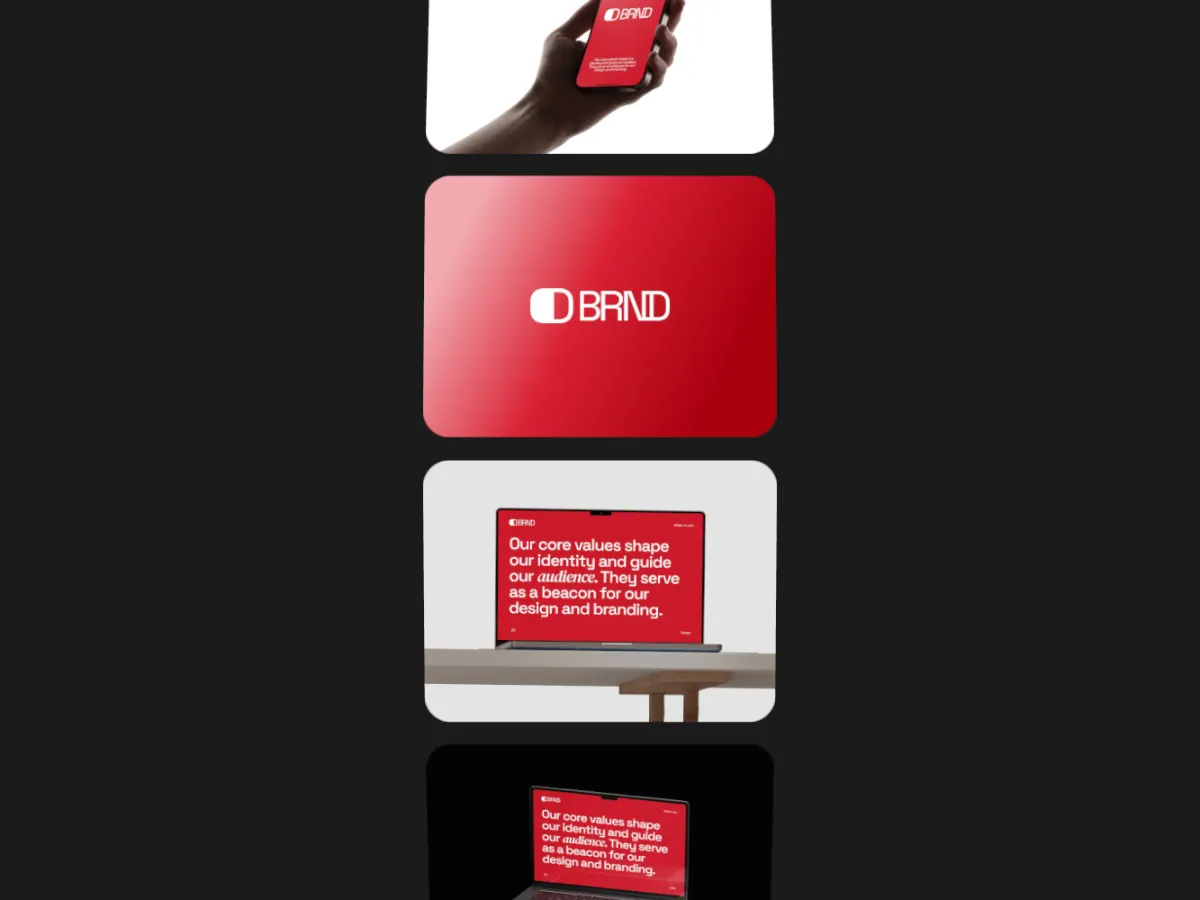
Card Totem
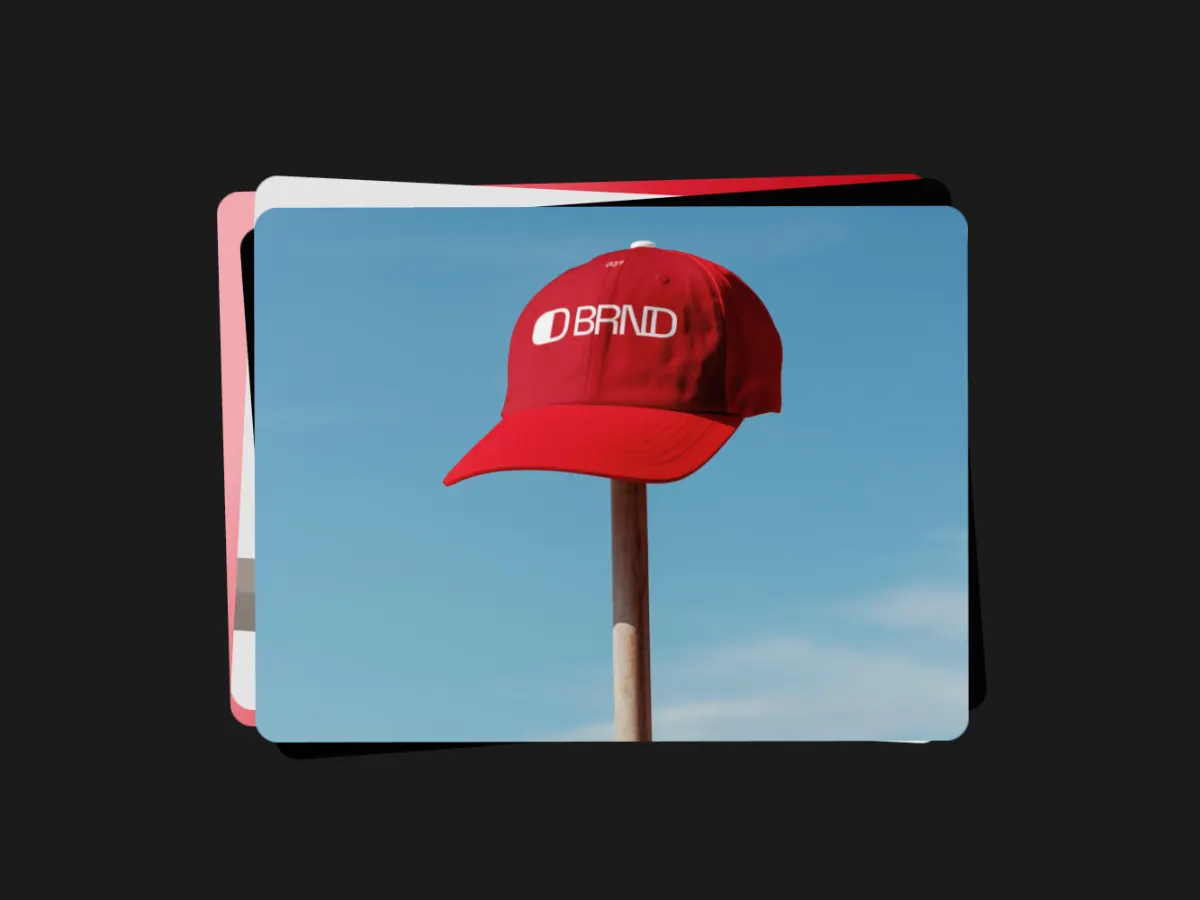
9:16A vertical column of screens rising through the frame. Made for tall formats.
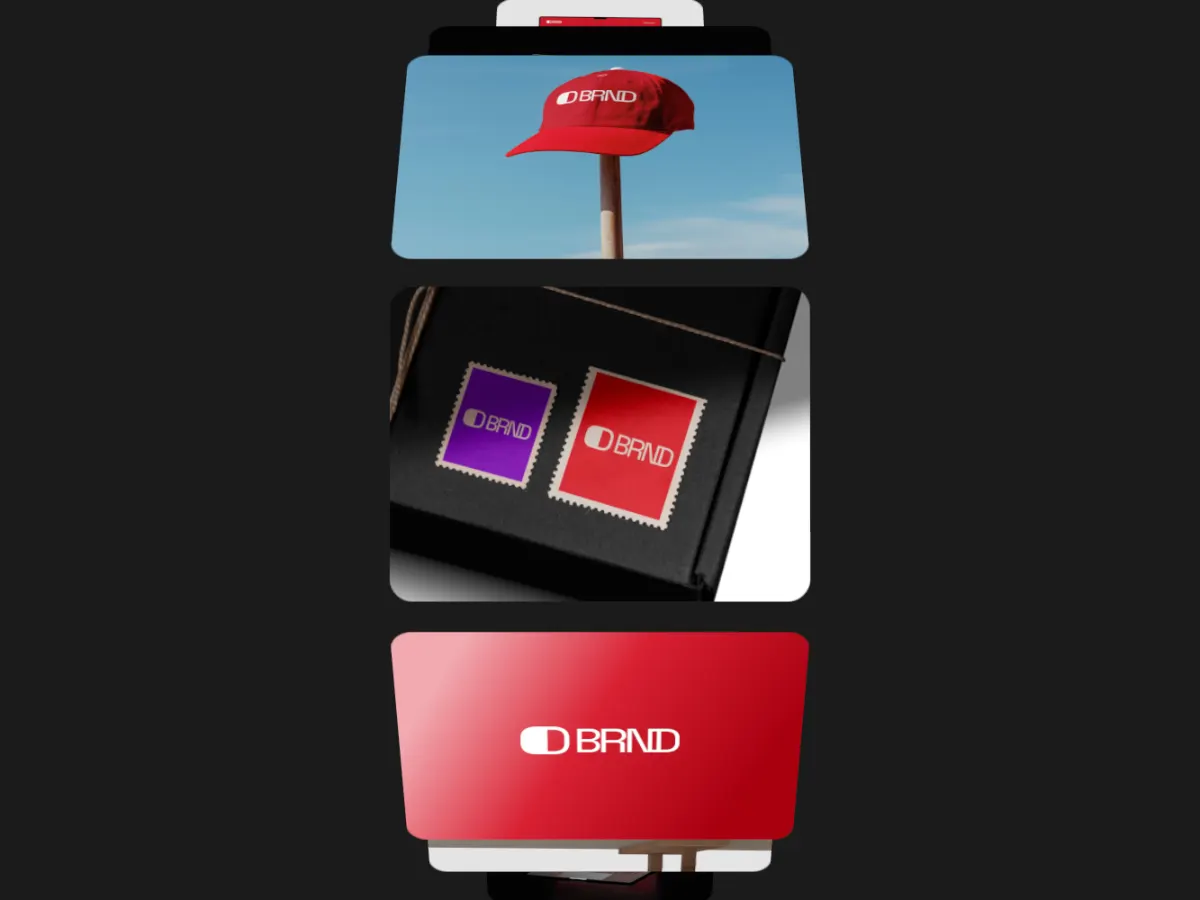
One screen up front with the others angled above and below it.
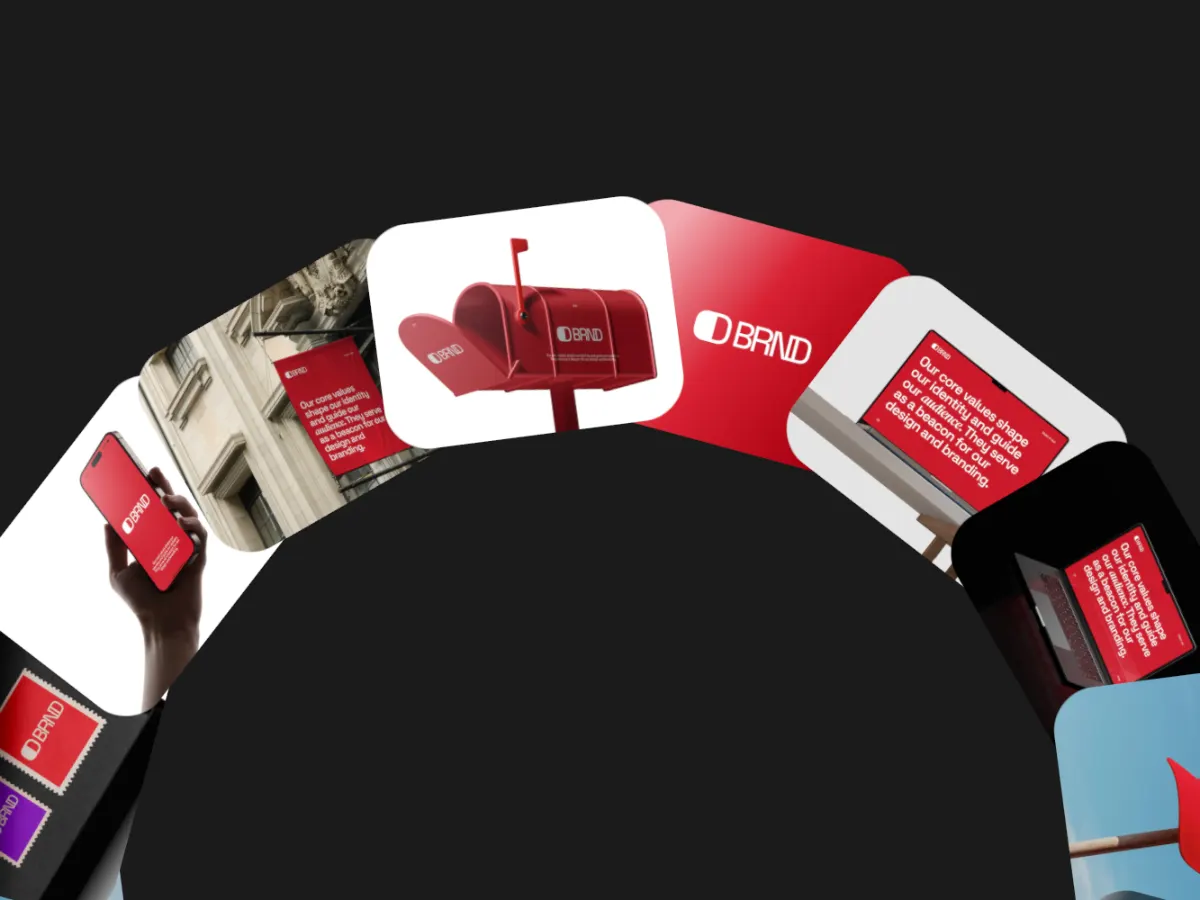
Screens turning on a large wheel from the bottom edge. Bold in a Story.
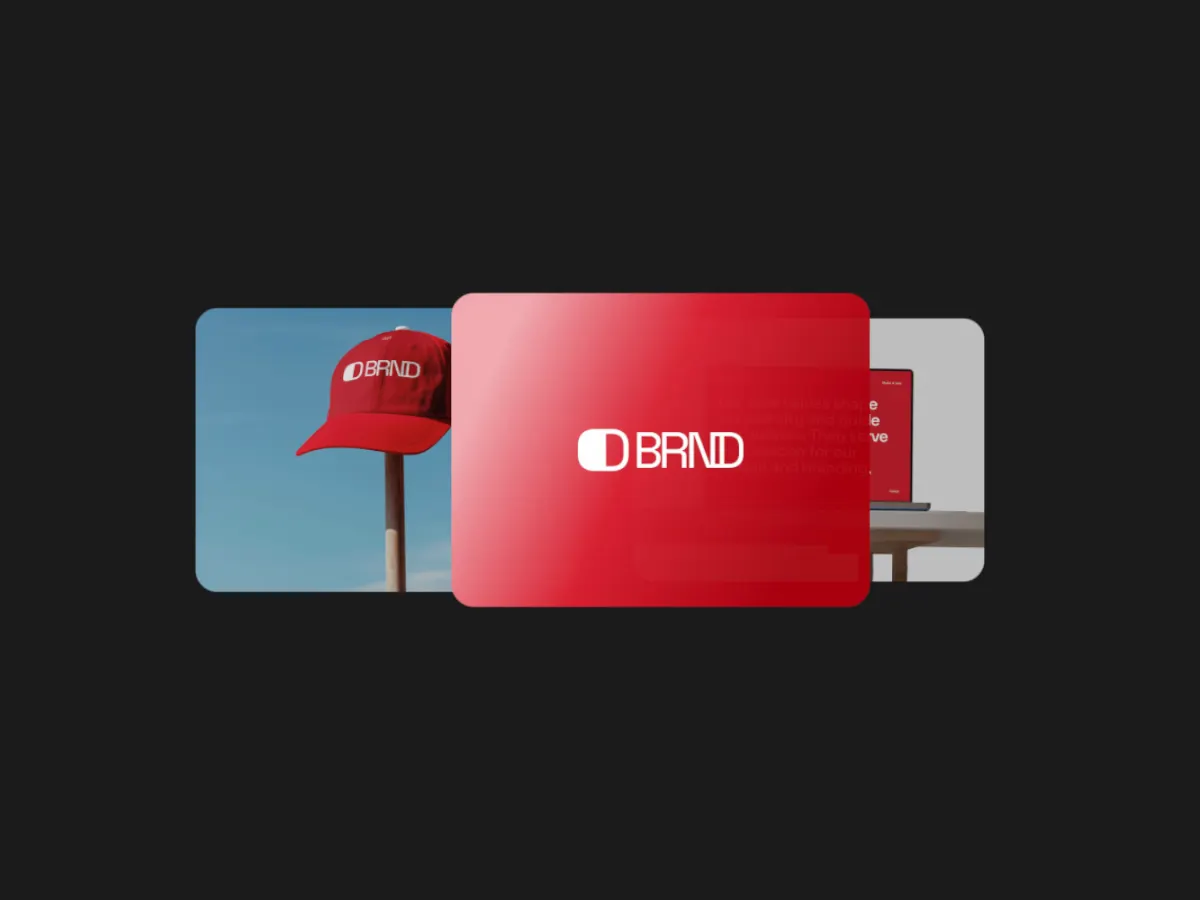
Orbit Carousel
16:9Screens circling a centre card. Suits a landing page or press kit video.
Focus Slider
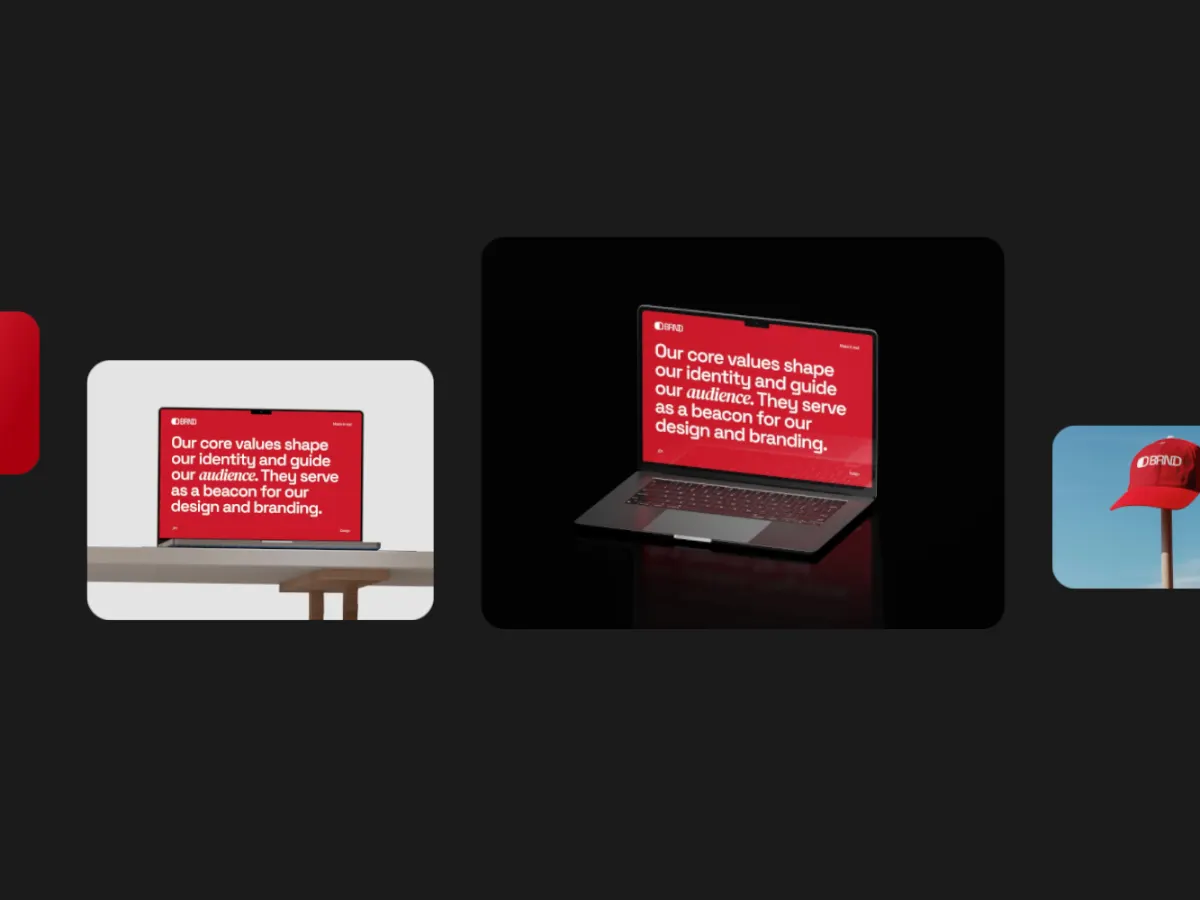
16:9A row of screens sliding through a focused centre spot, one feature at a time.
Export
Export settings by channel
- Reels, Stories, TikTok
- 9:16, MP4. 1080 × 1920 with Pro, 720 × 1280 free.
- Website, YouTube, press kit
- 16:9, MP4, or WebM for your own site.
- Feed posts
- 1:1 or 4:5, MP4.
- Loop length
- 10 to 20 seconds, enough for each key screen to be read.
Can this be my App Store app preview?
No, and it shouldn't be uploaded as one. Apple describes app previews as footage captured on the device that shows only content within the app, and asks developers not to show people interacting with a device. A Shotreel video shows your screenshots as cards moving in 3D, which is outside that brief.
The technical specs don't line up either. App Store Connect takes previews 15 to 30 seconds long, at up to 30 fps, as H.264 or ProRes 422 (HQ), in fixed resolutions per device: for example 886 × 1920 for current iPhones and 1200 × 1600 for current iPads. Shotreel exports 720, 1080, 1440 or 2160 pixels on the short side of a standard frame ratio, which does not produce those iPhone and iPad sizes.
For the App Store itself, record your app on device and edit to Apple's spec. Use Shotreel for everything around the listing: your website, launch posts, ads and press.
- Check Apple's specifications page before you upload anything to App Store Connect; accepted sizes change as new devices ship.
- App previews and App Store screenshots are separate uploads with separate specs.
Sources, checked October 7, 2026: Apple: App preview specifications, Apple: Creating app previews
FAQ
Questions
Can I upload a Shotreel video as my App Store preview?
We don't recommend it. Apple asks for footage captured on device that shows only the app, at fixed per-device resolutions. A Shotreel video is a promo video built from screenshots, so use it on your site and social channels instead.
What are Apple's app preview requirements?
Per Apple's developer docs: 15 to 30 seconds, up to 30 fps, H.264 or ProRes 422 (HQ), in a resolution listed for each device, showing only content from within the app.
Do I need a phone mockup?
No. Shotreel doesn't add device frames. The cards are your screens, and with the card ratio at 9:16 they already read as phone screens.
Can I use screen recordings of the app?
Yes. Any slot takes a short video as well as an image, and videos stay in sync with the loop.
Try it with your own work
The studio opens on Card Totem at 9:16. Every template and 720p export are free. Pro adds 1080p, 2K and 4K for $4 a month.