Step by step
- 1
Prepare your screenshots
Export each screen or design at 4:3, for example 1600 × 1200. Every Shotreel card has that shape, so other sizes get cropped to fit. Templates whose cards fill the whole video crop to the video's frame instead. Hide anything you don't want seen, like personal data or a messy status bar.
- 2
Open the studio
Open Shotreel in a desktop browser such as Chrome or Edge. There's nothing to install, and 720p export only needs a free account. Your images stay on your device: the video is rendered in the browser.
- 3
Choose a template
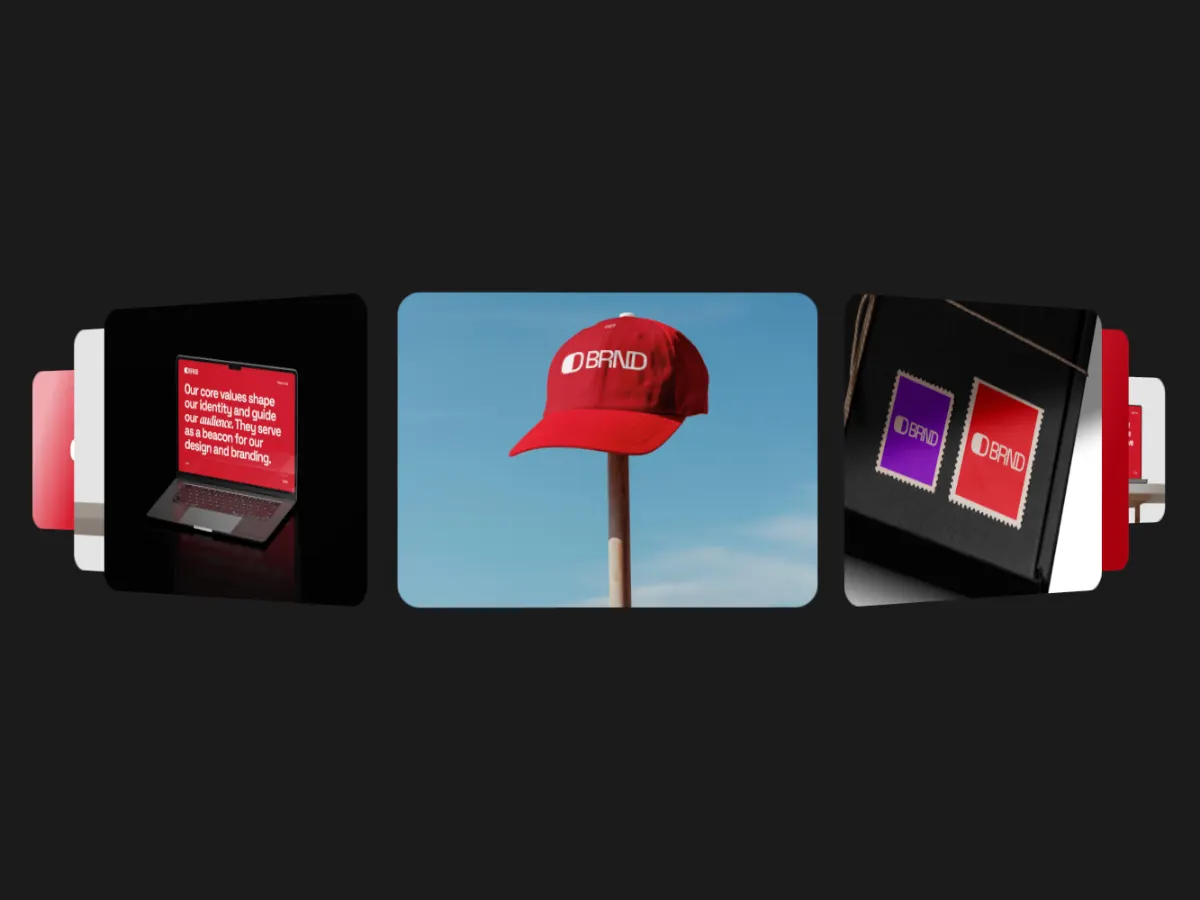
Pick the motion first. A few strong screens suit a carousel or spotlight, like Focus Slider or Cover Flow. A big set suits a wall or grid, like Sphere Wall or Ticker Loop. For depth, try the 3D and isometric ones, like Ring Stream or Iso Cascade. There are 70 in 9 categories, all free.
- 4
Drop in your images or clips
Fill the slots with screenshots, designs or short videos. Any slot takes an image or a video, and videos stay in sync with the loop.
- 5
Pick the frame for where it's going
Choose 16:9, 4:3, 1:1, 4:5, 3:4 or 9:16 to match the place you'll post it. The table below has common choices.
- 6
Set the loop length
Choose 5, 10, 15, 20 or 30 seconds. Shorter loops are smaller files and repeat sooner; longer loops give each image more time. Every template ends where it starts, so any length loops without a jump.
- 7
Export
Pick MP4 or WebM, 30 or 60 fps, and a resolution. 720p is free; 1080p, 2K and 4K come with Pro.
Which frame for which place
These are common choices, not platform rules. Check the platform's own specs when a size is required.
| Where it's going | Frame |
|---|---|
| Website hero or landing page | 16:9 |
| Dribbble shot | 4:3 (see the Dribbble size guide) |
| Feed posts on Instagram or LinkedIn | 4:5 or 1:1 |
| Stories, Reels, TikTok, Shorts | 9:16 |
| Posts on X, a YouTube video, a slide deck | 16:9 |
| Portfolio page or case study | 16:9 or 4:3 |
MP4 or WebM
MP4 (H.264) is the safe default: social platforms and Dribbble accept it, and it plays almost everywhere. WebM (VP9) is useful for a video on your own website. If you embed WebM, keep an MP4 version as a fallback.
Tips that make a better loop
- Use your strongest screen first: it's what people see before the motion registers.
- Keep the set consistent: same background color family, same UI scale, no mix of light and dark unless that's the point.
- Fewer, bigger images read better on a phone than many small ones.
- Choose 30 fps unless the motion is fast. 60 fps is smoother but the file is about twice the size.
- Export at the size you'll post, not larger. 4K helps a full-screen hero; it doesn't help a feed post.
- Watch it loop three times before you post. If one image draws the eye every cycle, move it.