Website showcase video maker
Website showcase video maker for designers and studios
A website is hard to show in a portfolio. A full-page screenshot is too tall to read, and a screen recording runs long. Shotreel takes sections of the site as 4:3 crops and moves them through 3D columns, tunnels and rings, so a client project reads as a whole in one short loop.
Free 720p export. Nothing is uploaded.
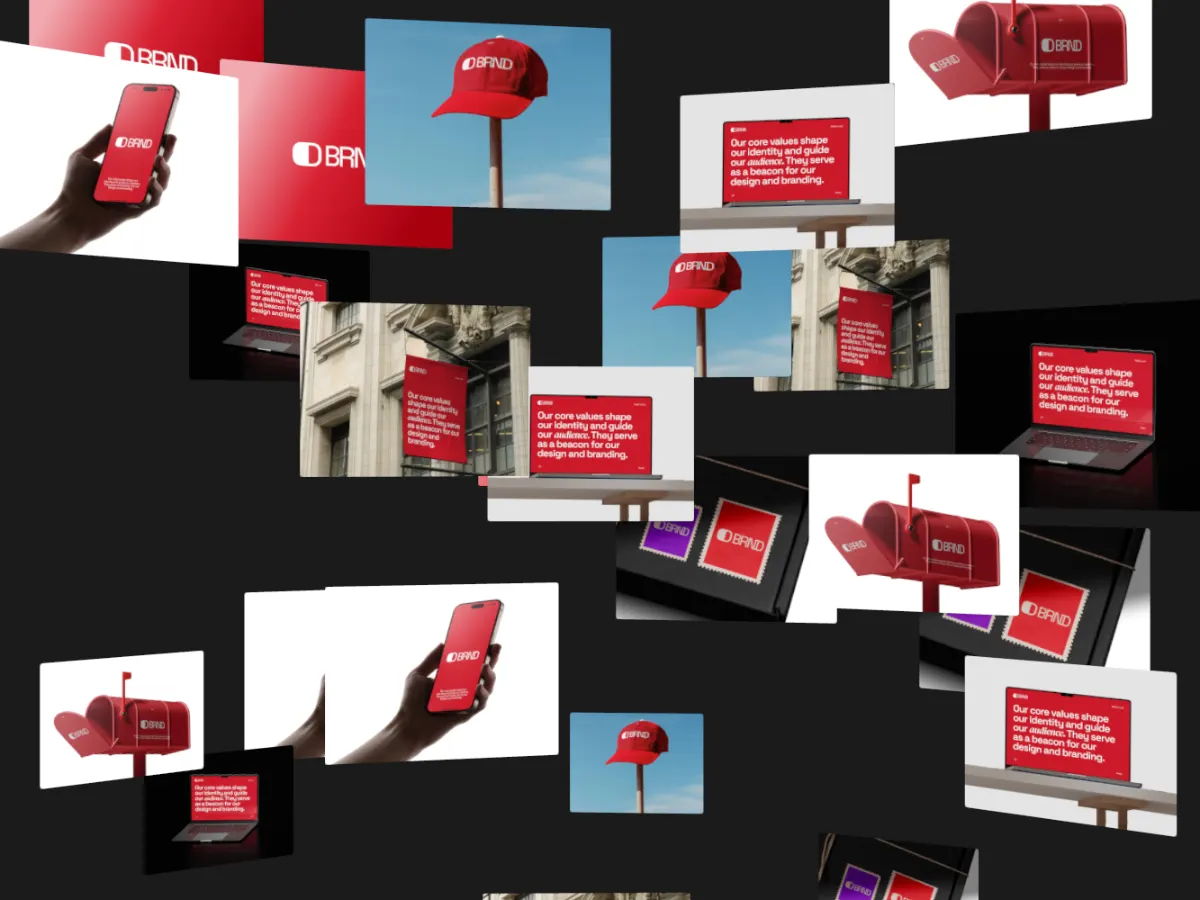
Where a website showcase goes
Case study headers
A loop at the top of a case study shows the whole site before anyone scrolls the details.
Client handoff and social
Send the client a video of their new site, or post it for them. MP4 plays in any chat or feed.
Your studio's own site
A WebM loop of recent launches makes a work page feel alive without a heavy embed.
How it works
Turn a website into a showcase
01
Crop the site into sections
Take the hero, a feature block, a pricing table, the footer and a mobile view. 1600 × 1200 crops fit the cards exactly.
02
Pick a template
Column and wall templates show many sections at once; ring and tunnel templates feel more cinematic.
03
Export
16:9 MP4 for the case study and Behance, 4:3 for Dribbble, WebM if you host it on your own site.
Templates
Templates for website sections
Use this opens the studio with the template and the right frame already set.
Parallax Columns
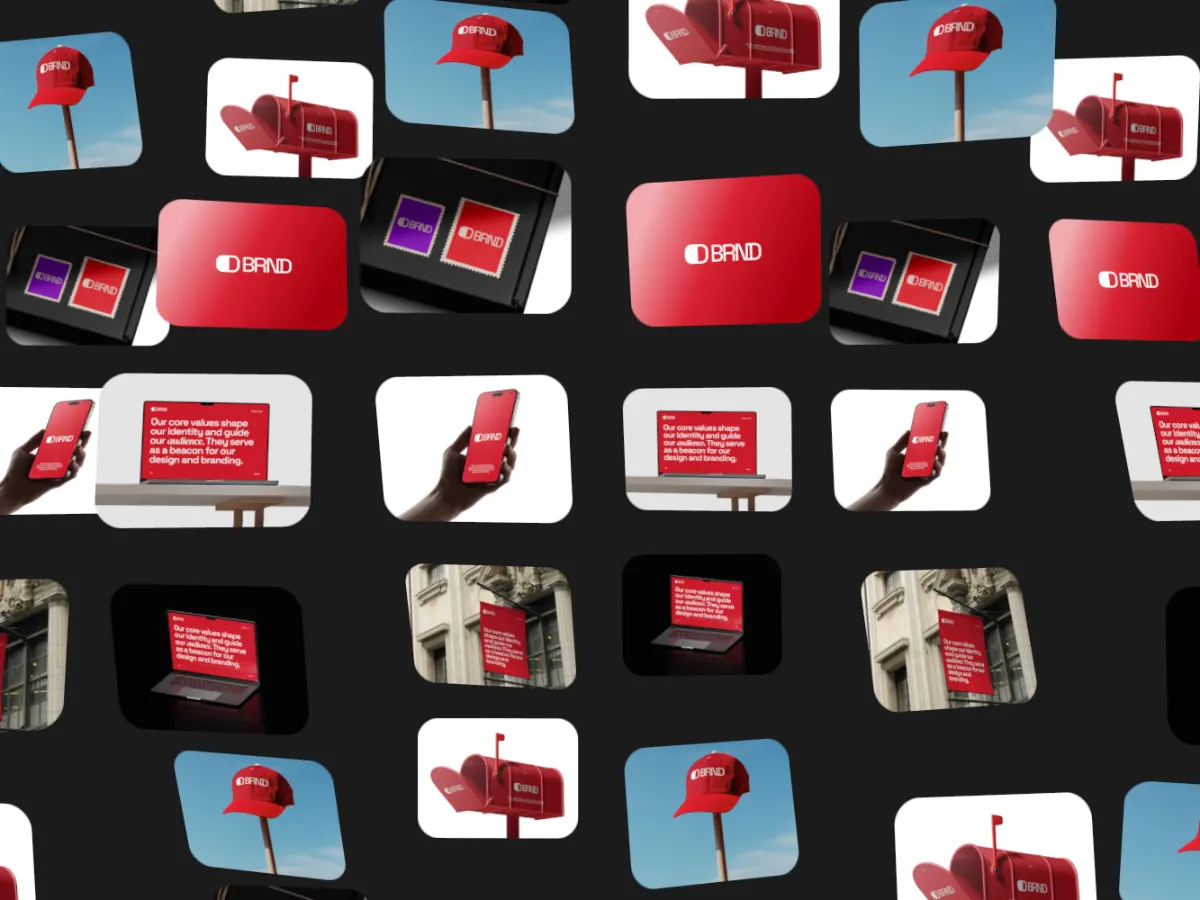
16:9Columns moving at different speeds. Long sites become a calm, deep wall of sections.
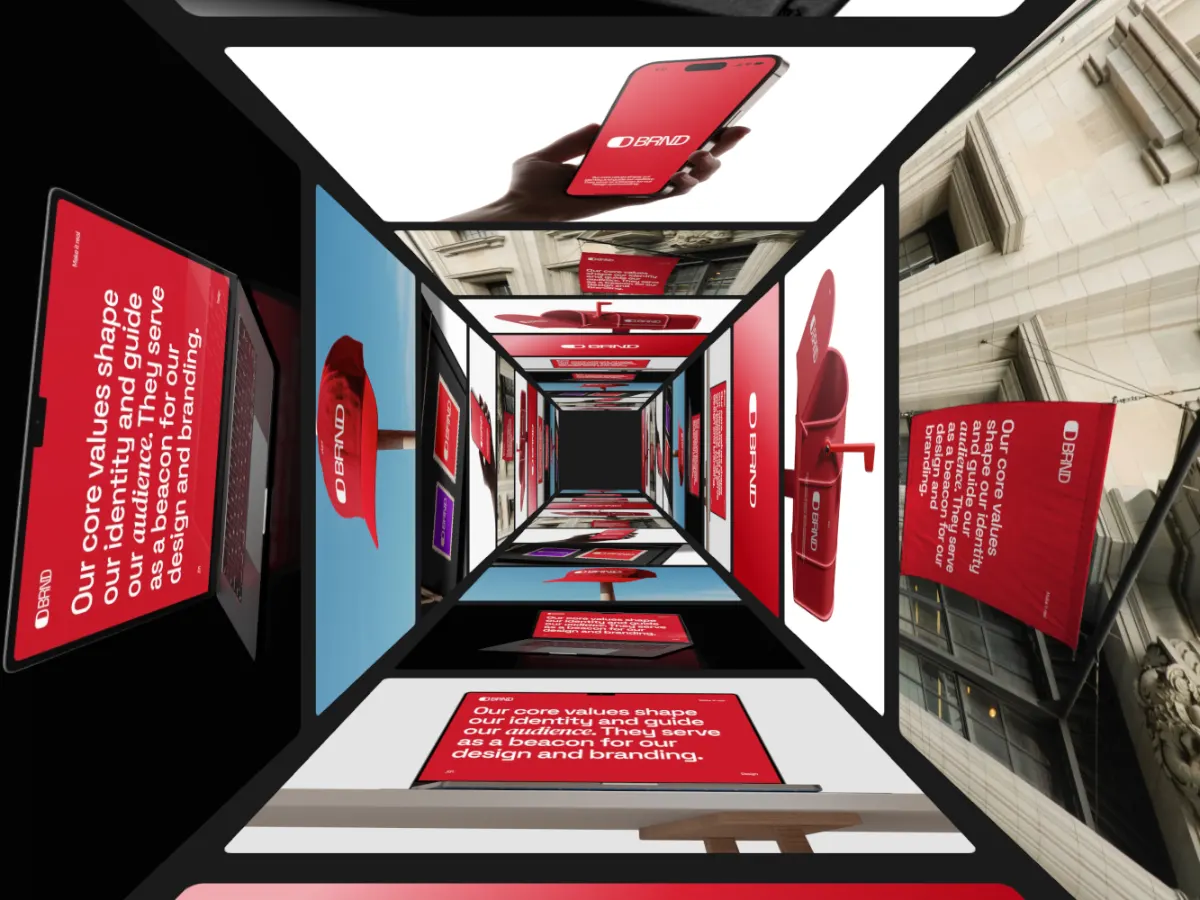
Card Tunnel
16:9Sections lining the walls of a tunnel you move through. Dramatic for a launch.
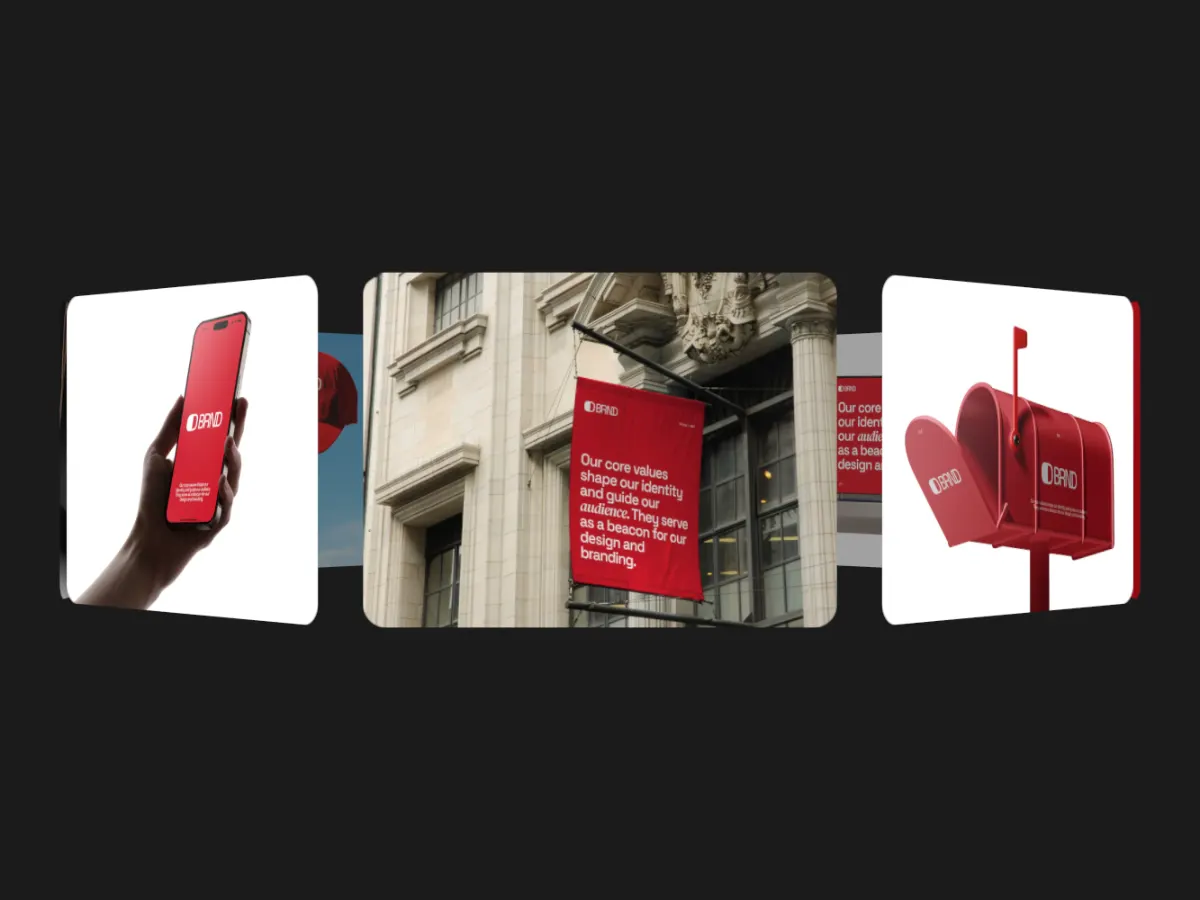
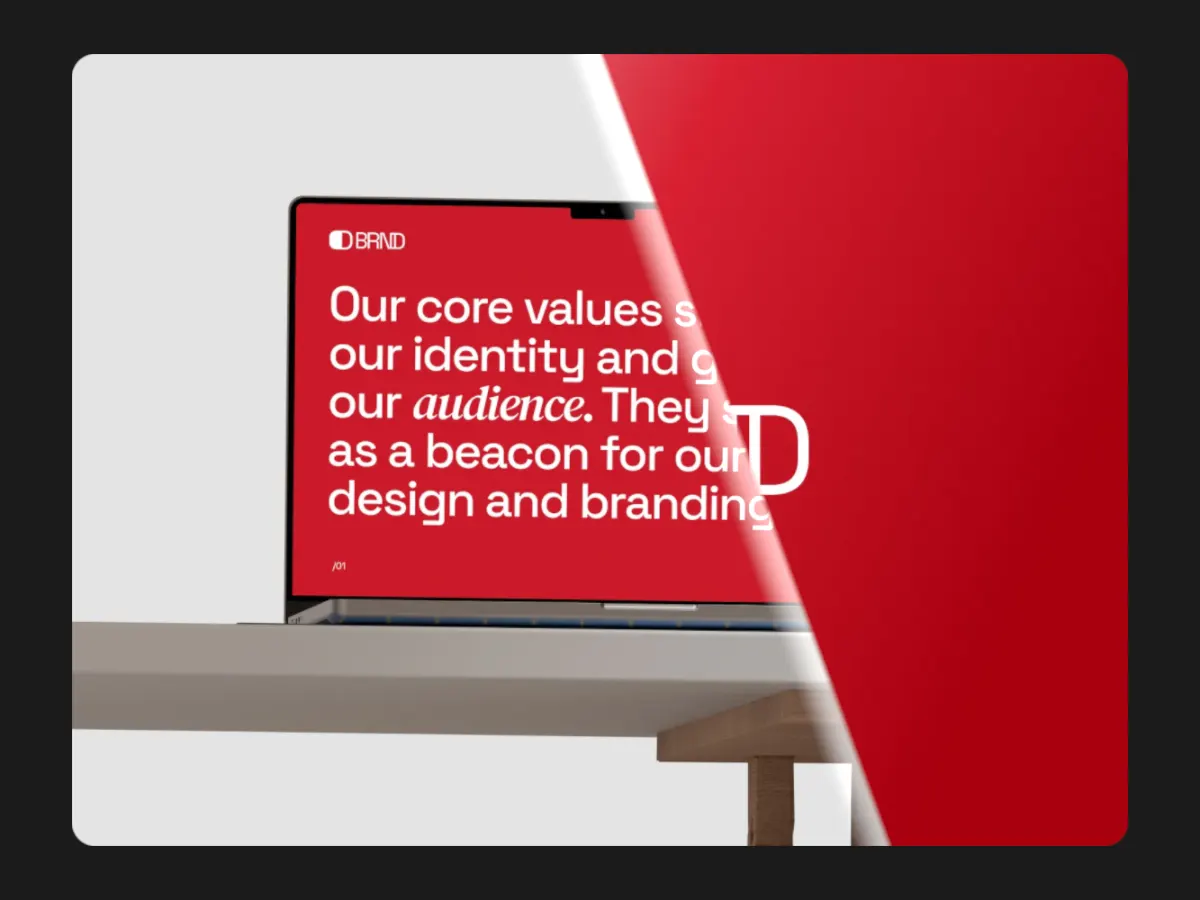
Diagonal Wipe
16:9Full-frame sections wiping on a diagonal. Each one gets the whole screen.
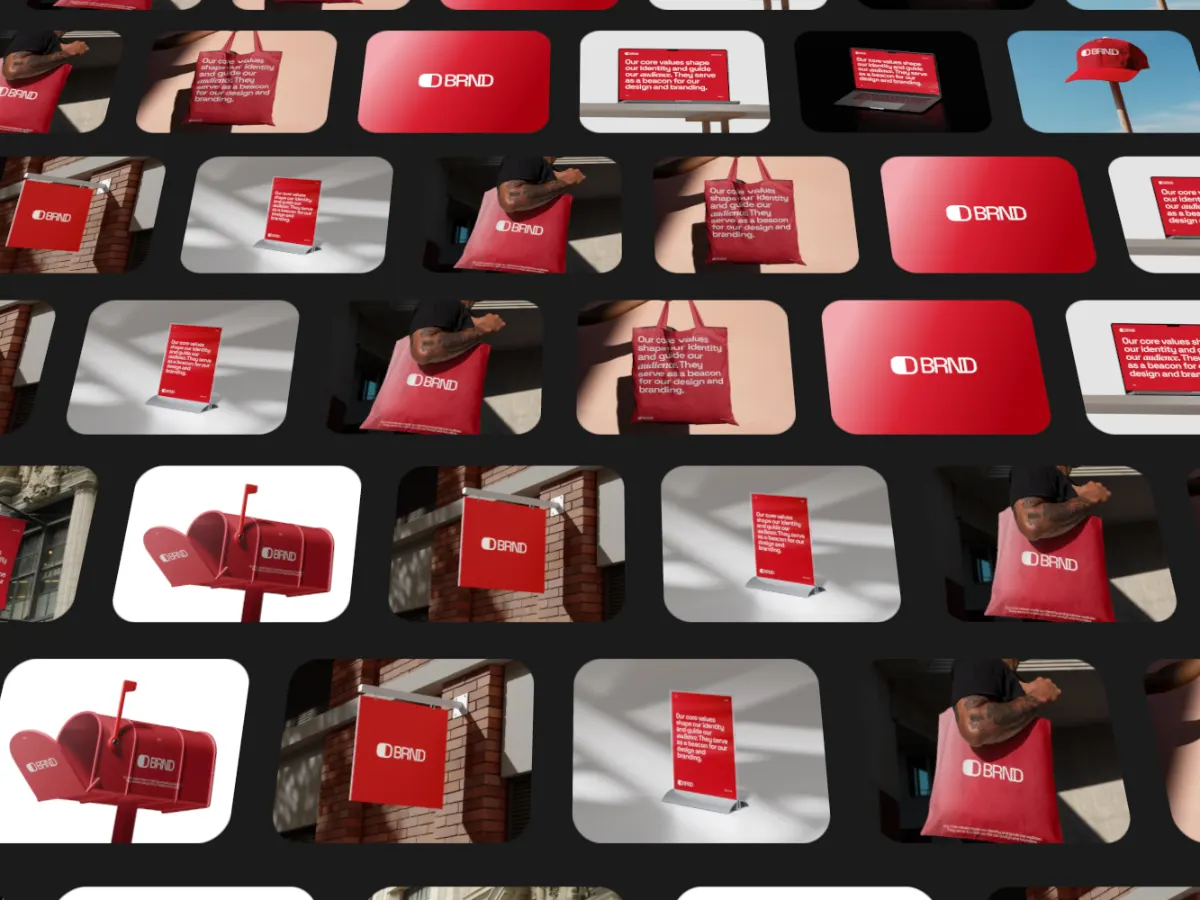
Ticker Tilt
16:9Tilted rows of sections running like a ticker. Shows lots of pages at once.
Export
Export settings by destination
- Case study page or Vimeo
- 16:9, MP4 at 1920 × 1080 with Pro.
- Dribbble
- 4:3, MP4.
- Social posts
- 1:1 or 4:5, MP4.
- Your own site
- WebM with an MP4 fallback, 720p or 1080p.
- Loop length
- 10 to 15 seconds.
FAQ
Questions
Can I use a full-page screenshot?
It will be cropped to the card shape, which is 4:3 by default, so a very tall page loses most of its length. Splitting the page into sections reads much better.
Can I mix desktop and mobile views?
Yes, but every card in a project has the same shape. Place mobile screens on a 4:3 canvas in your design tool first, or make a separate 9:16 version with the card ratio set to 9:16.
Can I record the live site instead of taking screenshots?
Yes. Slots take short videos, so a scroll recording can sit in a card. Videos stay in sync with the loop.
Is it free?
Every template and 720p export are free; exporting needs a free account. Pro adds 1080p, 2K and 4K for $4 a month or $36 a year.
Try it with your own work
The studio opens on Parallax Columns at 16:9. Every template and 720p export are free. Pro adds 1080p, 2K and 4K for $4 a month.