Dribbble animation
Dribbble animation from the shots you already have
Dribbble accepts video shots, and a moving shot stands out in a feed of stills. Shotreel turns your static designs into an animated Dribbble shot: cards that slide, flip and reveal, then land back where they began so the loop never jumps. No After Effects, no prototype to rebuild.
Free 720p export. Nothing is uploaded.
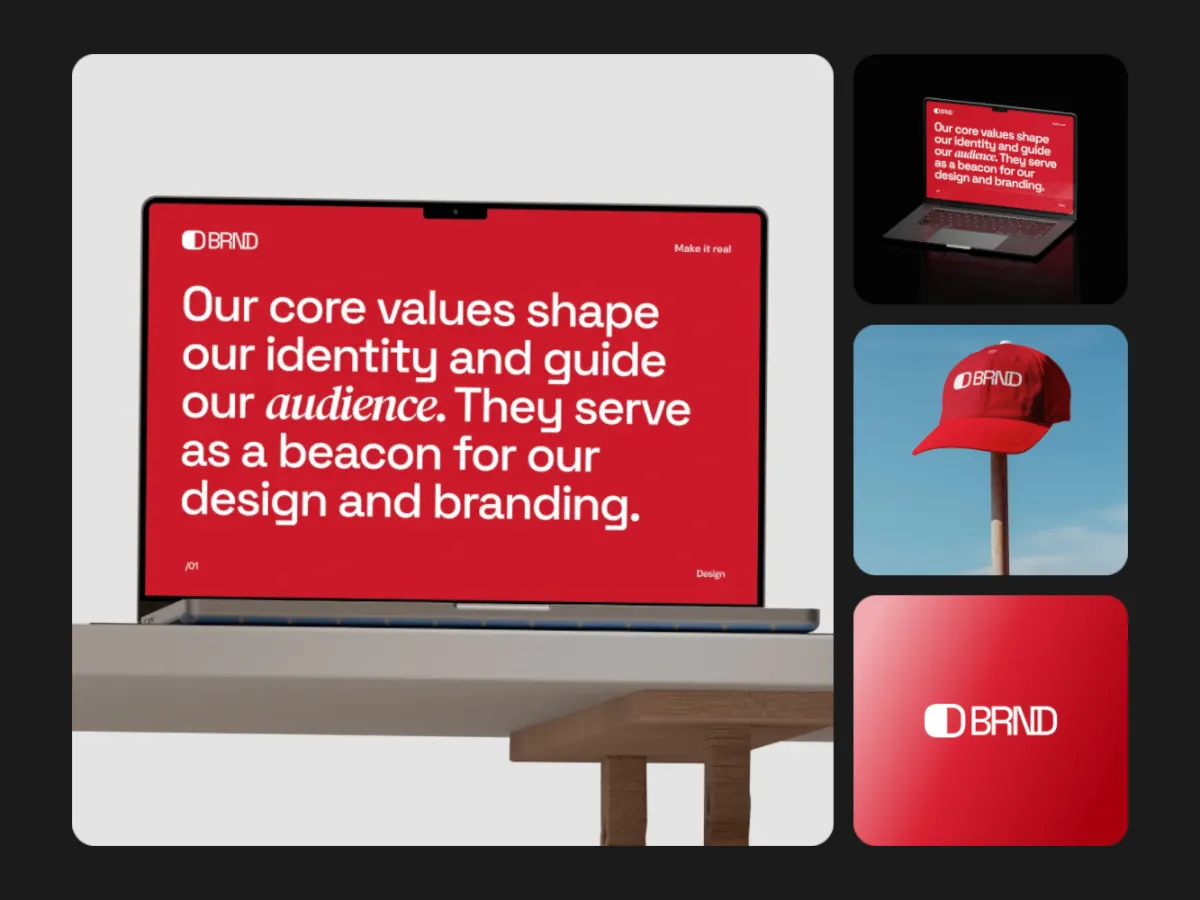
Why it fits Dribbble
Made for the shot shape
Shotreel's cards are 4:3 by default, like a 1600 × 1200 shot, so your existing exports drop in uncropped. Set the frame to 4:3 as well and the whole video matches.
Inside Dribbble's limits
Dribbble takes MP4 and MOV video up to 20 MB. Shotreel's bitrate is predictable, so you can pick a length and resolution that stay under it.
A series from one project
Run the same images through different templates and post a set of animated shots without new design work.
How it works
Make the shot
01
Start at 4:3
The Use this buttons below open the studio with the template and a 4:3 frame already set.
02
Add a few strong screens
Shots are seen small in the feed, so a handful of large screens reads better than a dozen tiny ones. Single-focus templates suit one hero design.
03
Export MP4 at 30 fps
Pick 2K if you have Pro, keep the loop around 10 seconds, and upload the MP4 as your shot.
Templates
Templates that read well as a shot
Use this opens the studio with the template and the right frame already set.
Center Stage
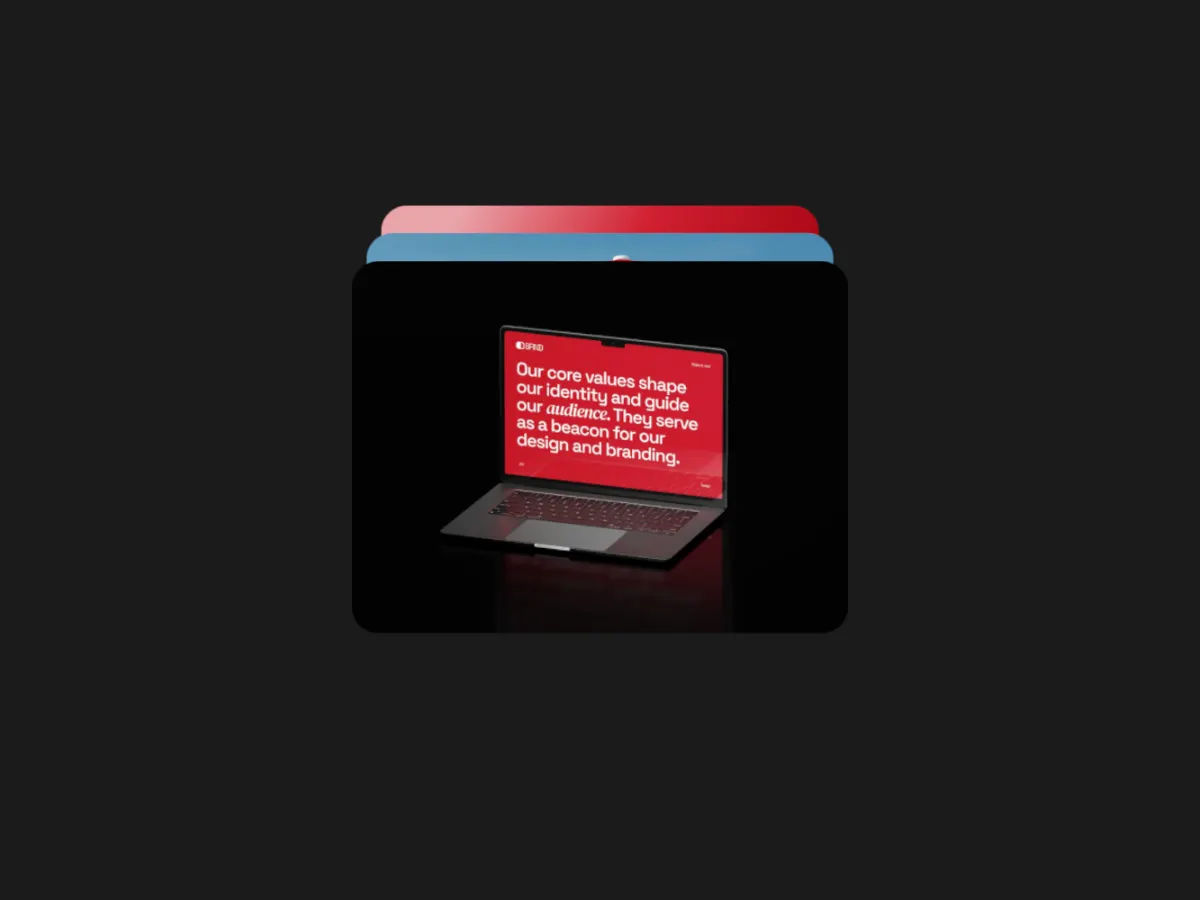
4:3One design at a time, centred and large. Ideal when the shot is about a single screen.
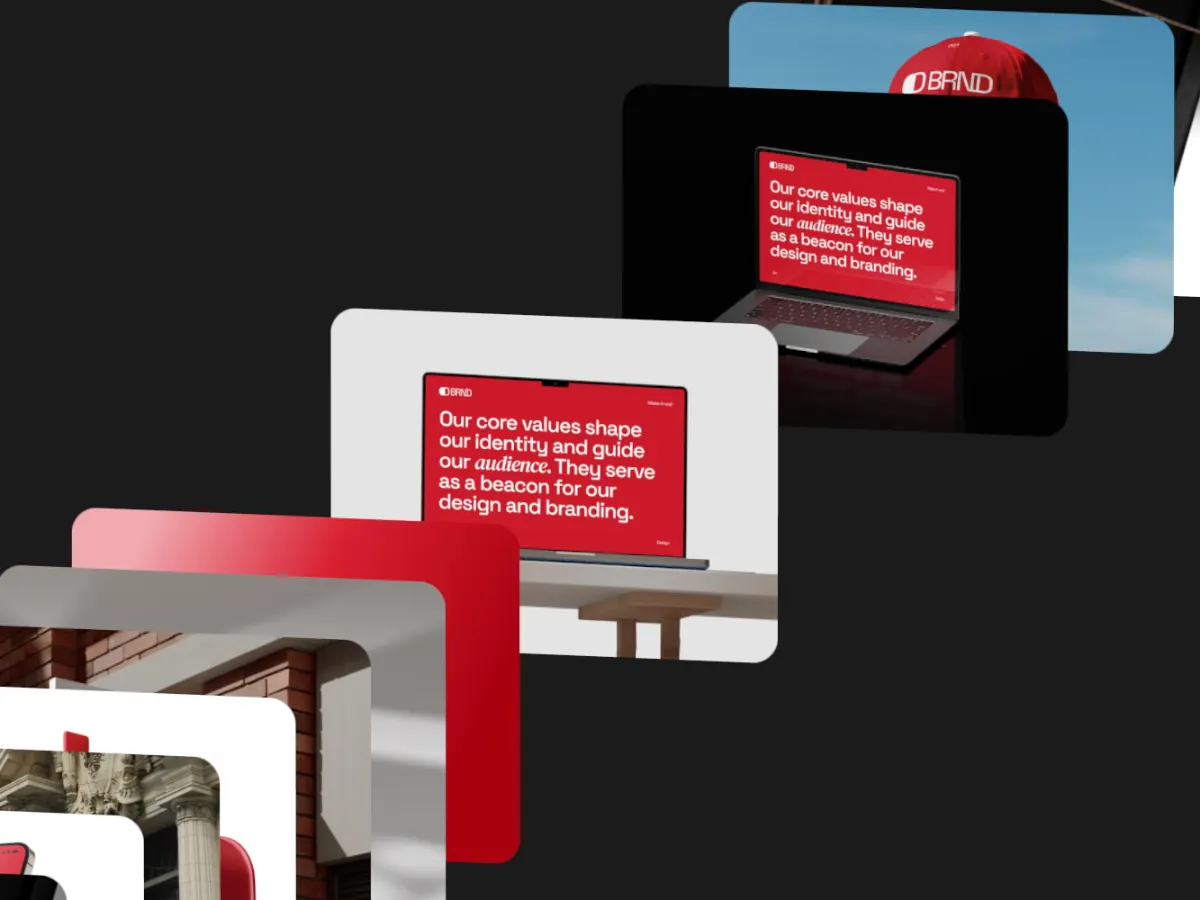
A slow push into one design with depth. Subtle, good for detailed UI.
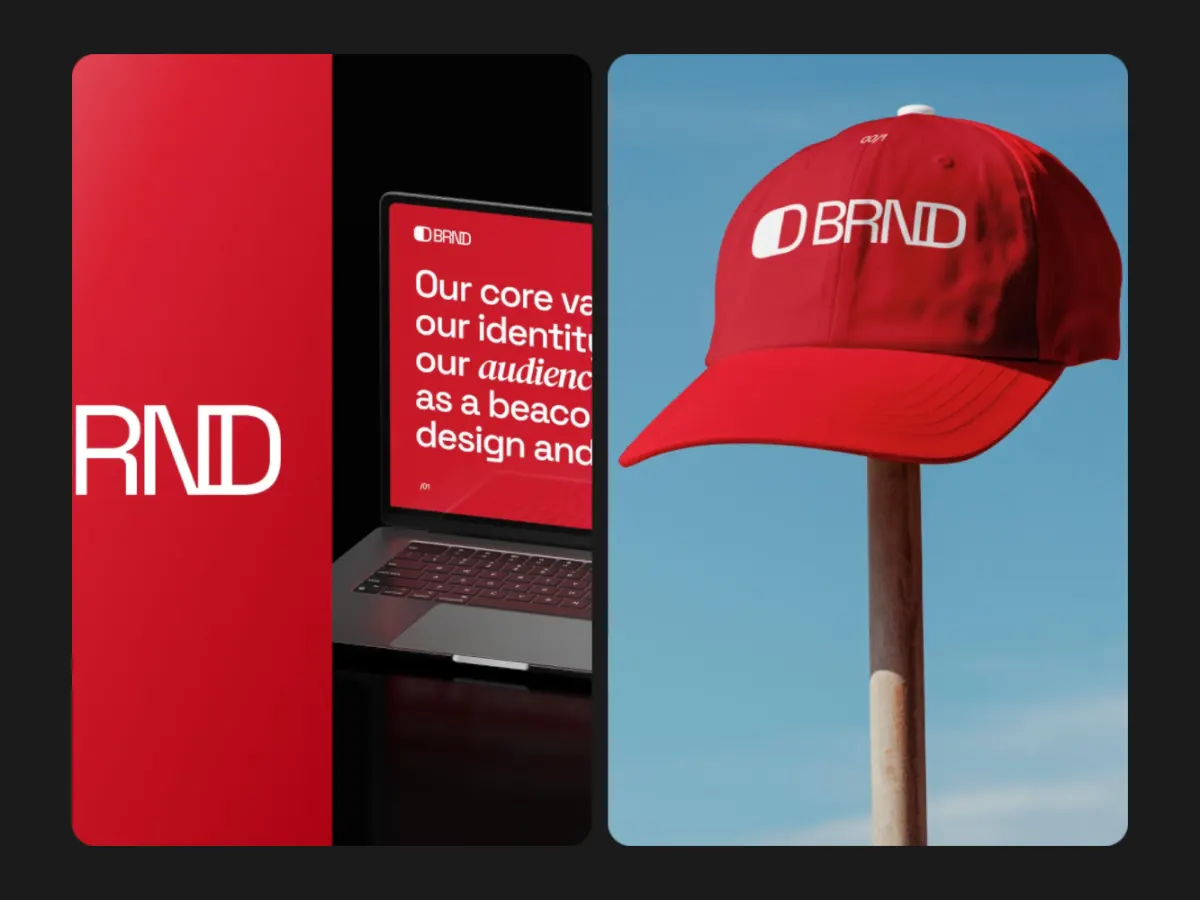
Split Reveal
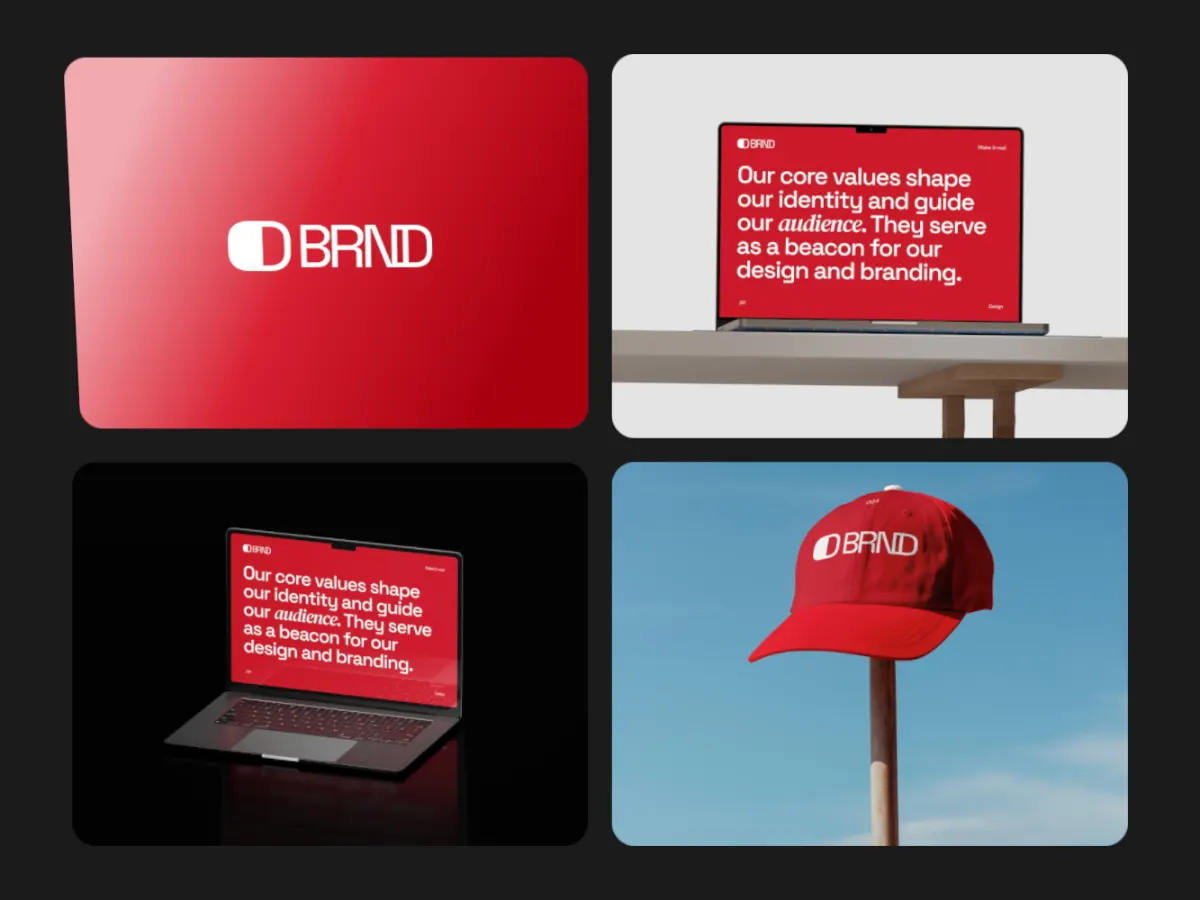
4:3Screens revealed in panels. Works for before and after, or light and dark themes.
Export
Export settings for Dribbble
- Frame
- 4:3.
- Resolution
- 2K gives 1920 × 1440, above Dribbble's recommended 1600 px width (Pro). 1080p gives 1440 × 1080, free 720p gives 960 × 720.
- Format
- MP4.
- Frame rate and size
- 30 fps. Shotreel targets about 12 Mbps for 4:3 at 2K and 30 fps, so a 10-second loop comes out near 15 MB. 60 fps roughly doubles that, past the 20 MB cap.
- Loop length
- 8 to 12 seconds.
What Dribbble accepts
Dribbble's help center lists video shots as MOV or MP4 up to 20 MB, and recommends a minimum width of 1600 pixels for images, GIFs and videos. Shots are no longer locked to one ratio, but 4:3 is still the shape most shots use, and it is the shape Shotreel's cards default to.
Source, checked October 7, 2026: Dribbble Help: Creating Dribbble shots
FAQ
Questions
Does Dribbble accept MP4 shots?
Yes. According to Dribbble's help center, shots can be MP4 or MOV video up to 20 MB.
What size should an animated Dribbble shot be?
Dribbble recommends at least 1600 pixels wide. A 4:3 frame exported at 2K (1920 × 1440) covers that; 1080p (1440 × 1080) is a little under it.
My file is over 20 MB. What should I change?
Export at 30 fps instead of 60, shorten the loop, or drop from 2K to 1080p. Each one cuts the file size.
Can I animate just one design?
Yes. Center Stage and Zoom Parallax are built around one design at a time, and empty spots repeat your image in other templates.
Try it with your own work
The studio opens on Focus Shift at 4:3. Every template and 720p export are free. Pro adds 1080p, 2K and 4K for $4 a month.