Hero video loop
A hero video loop for your landing page
A hero video has three jobs: loop forever without a visible cut, stay light enough not to slow the page, and play silently. Shotreel's templates end exactly where they start, so the seam disappears, and you can export the same loop as WebM and MP4 for every browser.
Free 720p export. Nothing is uploaded.

Built for the top of a page
No seam
The last frame leads straight into the first, so the browser's loop attribute repeats it with no jump.
WebM and MP4
Export both from the same project. The page serves whichever one the browser supports.
Matches your page
Set the background to your page colour, a gradient or an image so the video blends into the hero.
How it works
Make the loop
01
Pick a calm template
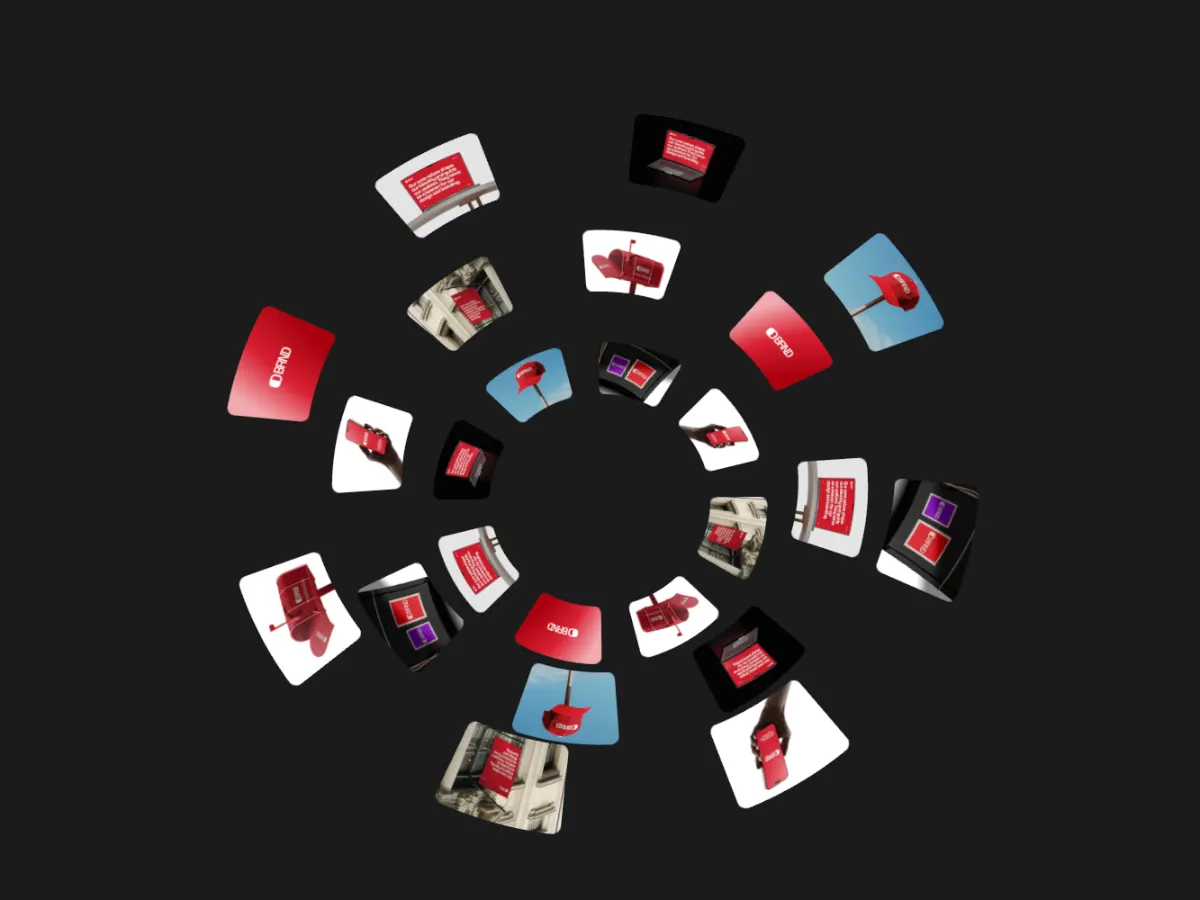
Behind a headline, slow continuous motion works better than cuts. Globes, walls and tickers are a good start.
02
Match the background
Set the background colour to your page's hero colour. Keep the loop short, 6 to 10 seconds, to keep the file small.
03
Export twice
Export WebM, then MP4, at 30 fps. Use 720p or 1080p depending on how large the video appears.
Templates
Templates that sit well behind a headline
Use this opens the studio with the template and the right frame already set.
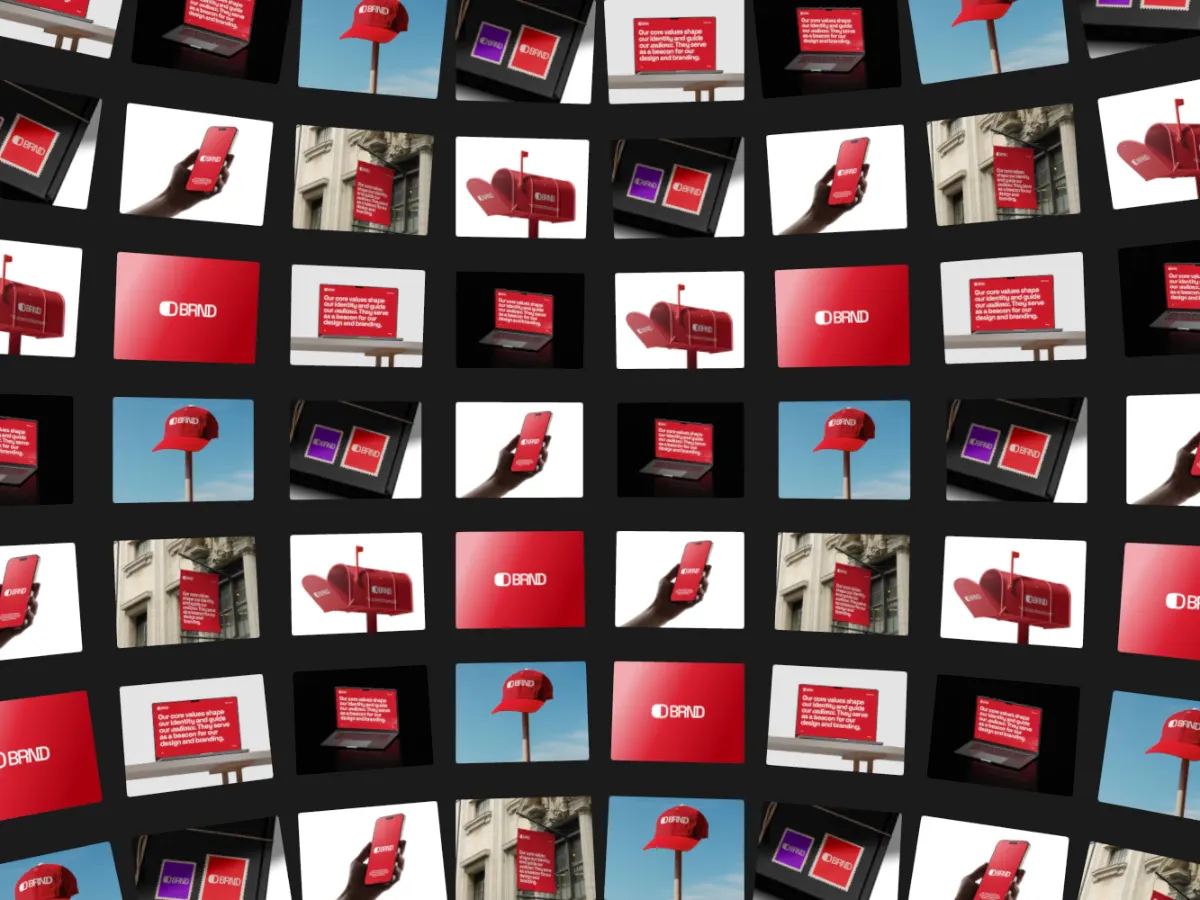

Ticker Loop
16:9Rows of cards running like a ticker. Steady motion that doesn't fight the text.
Export
Export settings for a hero
- Frame
- Match the slot: 16:9 for a full-width hero, 1:1 or 4:5 for a split layout.
- Resolution
- 720p is often enough for a background; 1080p (Pro) if the video is the main visual.
- Format
- WebM first, MP4 as the fallback.
- Frame rate
- 30 fps. 60 fps doubles the bitrate for little gain behind text.
- Loop length
- 6 to 10 seconds.
Embed code
Browsers only autoplay video that is muted, and playsinline stops iPhones from opening it full screen. The browser plays the first source it supports, so list WebM before MP4.
<video autoplay muted loop playsinline poster="/hero-poster.jpg">
  <source src="/hero.webm" type="video/webm" />
  <source src="/hero.mp4" type="video/mp4" />
</video>
Keep the file light
Shotreel encodes for quality, at 6 Mbps or more, so a 10-second file is several megabytes. That's right for a portfolio upload but heavy for a hero. Re-encoding at a lower bitrate usually shrinks it a lot with little visible change behind text. With ffmpeg:
ffmpeg -i hero.webm -c:v libvpx-vp9 -b:v 1M -an hero-small.webmffmpeg -i hero.mp4 -c:v libx264 -crf 28 -preset slow -movflags +faststart -an hero-small.mp4- Export a poster image yourself (a screenshot of the first frame works) so something shows before the video loads.
- Shorter loops and 30 fps keep files smaller than a lower resolution does.
FAQ
Questions
Why export both WebM and MP4?
WebM (VP9) is usually smaller for the same quality, and MP4 (H.264) plays almost everywhere. Listing both lets each browser take the best one it supports.
Will the hero video loop without a jump?
Yes. Every Shotreel template ends exactly where it starts, so with the loop attribute the video repeats with no visible seam.
Does the video have sound?
No. Exports have no audio track. You still need the muted attribute, because browsers check for it before autoplaying.
Can the background be transparent?
No. Set the background to a solid colour that matches your page, or a gradient or image, so the video blends in.
Try it with your own work
The studio opens on Card Globe at 16:9. Every template and 720p export are free. Pro adds 1080p, 2K and 4K for $4 a month.