SaaS promo video
Make a SaaS promo video from screenshots
Most SaaS teams have plenty of product screenshots and no time booked with a motion designer. Shotreel turns dashboards, settings pages and feature screens into a looping promo video for a pricing page, a sales deck, a changelog post or LinkedIn, in the time it takes to pick a template.
Free 720p export. Nothing is uploaded.
What it gives a SaaS team
The actual product on show
Buyers see the real UI, not an illustration of it. Swap in new screenshots when the product changes and export again.
Headline and logo on top
Text layers fade, rise or type in. The logo layer pins to any corner or the centre. Backgrounds take a colour, a gradient or an image.
Nothing leaves your machine
Screens with customer data or unreleased features stay on your device. The video renders in the browser and nothing is uploaded.
How it works
How it works
01
Pick the screens
One screen per feature you want to sell. 4:3 crops, like 1600 × 1200, fit the cards; wide dashboards can be cropped to the part that matters.
02
Pick a template and brand it
Set the background to your brand colour, add the headline as a text layer and your logo in a corner.
03
Export for each channel
16:9 for the site and deck, 1:1 or 4:5 for social. Same project, a new export per frame.
Templates
Templates that suit product UI
Use this opens the studio with the template and the right frame already set.
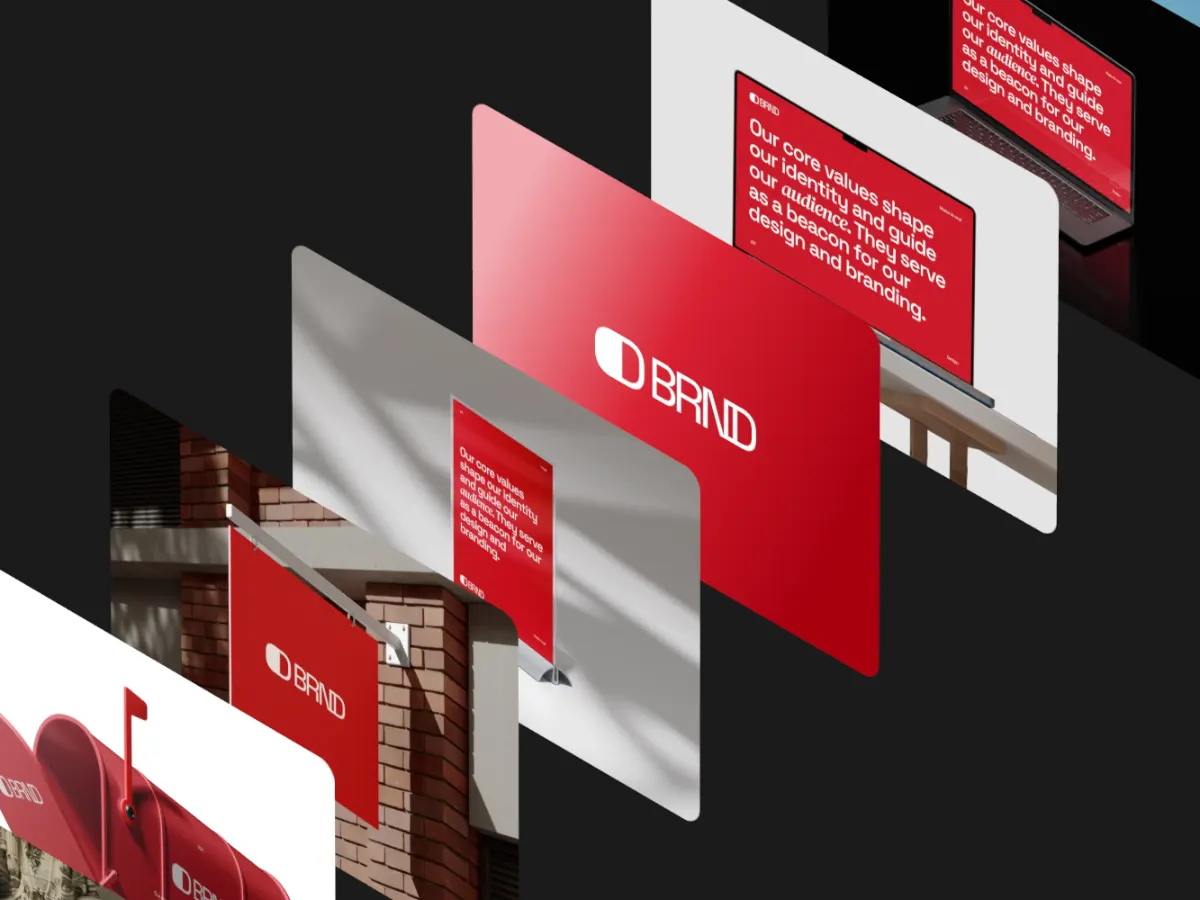
Iso Cascade
16:9An isometric stack of screens. A classic look for dashboards and analytics products.
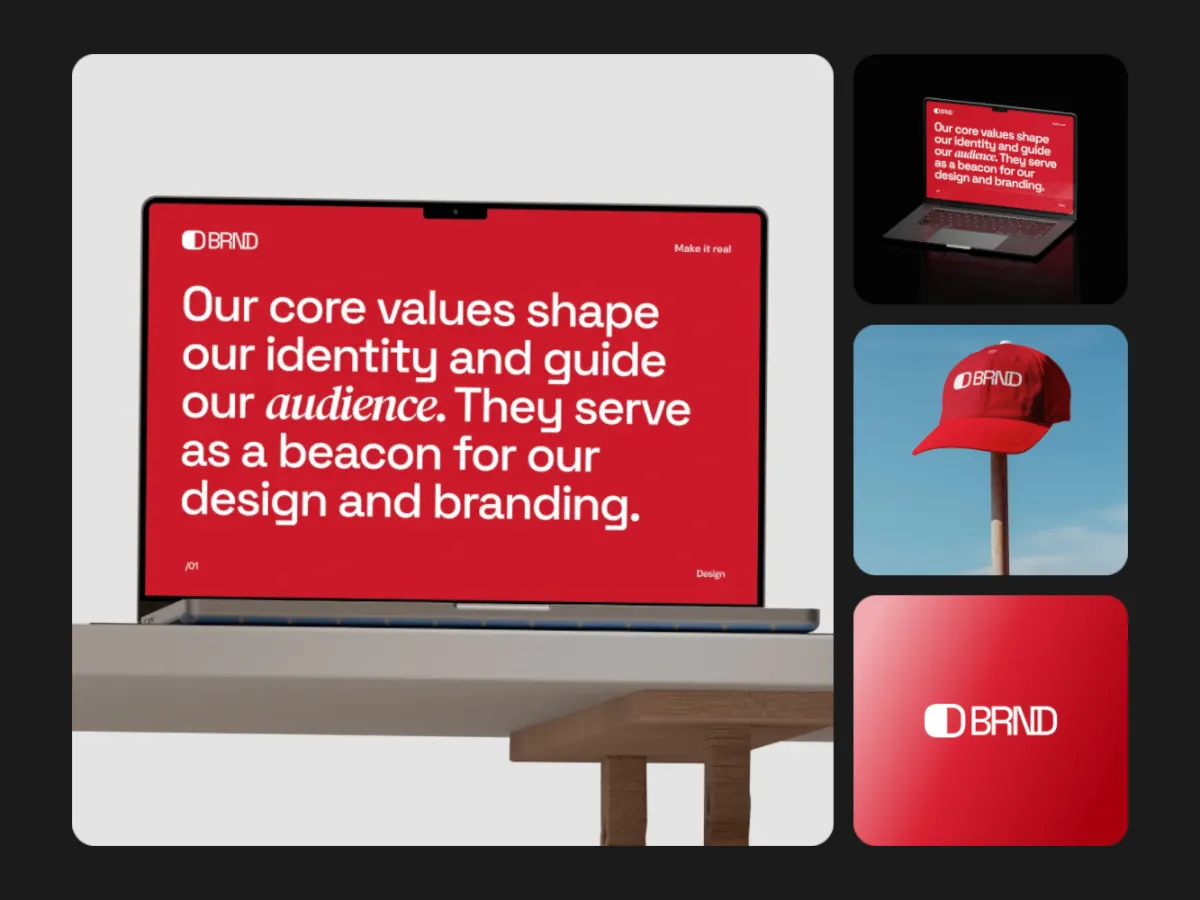
Focus Shift
16:9One main screen with supporting ones beside it. Lead with the hero feature.
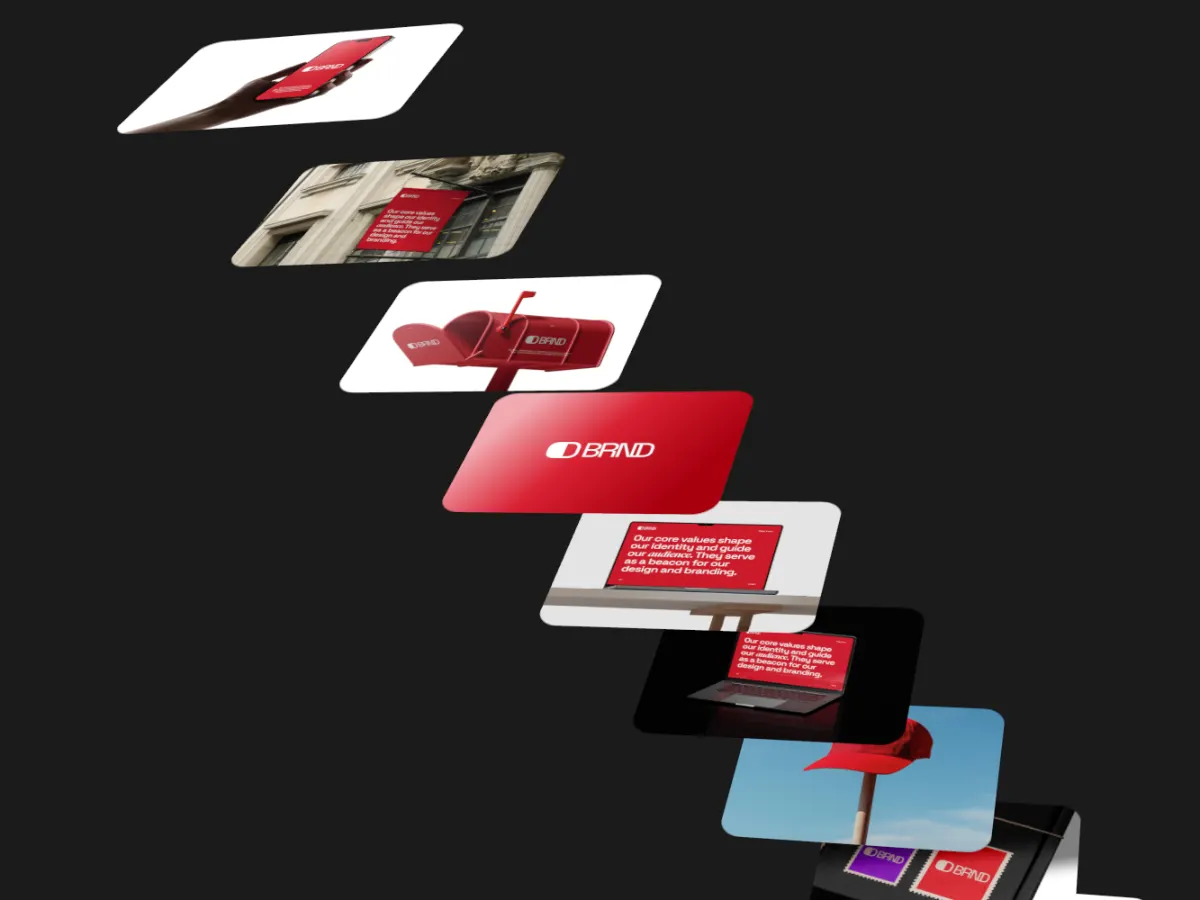
Stair Cascade
16:9Screens stepping down a staircase in 3D. Suggests a sequence or a workflow.
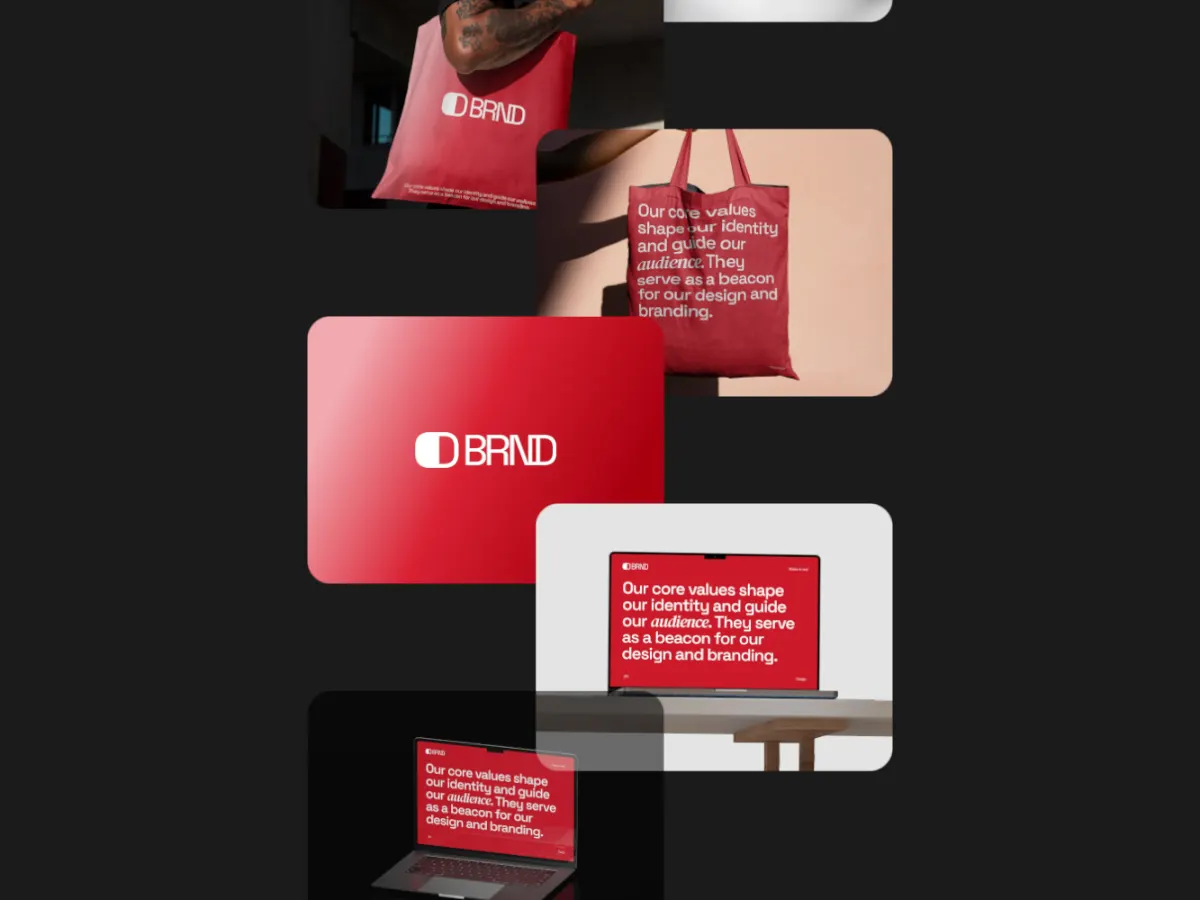
Feed Scroll
16:9Screens scrolling past like a feed. Fits social, content and inbox products.
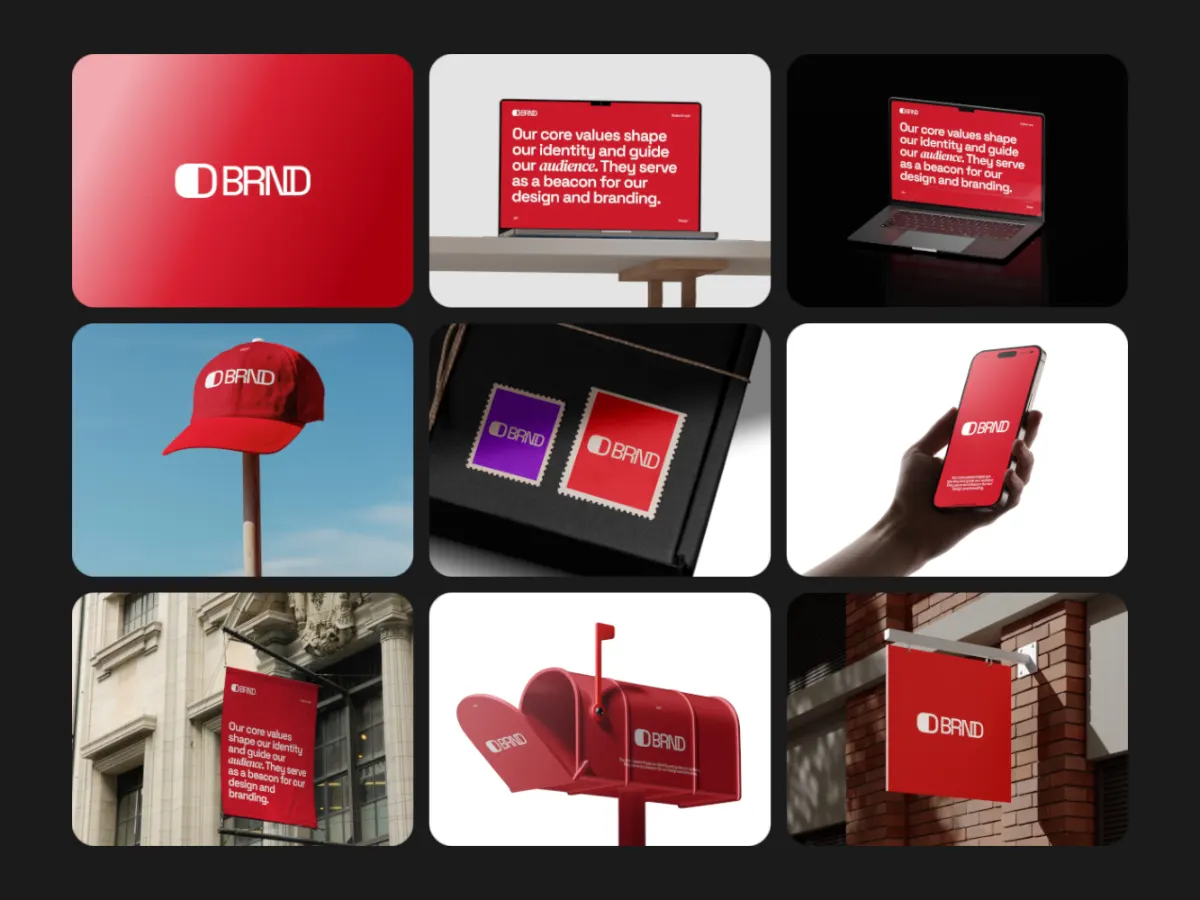
Grid Zoom Strip
16:9A grid that zooms into a strip of screens. Shows breadth, then detail.
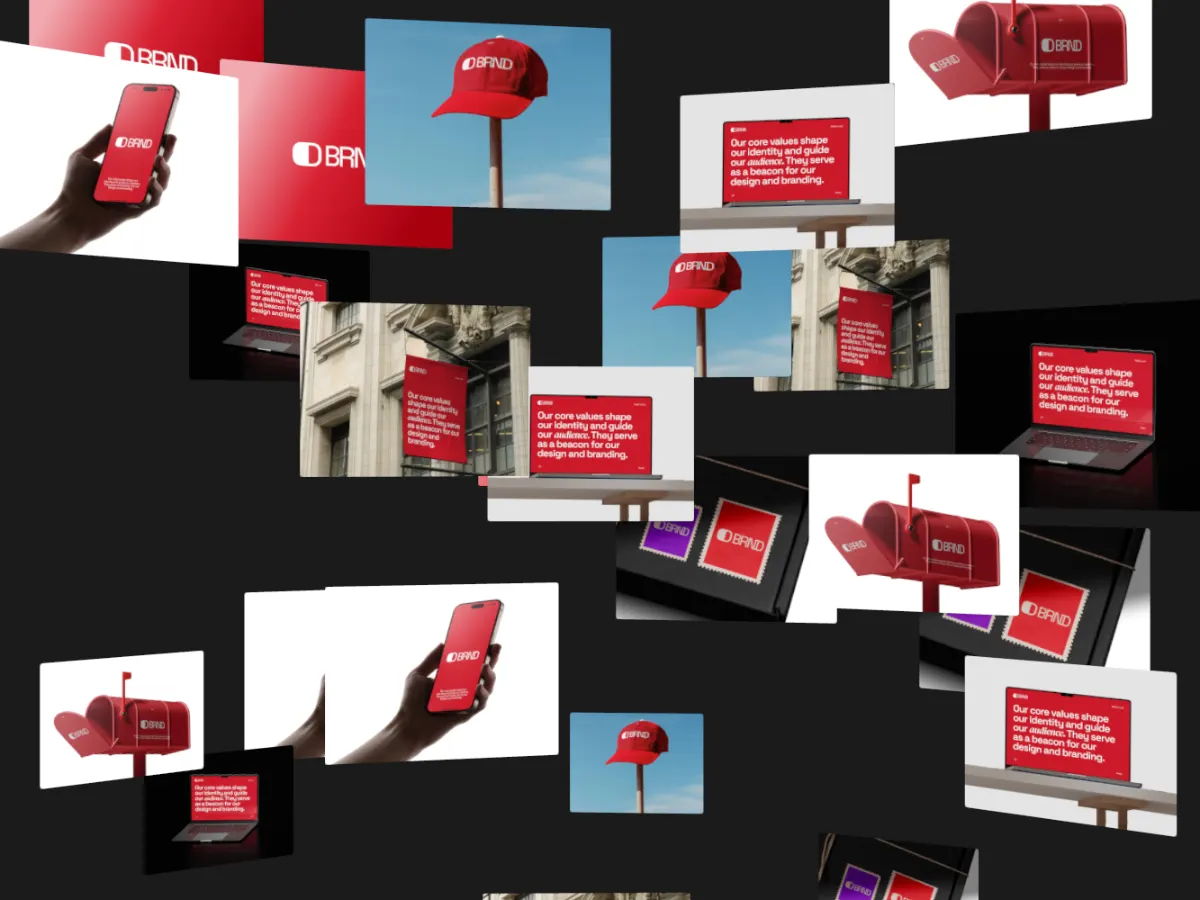
Parallax Columns
16:9Columns of screens moving at different speeds. Works behind a headline.
Export
Export settings by channel
- Landing or pricing page
- 16:9 WebM with an MP4 fallback, muted and looping.
- Sales deck
- 16:9 MP4 at 1080p (Pro). MP4 inserts into Keynote and PowerPoint.
- LinkedIn and other feeds
- 1:1 or 4:5, MP4.
- Paid social
- Check each ad network's current specs, then pick the matching frame.
- Loop length
- 10 to 15 seconds for a page or deck; up to 30 seconds for a feature tour.
FAQ
Questions
Can I add our logo and a tagline?
Yes. Add text layers with fade, rise or type-in animation, and a logo layer you can place in a corner or the centre, sized and faded as you like.
Are our screenshots uploaded anywhere?
No. Images and videos stay on your device. The video is rendered in your browser, and projects are saved in your browser only.
Does the video include sound?
No. Exports are video only, which is what autoplaying page videos need. Add music in an editor if the channel calls for it.
Can I use product screen recordings?
Yes. Any slot takes a short video, and videos stay in sync with the loop.
Try it with your own work
The studio opens on Iso Cascade at 16:9. Every template and 720p export are free. Pro adds 1080p, 2K and 4K for $4 a month.