Screenshot to video
Screenshot to video, without a timeline or After Effects
You have screenshots of something you made. Shotreel turns them into a short video where the screens move through 3D rings, grids, carousels and stacks, then come back to where they started so the video loops with no jump. It runs in your browser, nothing is uploaded, and 720p export is free with a free account.
Free 720p export. Nothing is uploaded.
What you walk away with
A file that plays anywhere
MP4 for posts, decks and messages, WebM for the web. Frames in 16:9, 4:3, 1:1, 4:5, 3:4 or 9:16.
Motion that keeps the work in focus
No device mockups and no hands. Your screenshots are the cards, so the design stays the subject.
A loop, not a clip
Every template ends exactly where it starts, so the video can repeat on a site, in a deck or in a feed with no visible cut.
How it works
From screenshots to video in three steps
01
Pick a motion
Choose one of 70 templates. Each one plays with sample work first, so you see the motion before you add anything.
02
Drop in your screenshots
Add images or short videos. Empty spots repeat your images, so three screenshots are enough to start. 4:3 files, like 1600 × 1200, fit the cards without cropping.
03
Export
Pick the frame, a loop length from 2 to 40 seconds, MP4 or WebM, and 30 or 60 fps. The video renders on your device.
Templates
Good first templates for screenshots
Use this opens the studio with the template and the right frame already set.
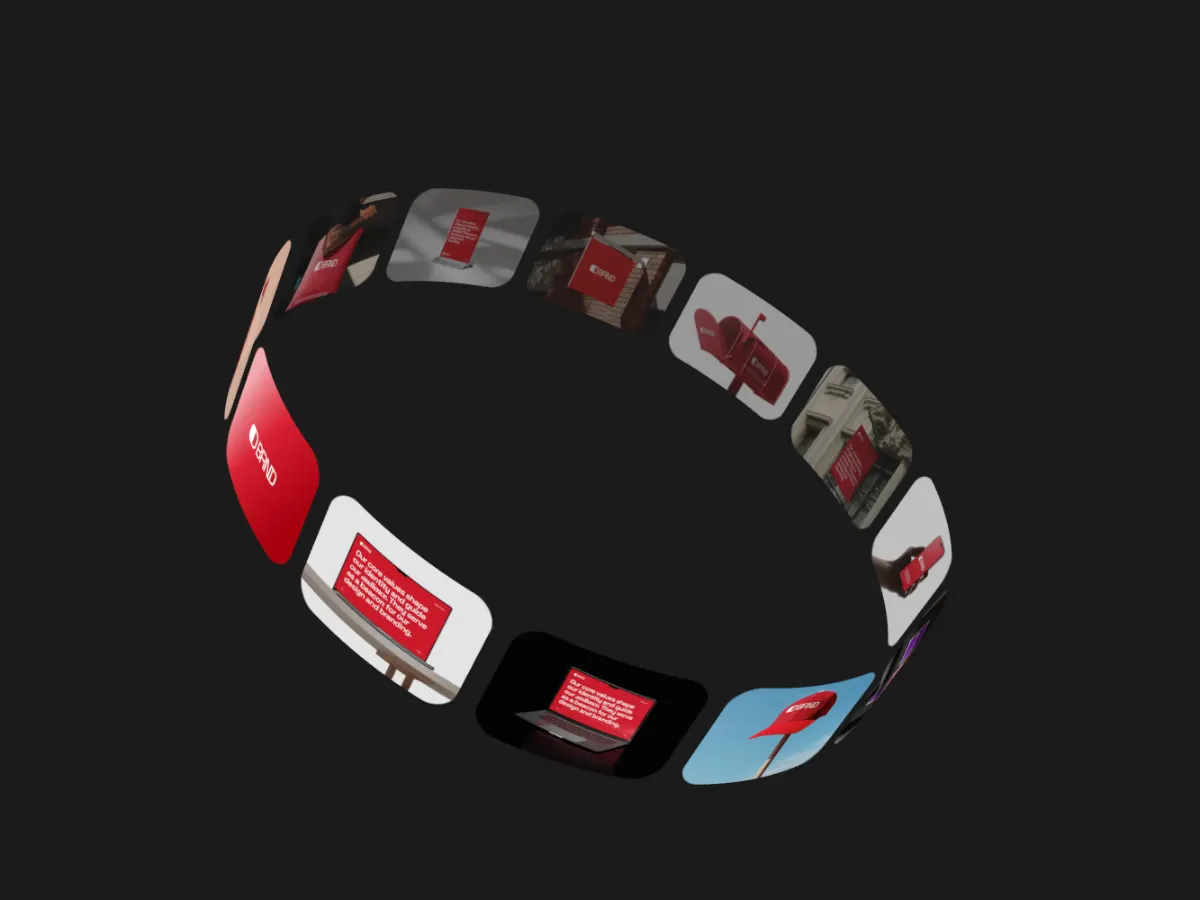
Ring Stream
16:9A turning ring of cards. Good when you have many screens and want them all on show.
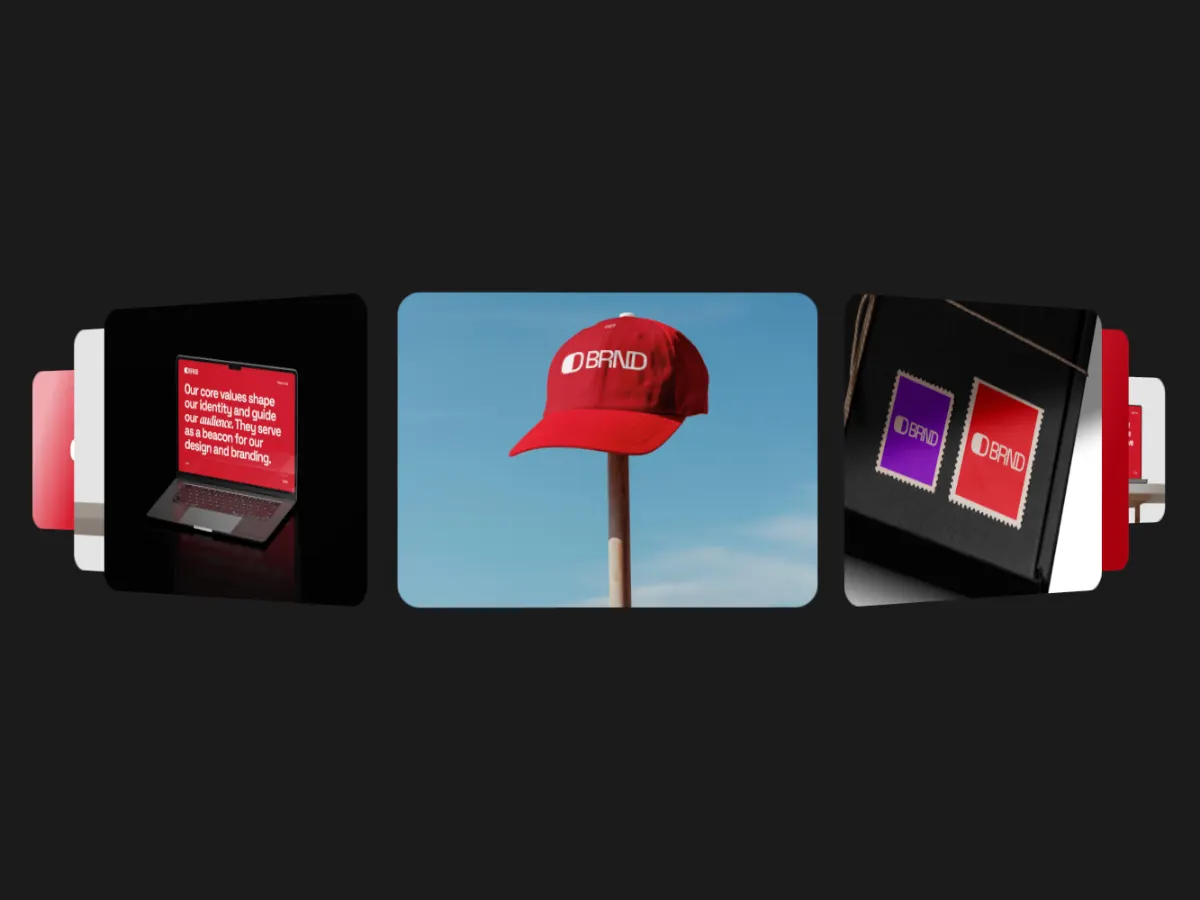
Cover Flow
16:9One screen up front, its neighbours angled away. Each screenshot gets a moment on its own.
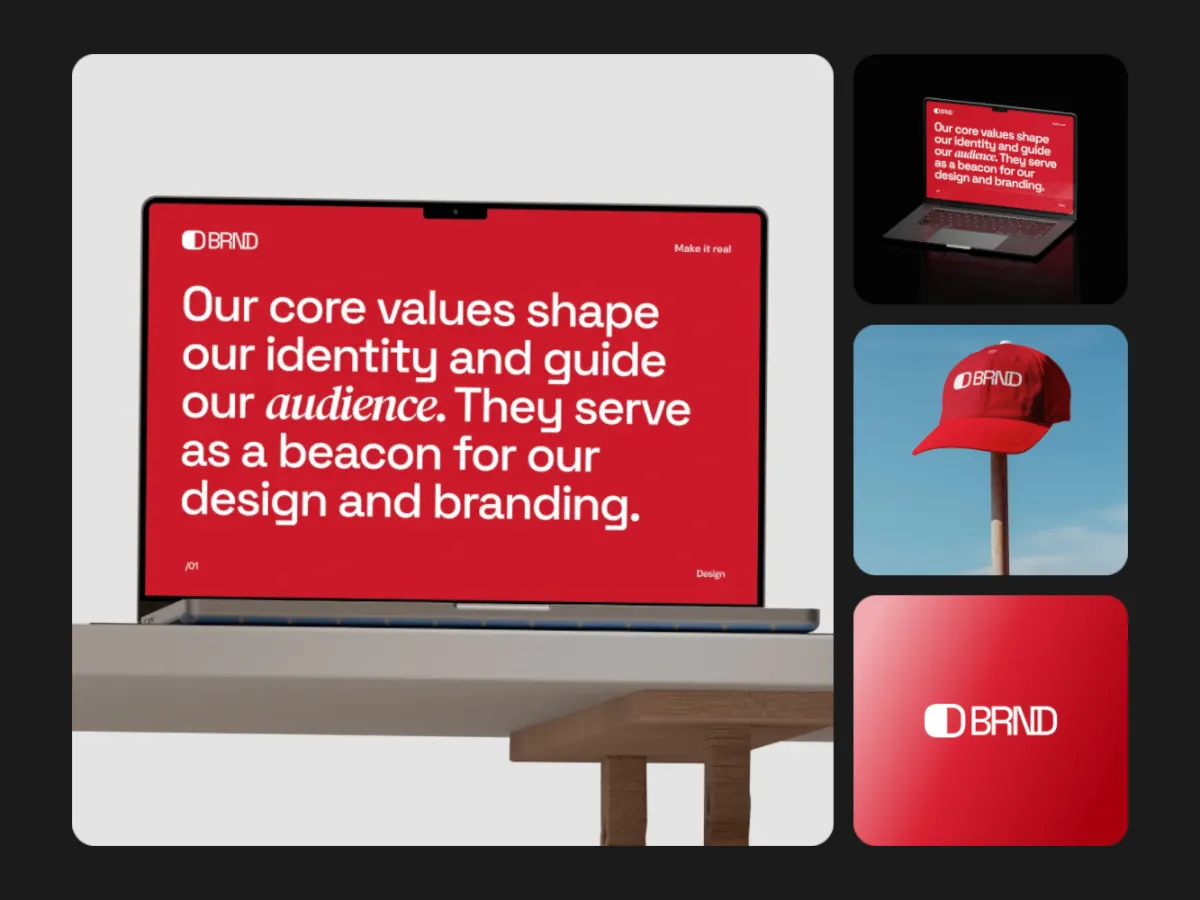
Focus Shift
16:9One large screen with smaller ones beside it, trading places. Suits a main view plus details.
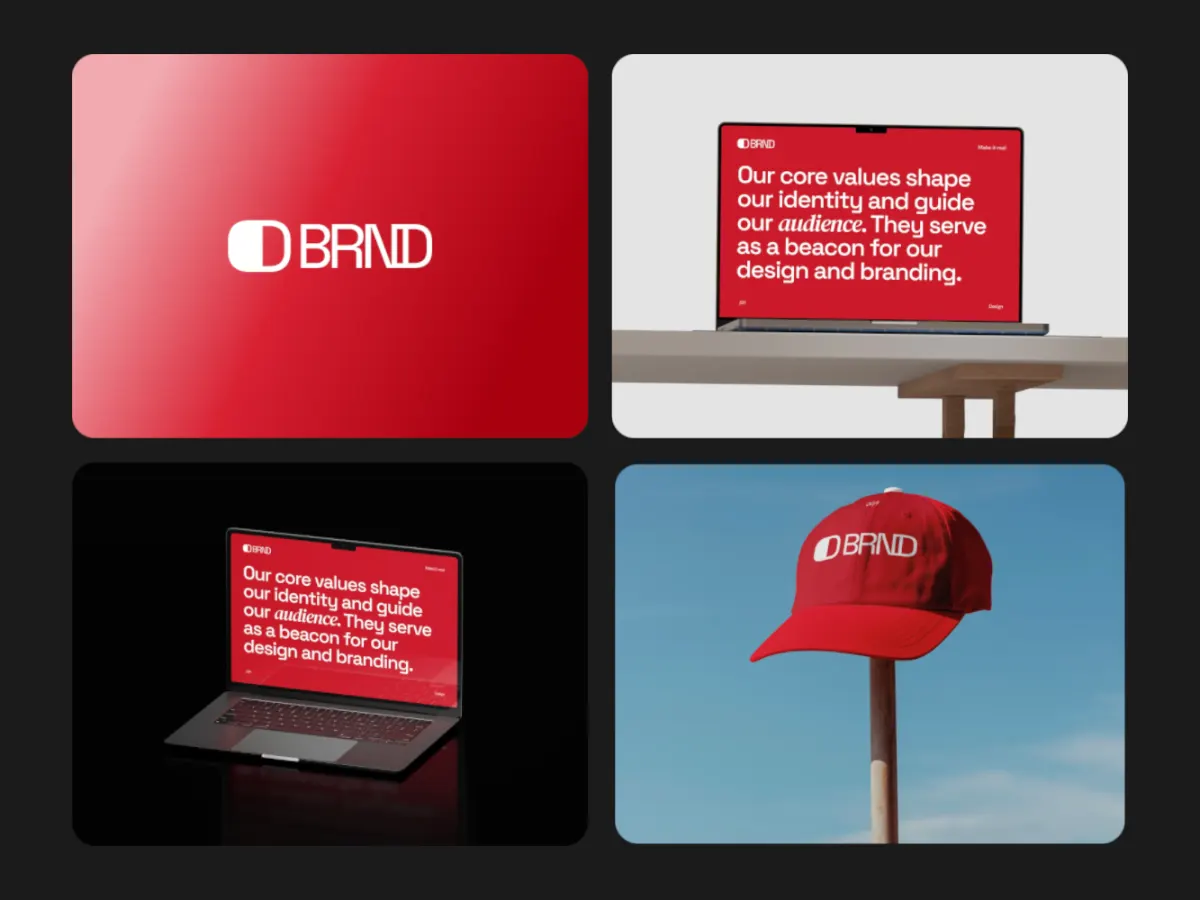
Grid Reveal
16:9A tidy grid that builds tile by tile. Calm enough for a pitch deck or a docs page.
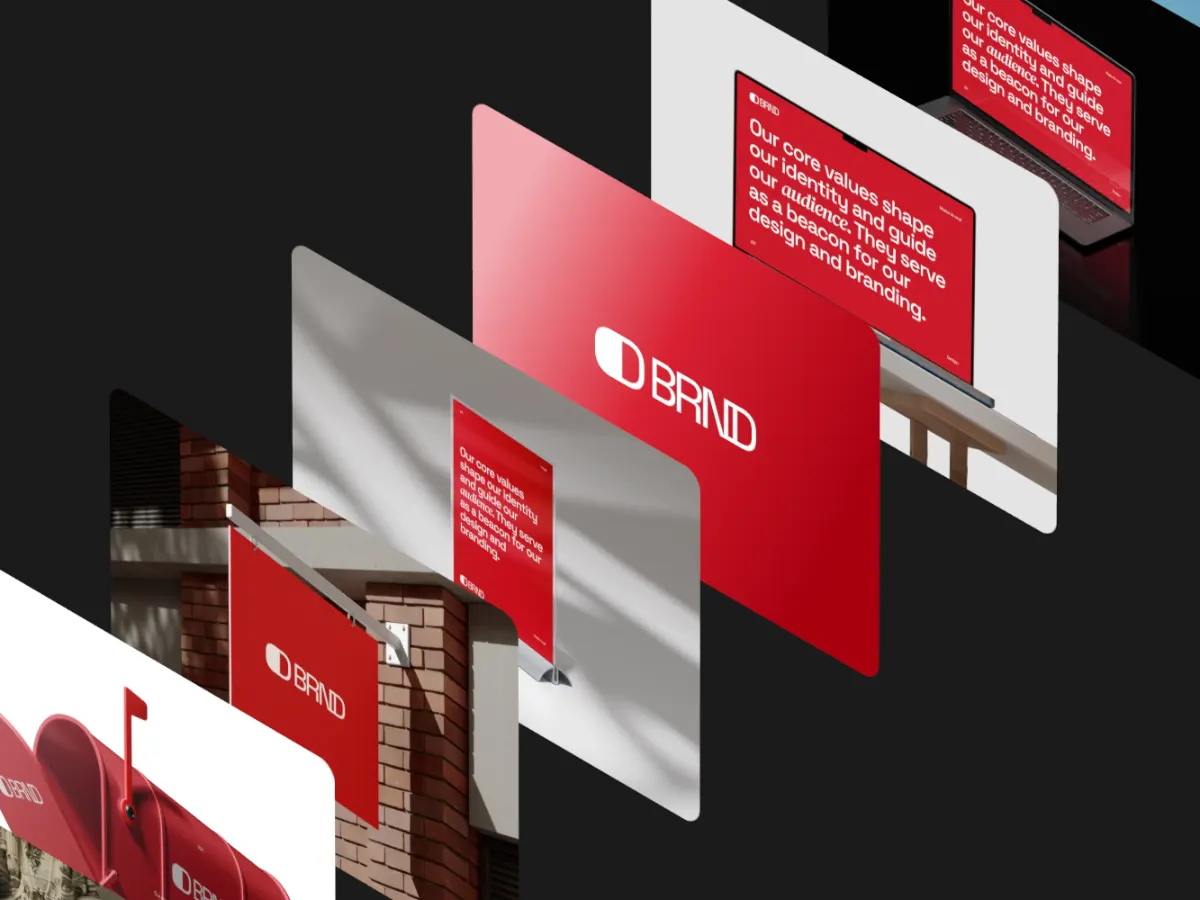
Iso Cascade
16:9Screens stacked at an isometric angle. A familiar look for product and dashboard shots.
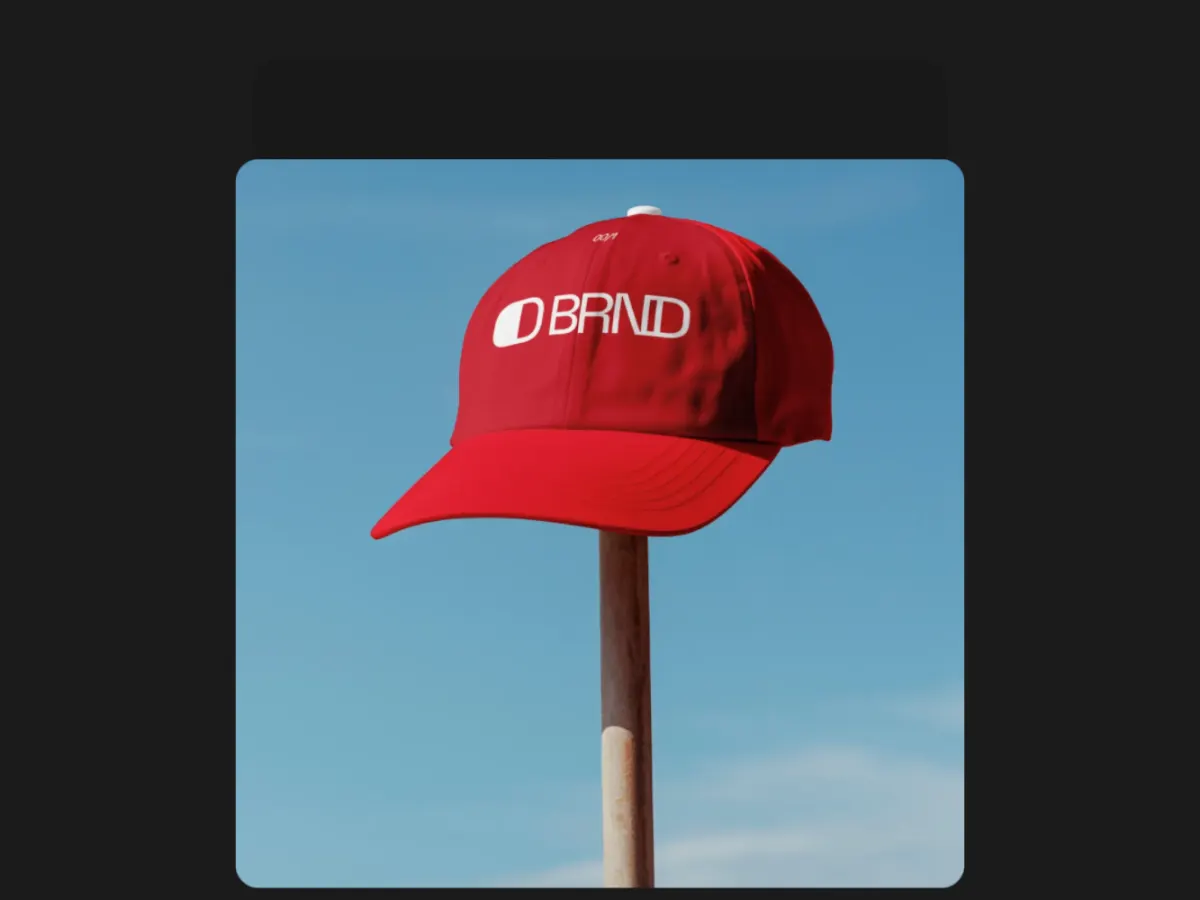
Stack Slide
16:9Full-frame screens sliding over each other one at a time. Reads like a quick walkthrough.
Export
Export settings by destination
- Website or slide deck
- 16:9, MP4 (or WebM for the web). 1280 × 720 free, 1920 × 1080 with Pro.
- Social feed post
- 1:1 or 4:5, MP4.
- Stories and Reels
- 9:16, MP4. 1080 × 1920 with Pro, 720 × 1280 free.
- Loop length
- 10 or 15 seconds gives each screen time to read. Presets: 5, 10, 15, 20 and 30 s.
- Frame rate
- 30 fps for smaller files. 60 fps is smoother for fast templates and doubles the bitrate.
FAQ
Questions
Can I turn screenshots into a video for free?
Yes. Every template and 720p export are free; exporting needs a free account. 1080p, 2K and 4K export come with Pro, $4 a month or $36 a year.
How many screenshots do I need?
One is enough to start. Empty spots repeat your images in order, so the template never looks half-filled. Most templates look best with several different screens.
Can I use screen recordings instead of screenshots?
Yes. Any slot takes an image or a short video, and videos stay in sync with the loop when you export.
Are my screenshots uploaded?
No. Images and videos stay on your device and the video is rendered in your browser, frame by frame.
Try it with your own work
The studio opens on Ring Stream at 16:9. Every template and 720p export are free. Pro adds 1080p, 2K and 4K for $4 a month.