Accordion Fold: an accordion fold animation of your images folding like paper
ProYour images side by side in one strip that folds up like paper and opens flat again. Make an accordion fold animation of your images folding like paper from your own screenshots, right in your browser: no After Effects, nothing to install.
Opens in the studio with sample work. Try it free; exporting it needs Pro.
How Accordion Fold moves
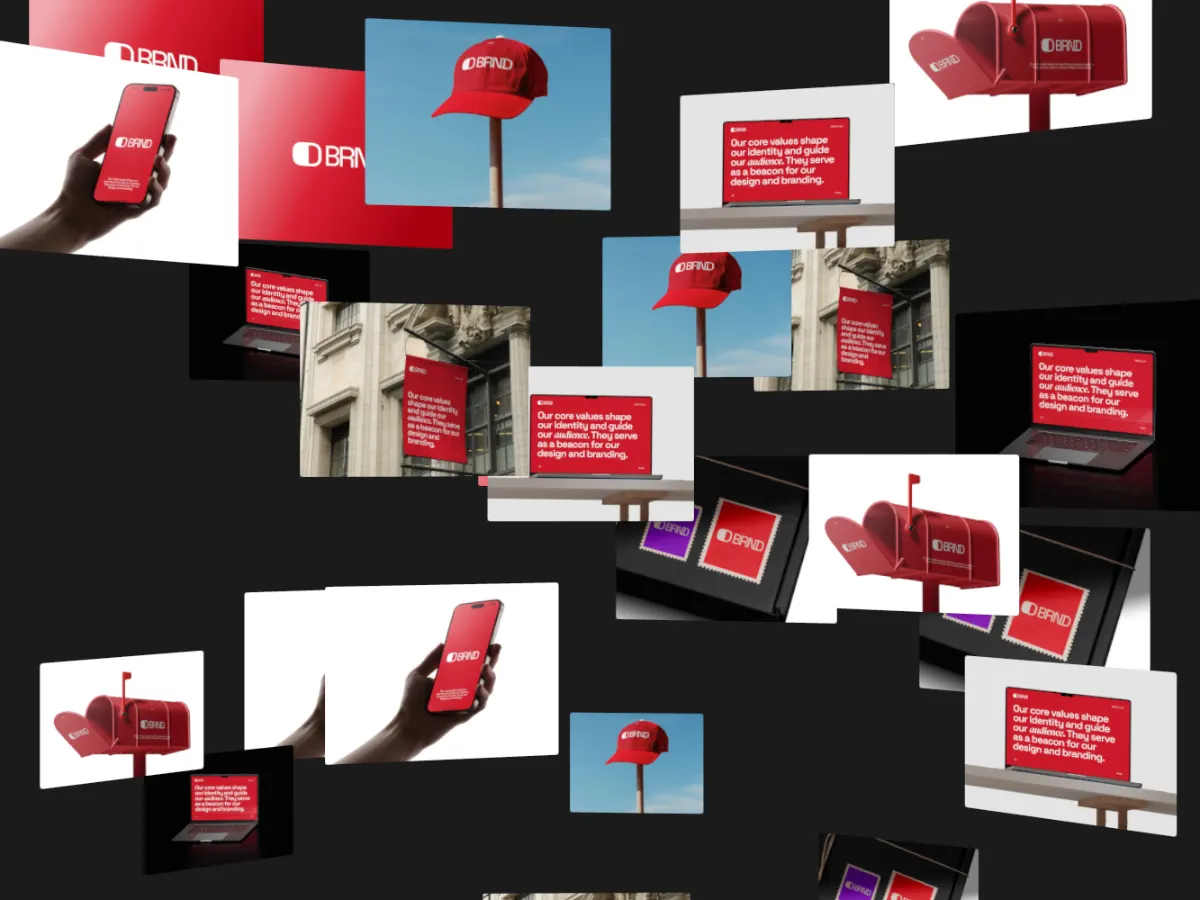
Accordion Fold lays your work side by side as one long strip, then folds it into a zig-zag like a paper brochure and opens it flat again, turning slowly so the folds read as depth. Fold angle, hold time and panel count (3 to 8) are adjustable, and the Wave motion runs the fold along the strip instead of all at once. Six slots and an 8 second loop. A good fit for brochures, app screen flows and step by step stories, at 16:9.
In the studio you can tune its 9 settings along with the background, shadow and loop length, and your images never leave your device.
Play Accordion Fold live
This one runs on the same engine as the studio, at 16:9. What you see here is what you export.
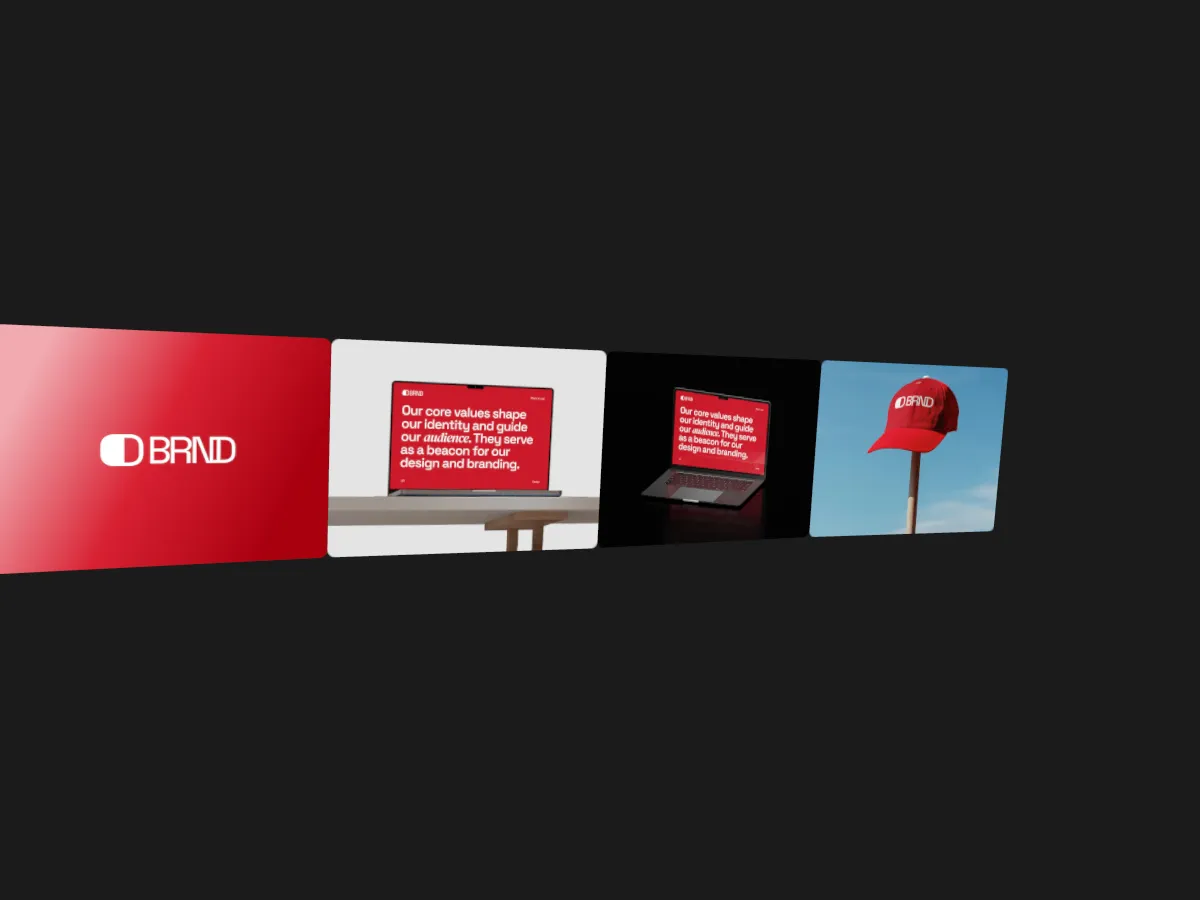
Accordion Fold settings
Every setting below is in the studio panel for Accordion Fold. Each one changes the loop live, so you can try values while it plays.
| Setting | Range | Starts at |
|---|---|---|
| Padding | 0% to 20% | 6% |
| Corner radius | 0% to 12% | 1% |
| Panels | 3 to 8 | 4 |
| Fold angle | 10° to 85° | 72° |
| Hold open | 0% to 70% | 30% |
| Motion | Fold, Wave | Fold |
| Turn | 0° to 45° | 24° |
| Easing | Custom, Smooth, Natural, Slow down, Snappy, Accelerate, Elastic, Bounce, Overshoot, Impulse, Swing, Linear | Natural |
| Perspective | 0% to 40% | 26% |
Make a Accordion Fold video
- Step 1
Open the template
"Use this template" opens Accordion Fold in the studio at 16:9, already playing with sample work.
- Step 2
Add your work
It starts with 6 spots for images or short videos. Empty spots repeat your images, so a few are enough.
- Step 3
Tune the motion
Change the 9 settings above, the loop length (8 seconds to start), background and shadow.
- Step 4
Export the loop
Download MP4 or WebM. 720p is free with no watermark: your first export needs no account, later ones a free account. 1080p, 2K and 4K come with Pro.
Where Accordion Fold works well
- Hero video loop
Make a seamless looping hero video for your landing page from screenshots. WebM and MP4 export, no audio track, and the embed code to use it.
- Website showcase video
Make a website showcase video from screenshots of your site. 3D columns, tunnels and rings, exported as a seamless MP4 or WebM loop. Free 720p.
- Portfolio reel maker
Make a UI/UX or design showreel from your portfolio shots. 3D walls, collages and multi-scene loops, exported as MP4 or WebM in your browser.
More 3D & Perspective templates
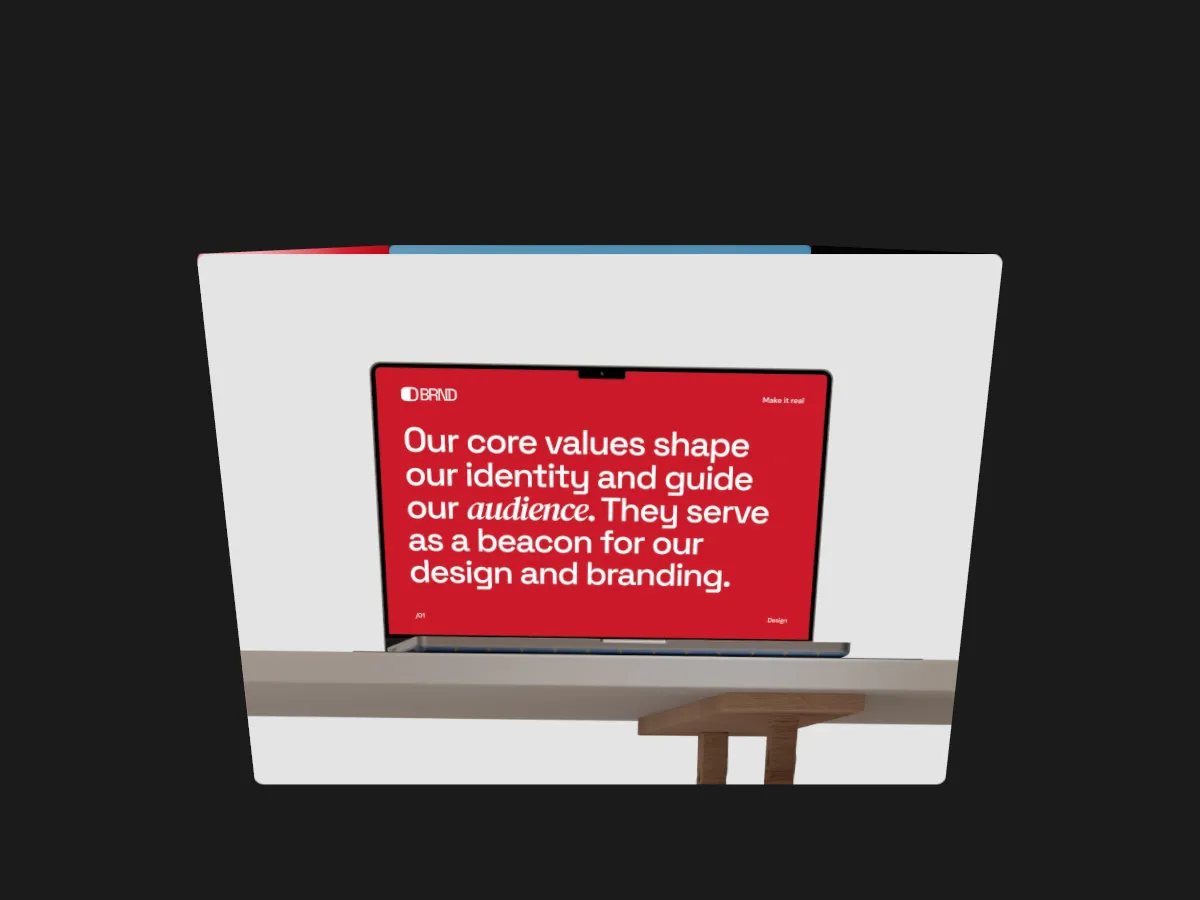
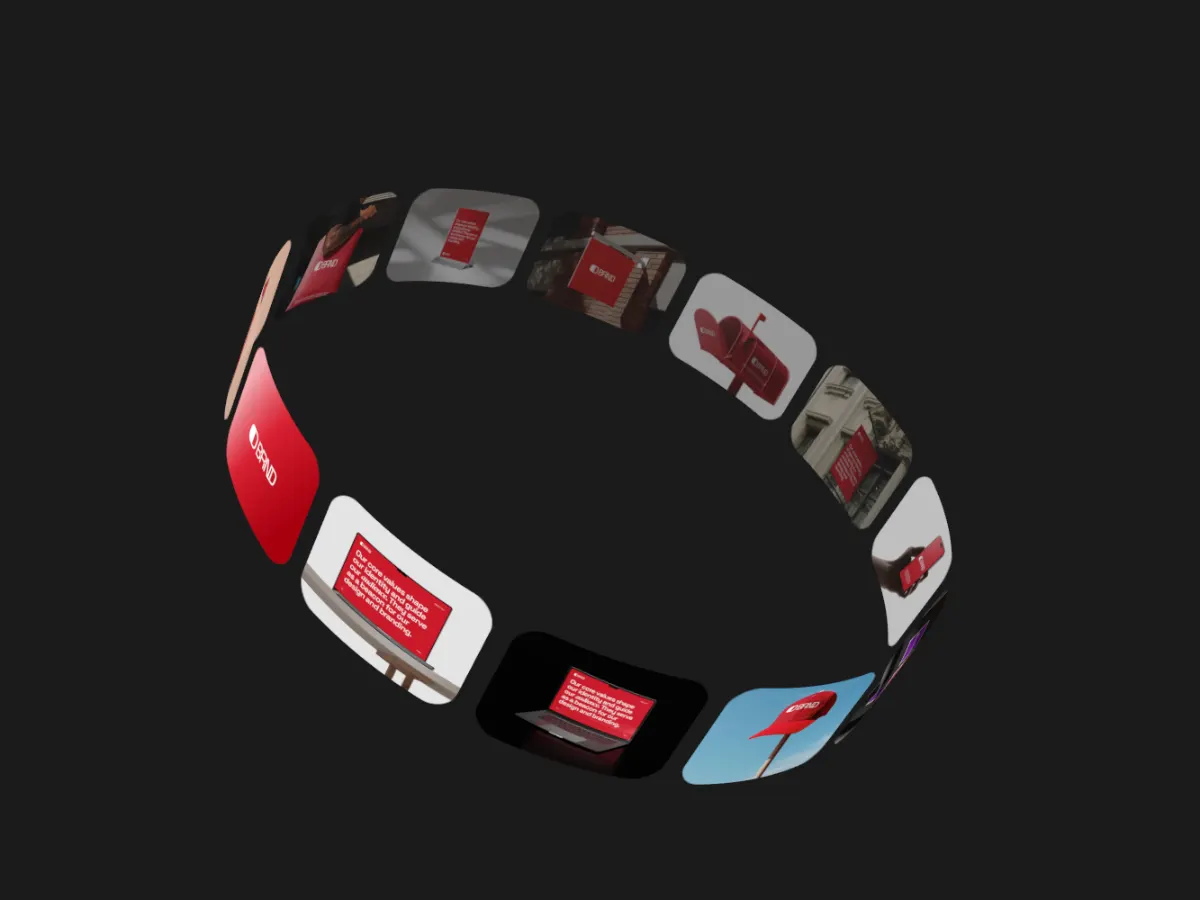
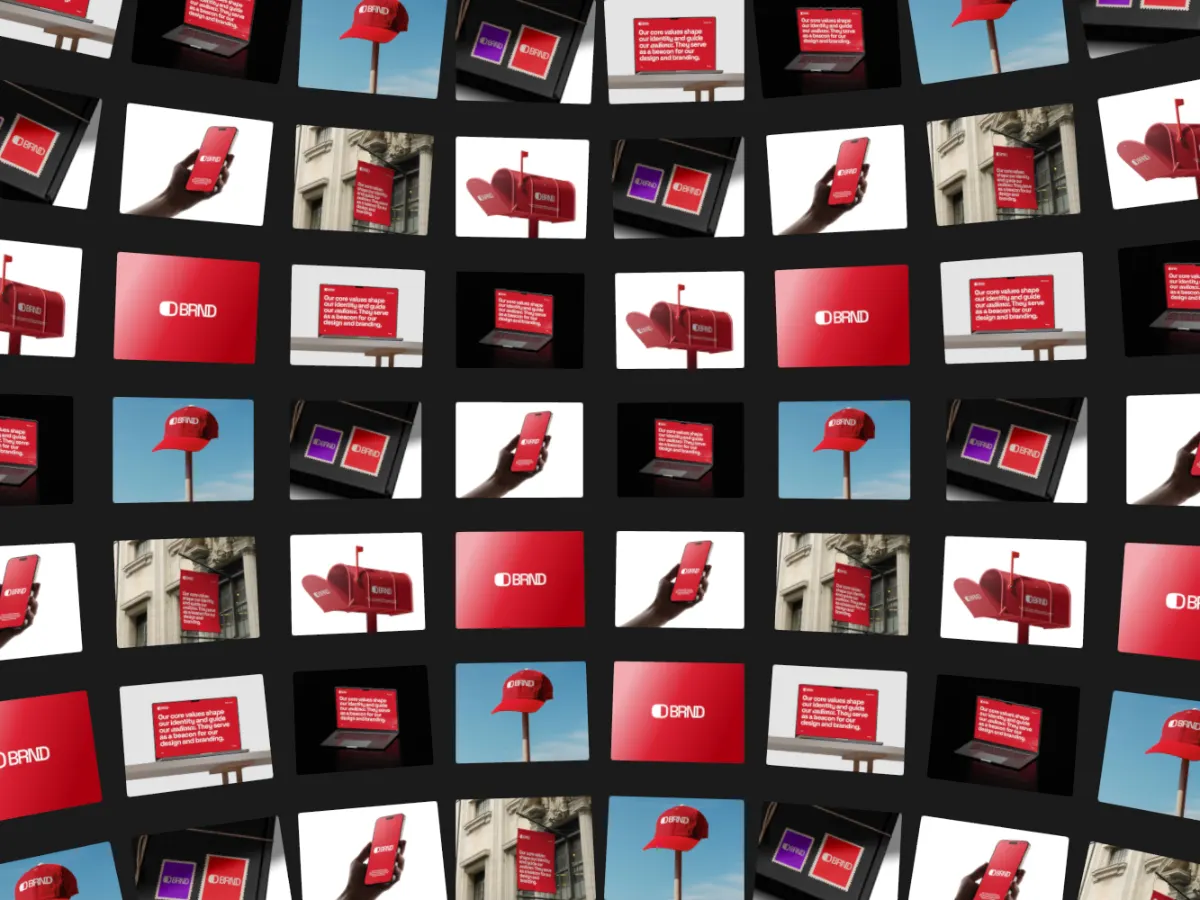
Other kinds of motion
- 3D & Perspective 21
- Multiscene 8
- Isometric 4
- Orbit 9
- Carousel & Flow 13
- Grid 11
- Spotlight & Focus 8
- Reveal & Wipe 6
- Stack & Scatter 10