Grid Zoom Strip: a 3x3 grid that zooms in and tours every card
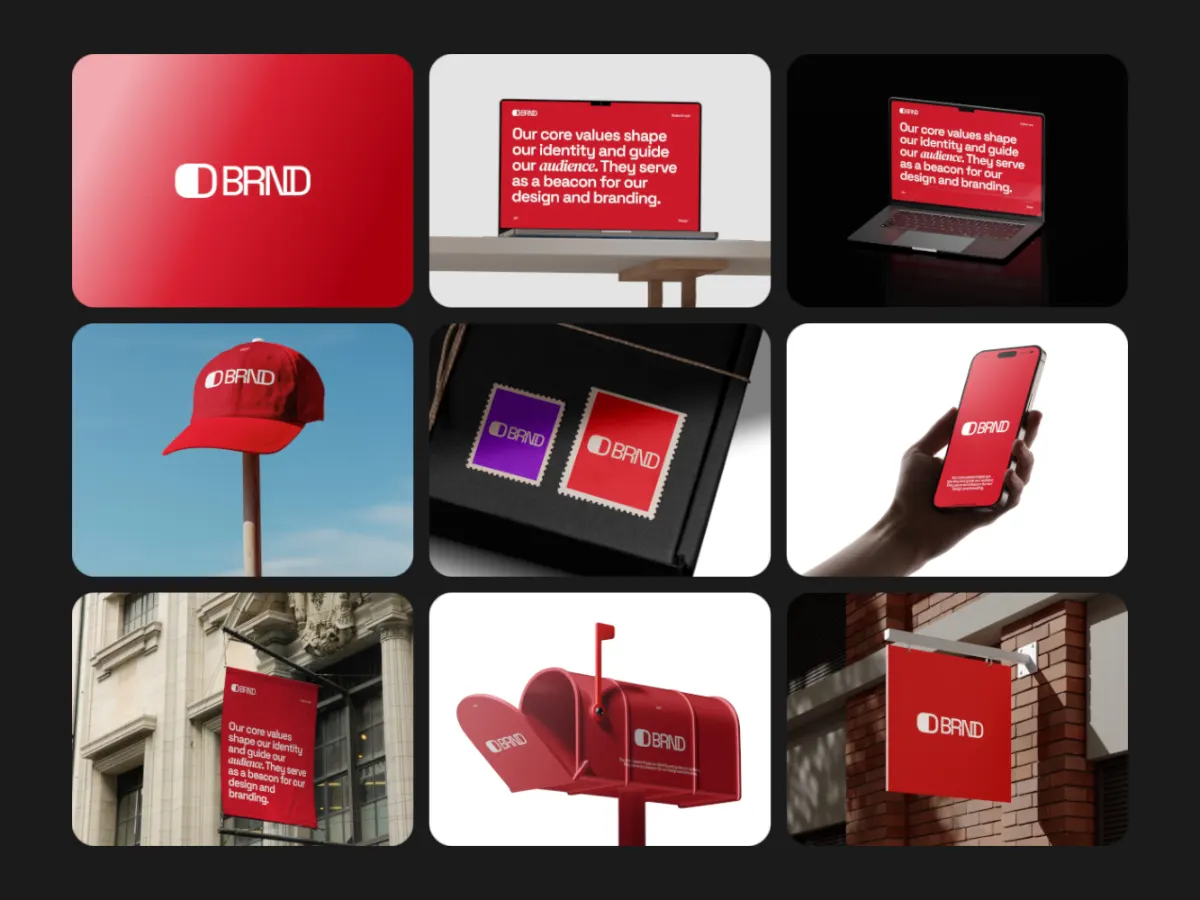
A 3x3 grid; the camera zooms into one card, travels along the rest, then pulls back out.
Opens in the studio with sample work. Free at 720p.
How Grid Zoom Strip moves
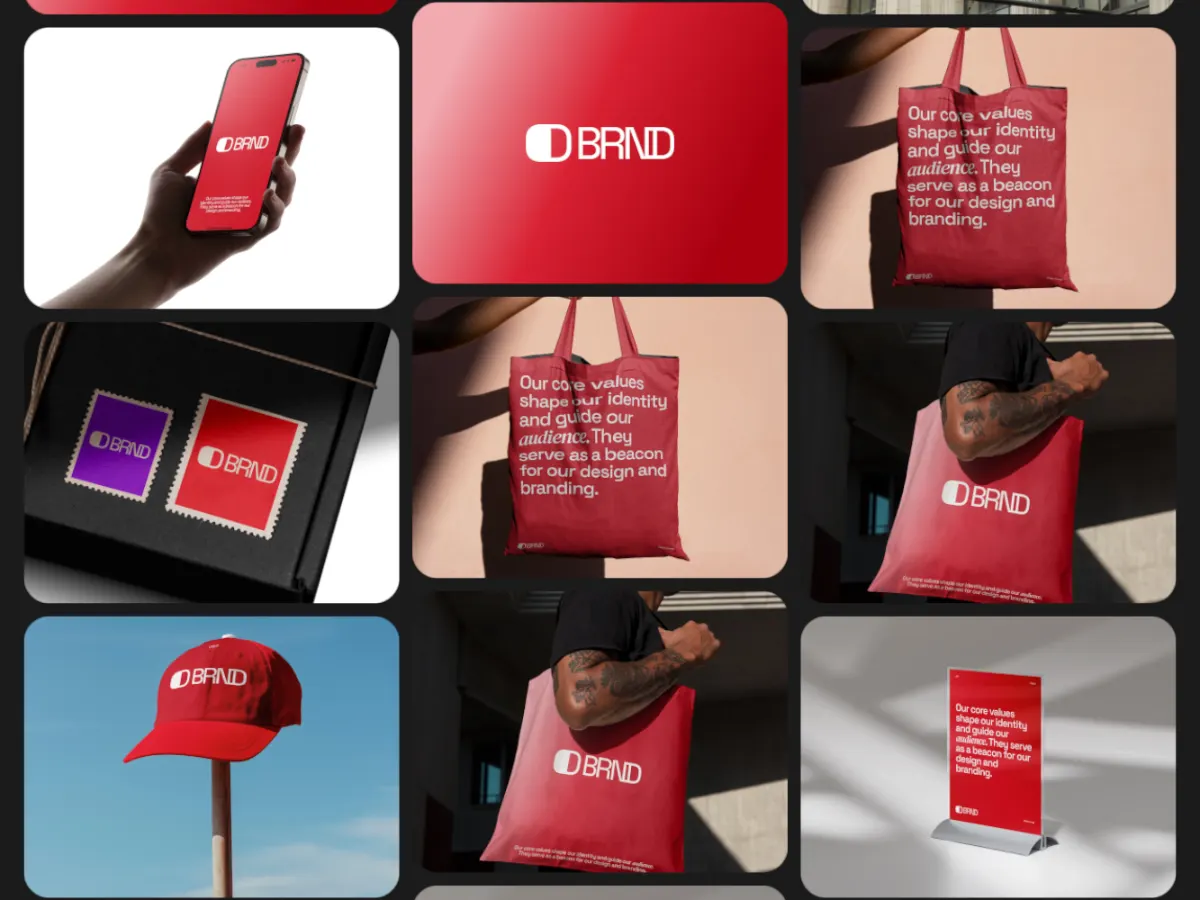
Grid Zoom Strip shows nine images as a 3x3 grid that fills the frame, then zooms into the first (or the centre) card. While zoomed in, the grid folds into one strip and the camera travels along it card by card, before pulling back out to the full grid. Each card takes the shape of the frame, so screenshots fill it edge to edge. A clear structure for presenting nine screens or nine shots, at 16:9 or 1:1.
In the studio you can tune its 9 settings along with the background, shadow and loop length, and your images never leave your device.
Grid Zoom Strip settings
Every setting below is in the studio panel for Grid Zoom Strip. Each one changes the loop live, so you can try values while it plays.
| Setting | Range | Starts at |
|---|---|---|
| Padding | 0% to 20% | 6% |
| Corner radius | 0% to 12% | 3% |
| Zoom | 1.2 to 3 | 2 |
| Gap | 0% to 8% | 2% |
| Fade | Off, On | Off |
| Easing | Custom, Smooth, Natural, Slow down, Snappy, Accelerate, Elastic, Bounce, Overshoot, Impulse, Swing, Linear | Smooth |
| Direction | Horizontal, Vertical | Horizontal |
| Zoom target | Start (card 1), Center (card 5) | Start (card 1) |
| Movement | Smooth, Stepped | Smooth |
Make a Grid Zoom Strip video
- Step 1
Open the template
"Use this template" opens Grid Zoom Strip in the studio at 16:9, already playing with sample work.
- Step 2
Add your work
It starts with 9 spots for images or short videos. Empty spots repeat your images, so a few are enough.
- Step 3
Tune the motion
Change the 9 settings above, the loop length (6 seconds to start), background and shadow.
- Step 4
Export the loop
Download MP4 or WebM. 720p is free with a free account and no watermark; 1080p, 2K and 4K come with Pro.
Where Grid Zoom Strip works well
More Multiscene templates
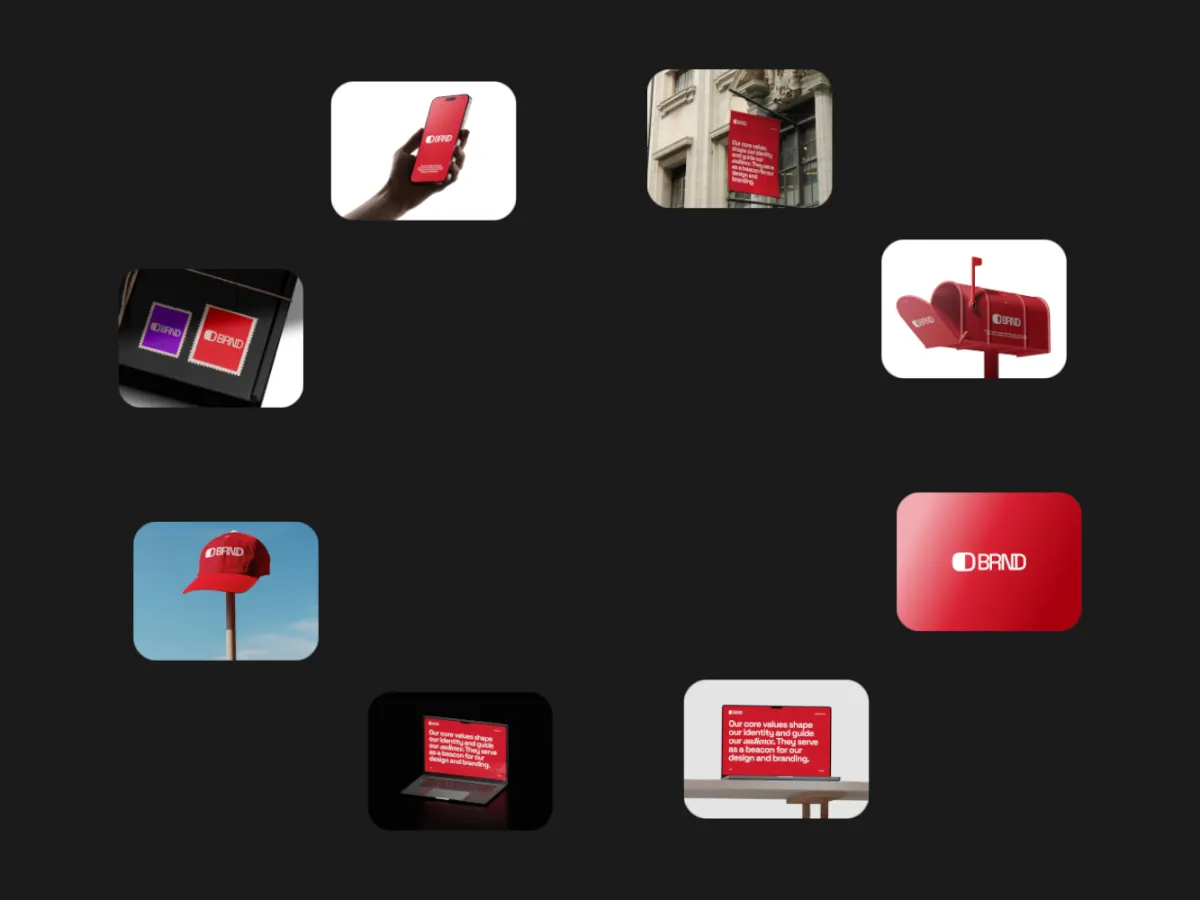
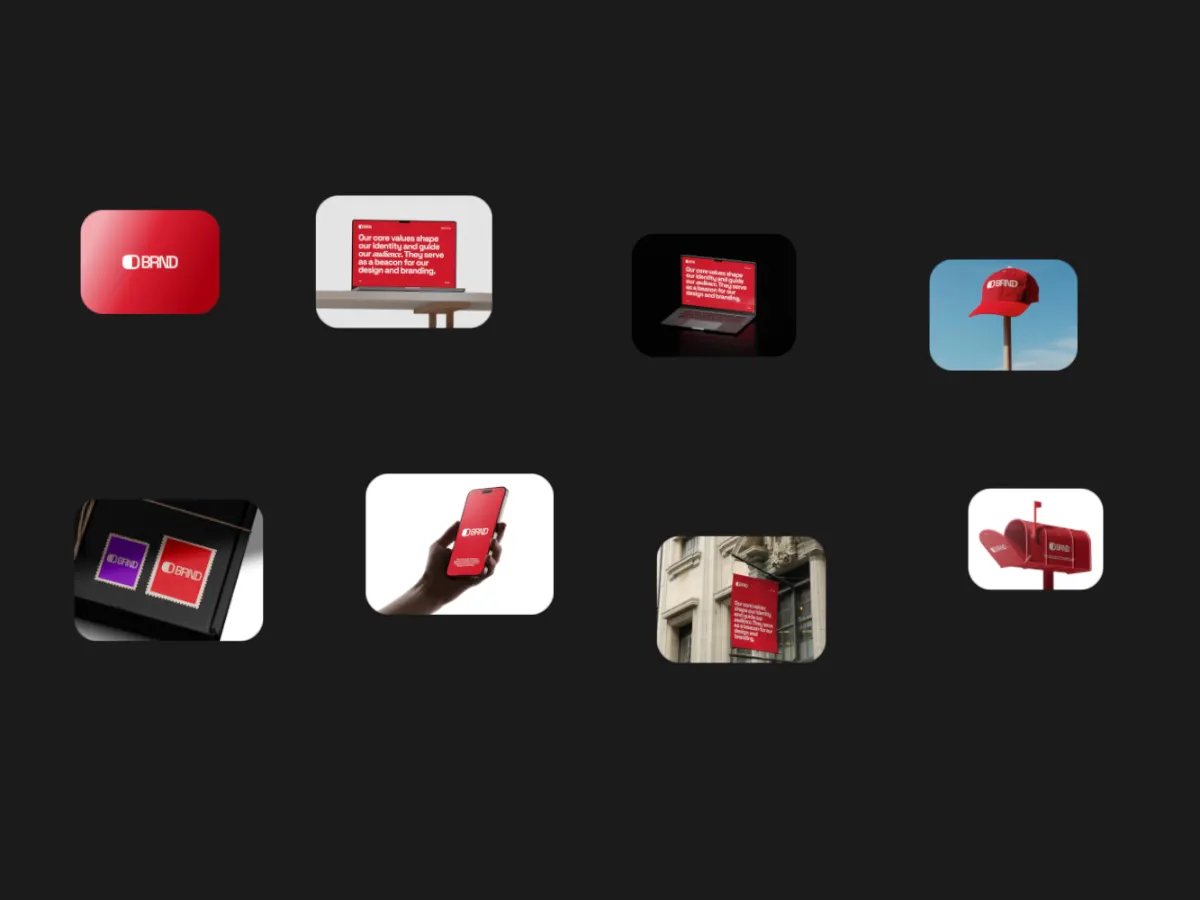
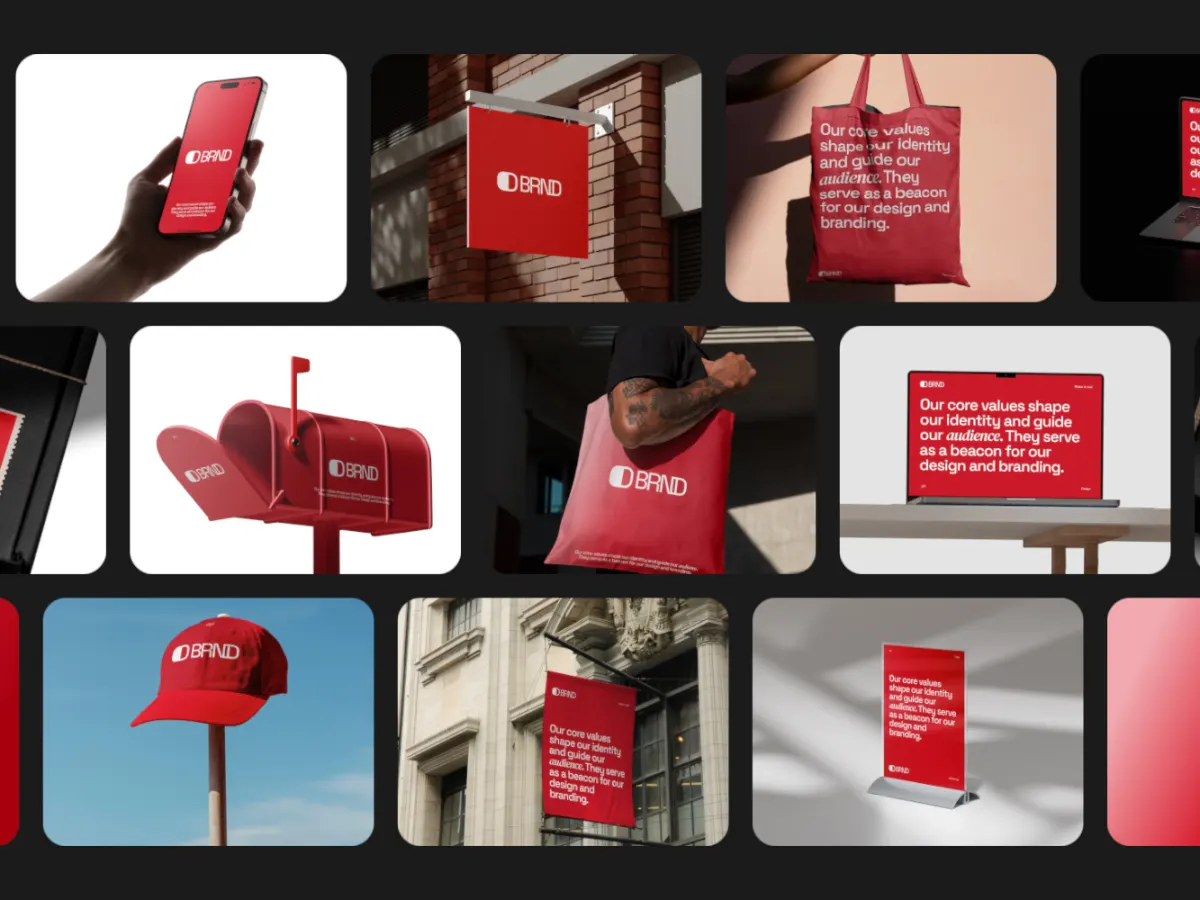
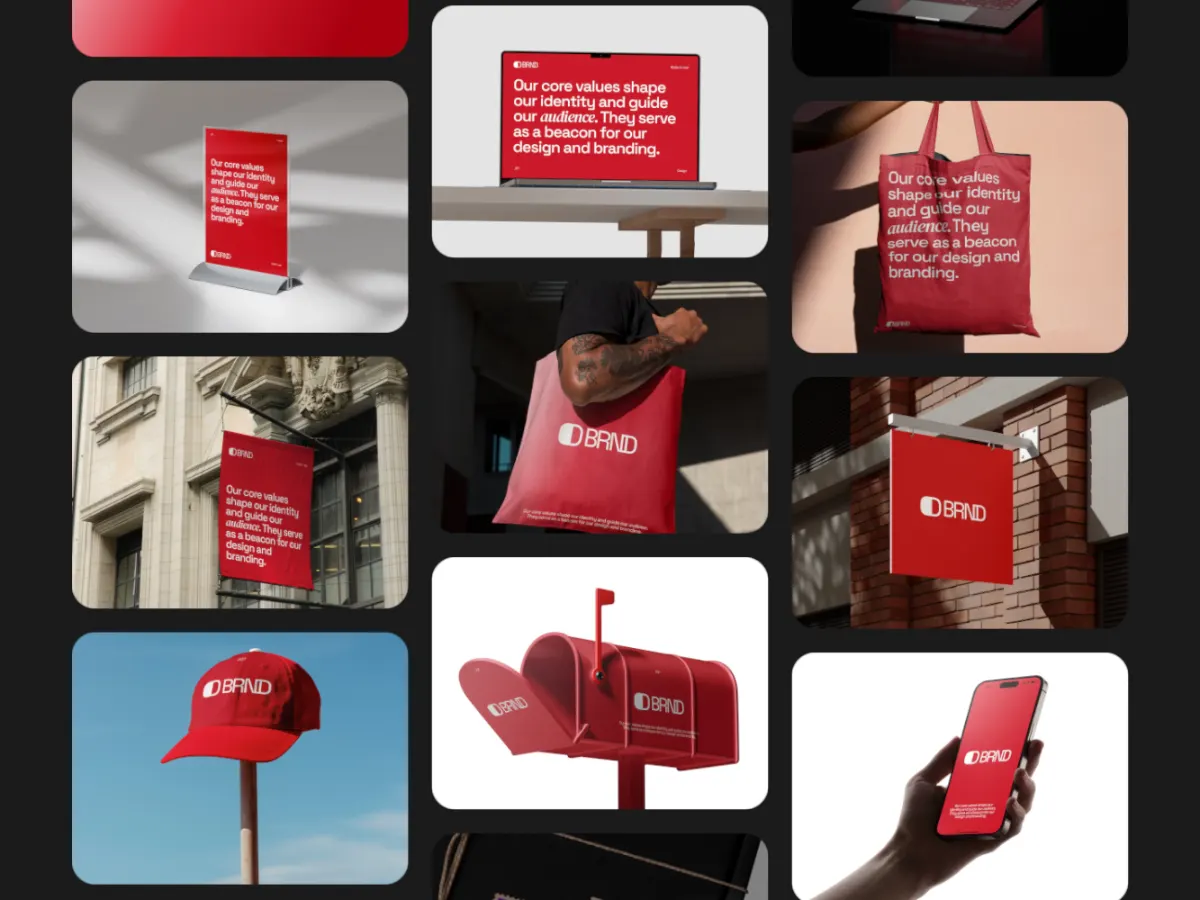
Other kinds of motion
- 3D & Perspective 13
- Multiscene 8
- Isometric 4
- Orbit 9
- Carousel & Flow 11
- Grid 9
- Spotlight & Focus 4
- Reveal & Wipe 4
- Stack & Scatter 8