Wheel Spin Bottom: a large wheel of cards rising from the bottom edge
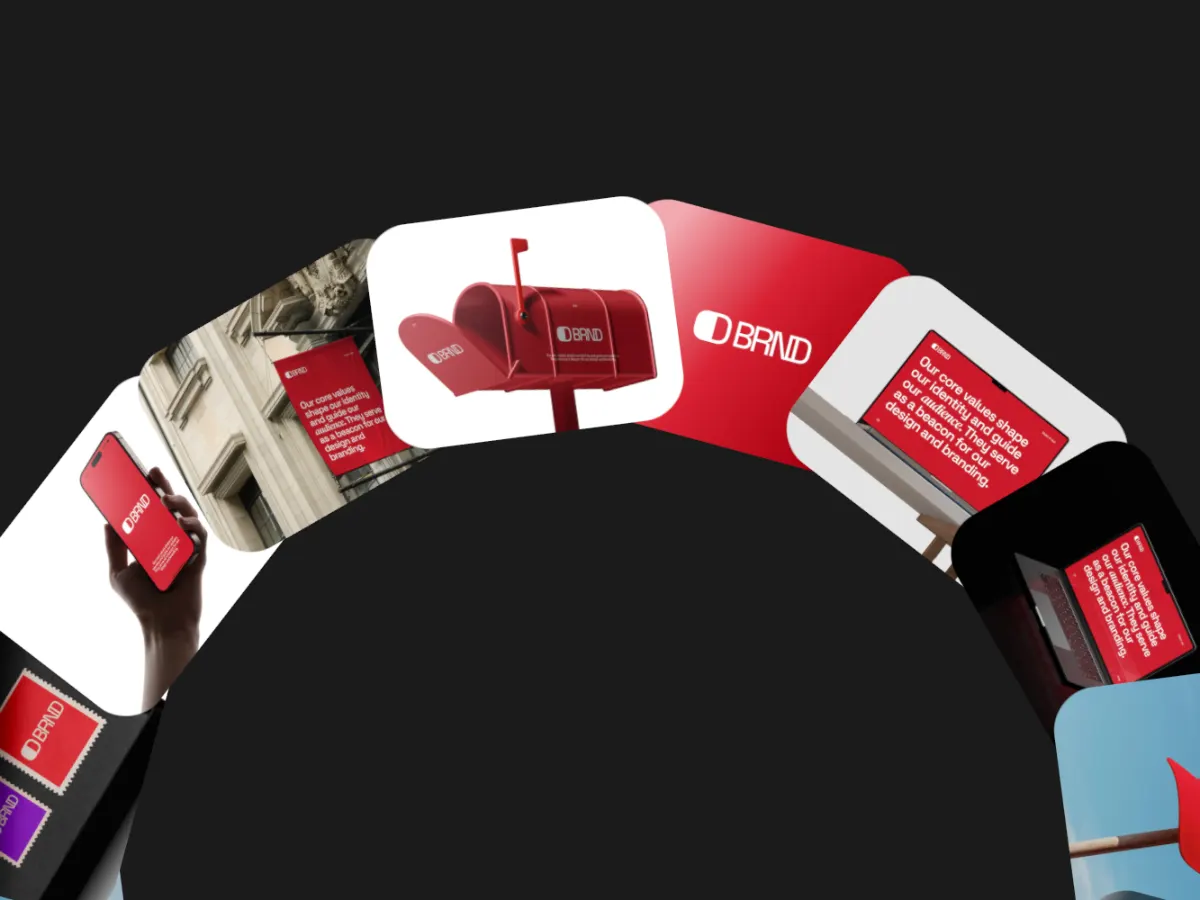
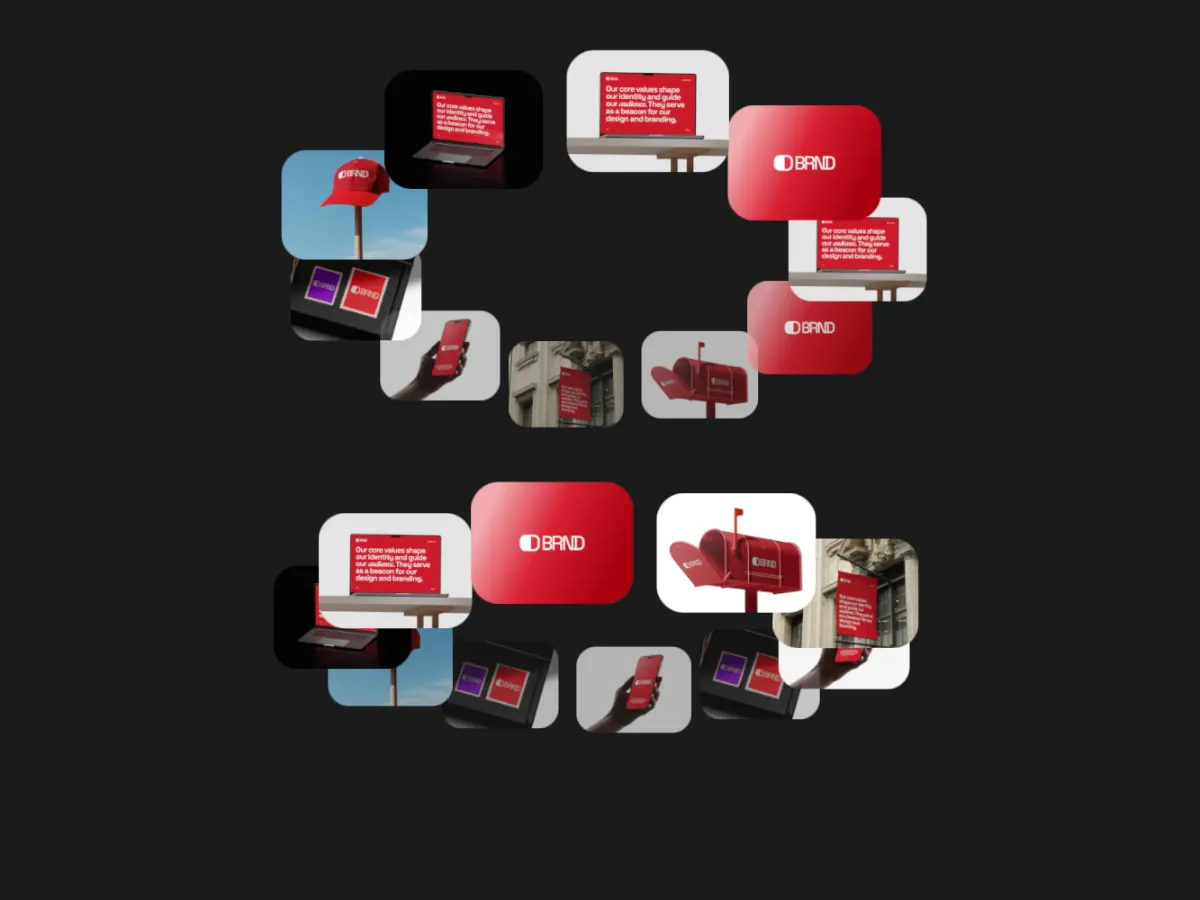
The top arc of a big wheel rises from the bottom of the frame, cards packed tight along it.
Opens in the studio with sample work. Free at 720p.
How Wheel Spin Bottom moves
Wheel Spin Bottom uses a much larger wheel whose top arc rises from the bottom edge of the frame, with cards packed tightly along it, so you see a sweeping arc rather than a full circle. The wheel turns continuously or ticks card by card, and the cards can follow it, self-rotate or flip in 3D. It leaves the upper half of the frame open for a title, which works well for announcement graphics at 16:9.
In the studio you can tune its 8 settings along with the background, shadow and loop length, and your images never leave your device.
Wheel Spin Bottom settings
Every setting below is in the studio panel for Wheel Spin Bottom. Each one changes the loop live, so you can try values while it plays.
| Setting | Range | Starts at |
|---|---|---|
| Corner radius | 0% to 12% | 5% |
| Card size | 10% to 36% | 20% |
| Wheel size | 30% to 90% | 50% |
| Rotations / loop | 1 to 4 | 1 |
| Easing | Custom, Smooth, Natural, Slow down, Snappy, Accelerate, Elastic, Bounce, Overshoot, Impulse, Swing, Linear | Smooth |
| Direction | Clockwise, Counter-clockwise | Clockwise |
| Movement | Continuous, Stepped (tick) | Continuous |
| Spin style | None (follow wheel), Self-rotate, 3D flip | None (follow wheel) |
Make a Wheel Spin Bottom video
- Step 1
Open the template
"Use this template" opens Wheel Spin Bottom in the studio at 16:9, already playing with sample work.
- Step 2
Add your work
It starts with 8 spots for images or short videos. Empty spots repeat your images, so a few are enough.
- Step 3
Tune the motion
Change the 8 settings above, the loop length (14 seconds to start), background and shadow.
- Step 4
Export the loop
Download MP4 or WebM. 720p is free with a free account and no watermark; 1080p, 2K and 4K come with Pro.
Where Wheel Spin Bottom works well
More Orbit templates
Other kinds of motion
- 3D & Perspective 13
- Multiscene 8
- Isometric 4
- Orbit 9
- Carousel & Flow 11
- Grid 9
- Spotlight & Focus 4
- Reveal & Wipe 4
- Stack & Scatter 8