Split Reveal: two panels pushing new images in, one beat apart
Two side-by-side panels each push in a new picture, the second one a beat behind.
Opens in the studio with sample work. Free at 720p.
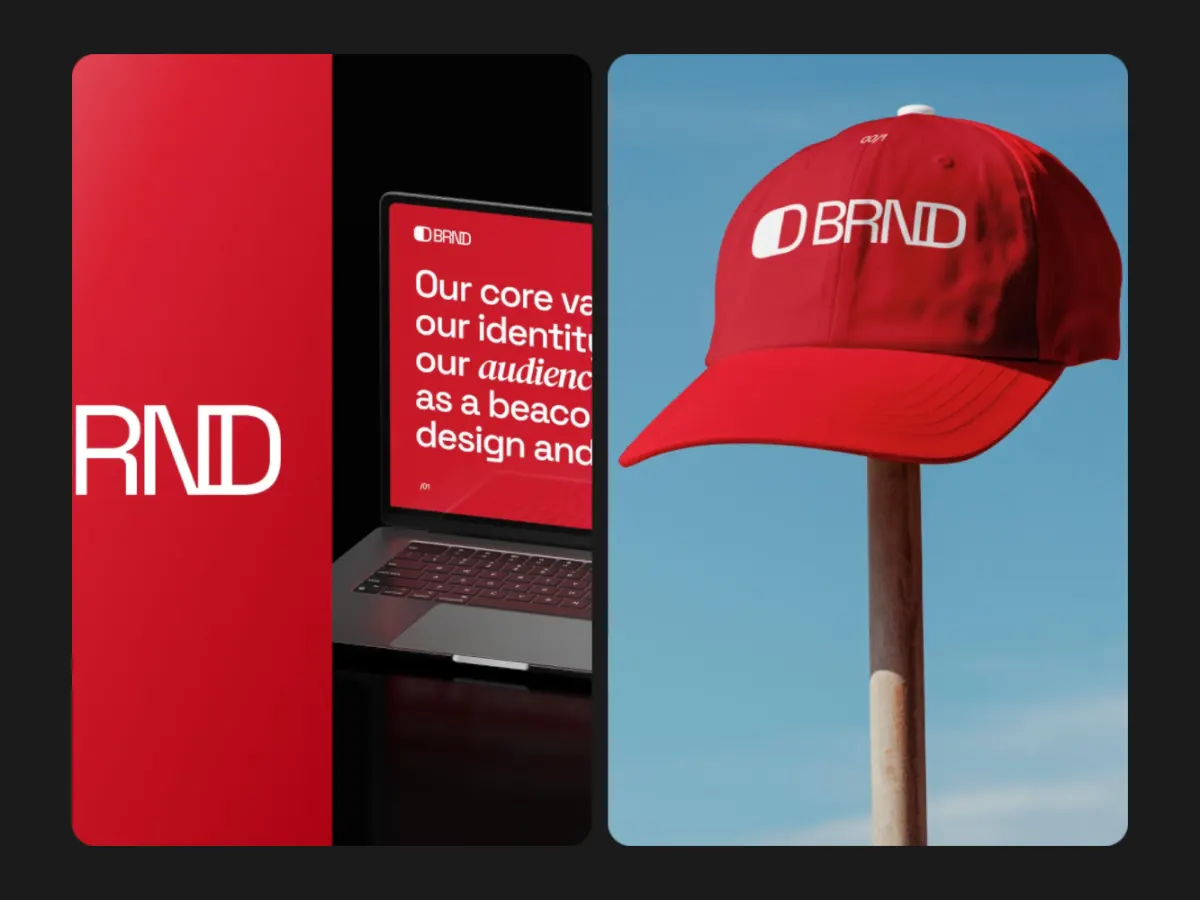
How Split Reveal moves
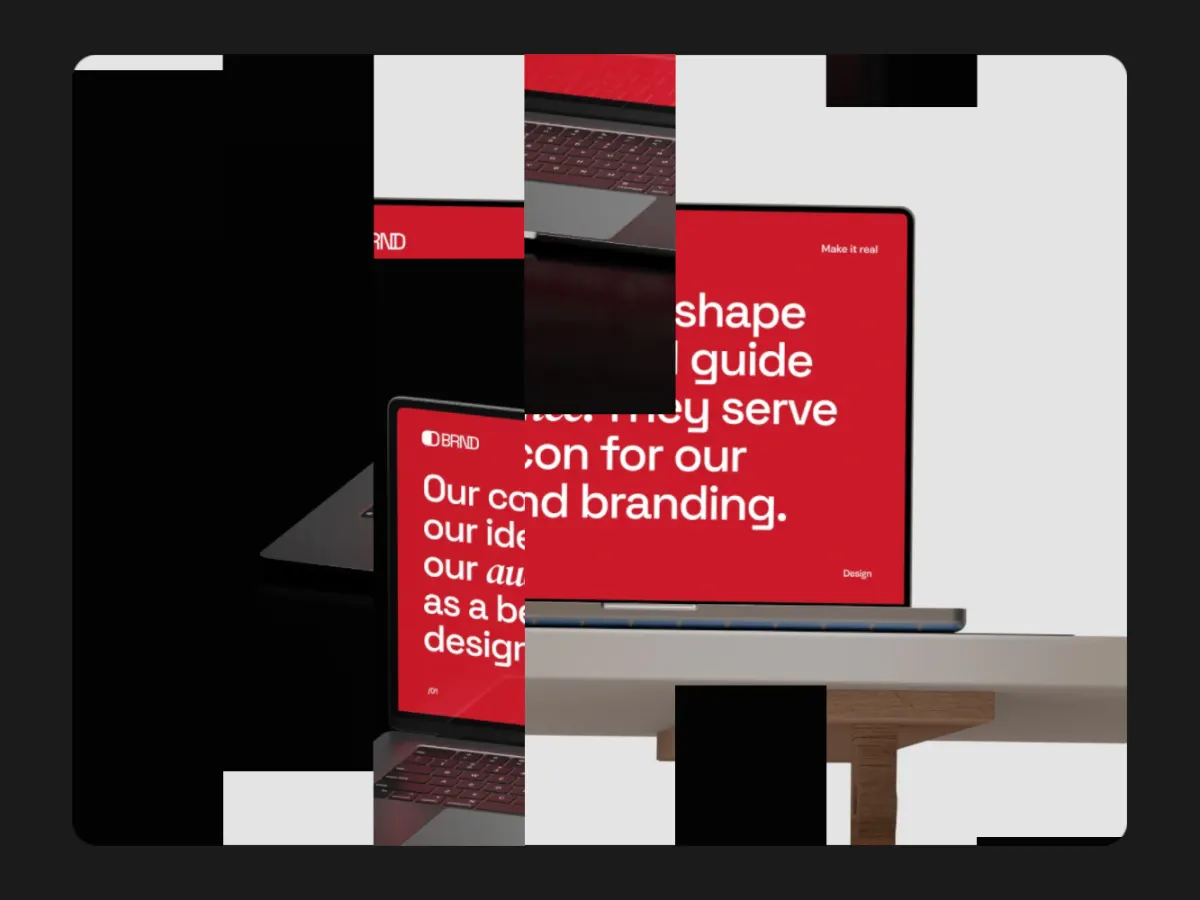
Split Reveal divides the frame into two panels and, at each change, pushes a new picture into each one from the left, the second panel a beat behind the first. The split ratio and gap are adjustable, and tall frames stack the panels. Four slots, shown two at a time. Handy for pairing a screen with its detail, or a product with its packaging, at 16:9.
In the studio you can tune its 5 settings along with the background, shadow and loop length, and your images never leave your device.
Split Reveal settings
Every setting below is in the studio panel for Split Reveal. Each one changes the loop live, so you can try values while it plays.
| Setting | Range | Starts at |
|---|---|---|
| Padding | 0% to 20% | 6% |
| Corner radius | 0% to 12% | 3% |
| Split ratio | 30% to 70% | 50% |
| Gap | 0% to 8% | 2% |
| Easing | Custom, Smooth, Natural, Slow down, Snappy, Accelerate, Elastic, Bounce, Overshoot, Impulse, Swing, Linear | Smooth |
Make a Split Reveal video
- Step 1
Open the template
"Use this template" opens Split Reveal in the studio at 16:9, already playing with sample work.
- Step 2
Add your work
It starts with 4 spots for images or short videos. Empty spots repeat your images, so a few are enough.
- Step 3
Tune the motion
Change the 5 settings above, the loop length (8 seconds to start), background and shadow.
- Step 4
Export the loop
Download MP4 or WebM. 720p is free with a free account and no watermark; 1080p, 2K and 4K come with Pro.
Where Split Reveal works well
More Reveal & Wipe templates

Other kinds of motion
- 3D & Perspective 13
- Multiscene 8
- Isometric 4
- Orbit 9
- Carousel & Flow 11
- Grid 9
- Spotlight & Focus 4
- Reveal & Wipe 4
- Stack & Scatter 8