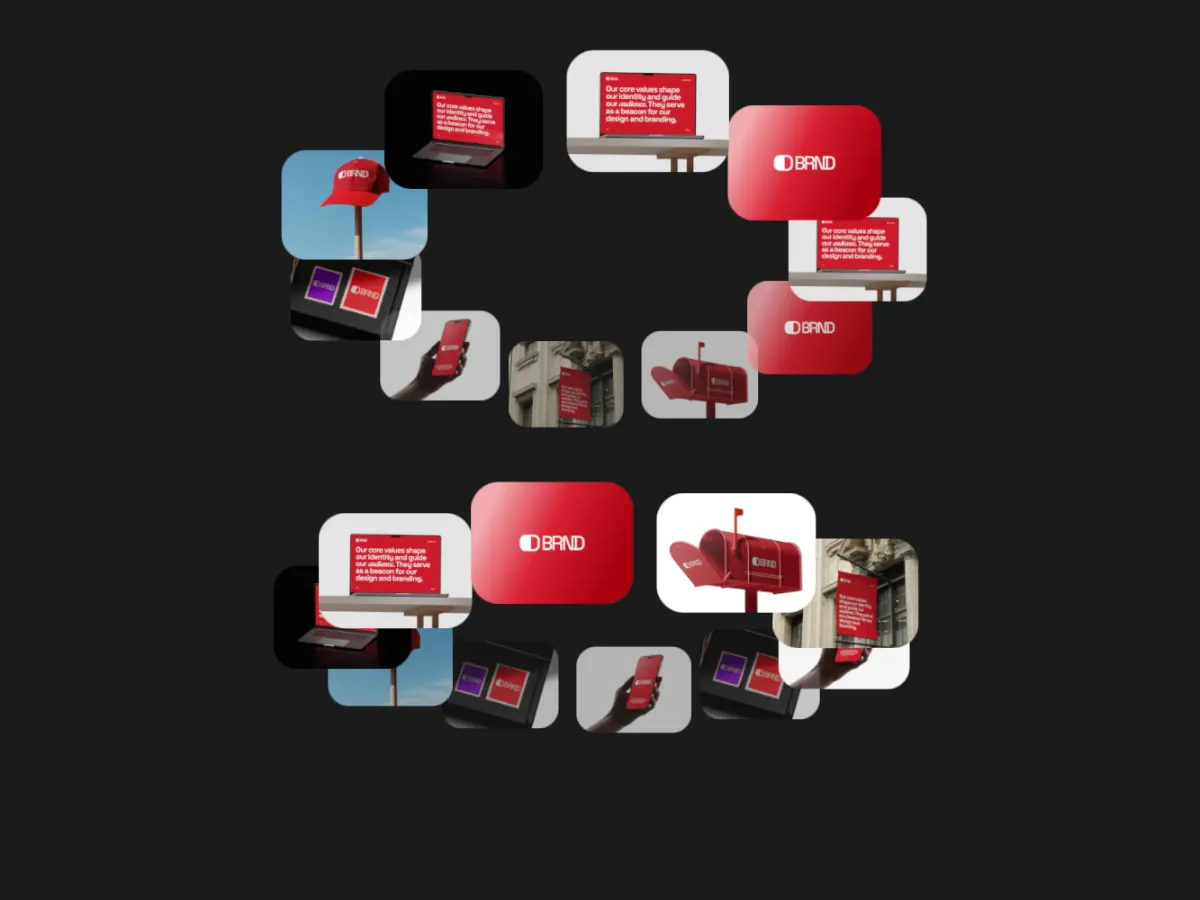
Vortex Spin: rings of cards spinning into a funnel
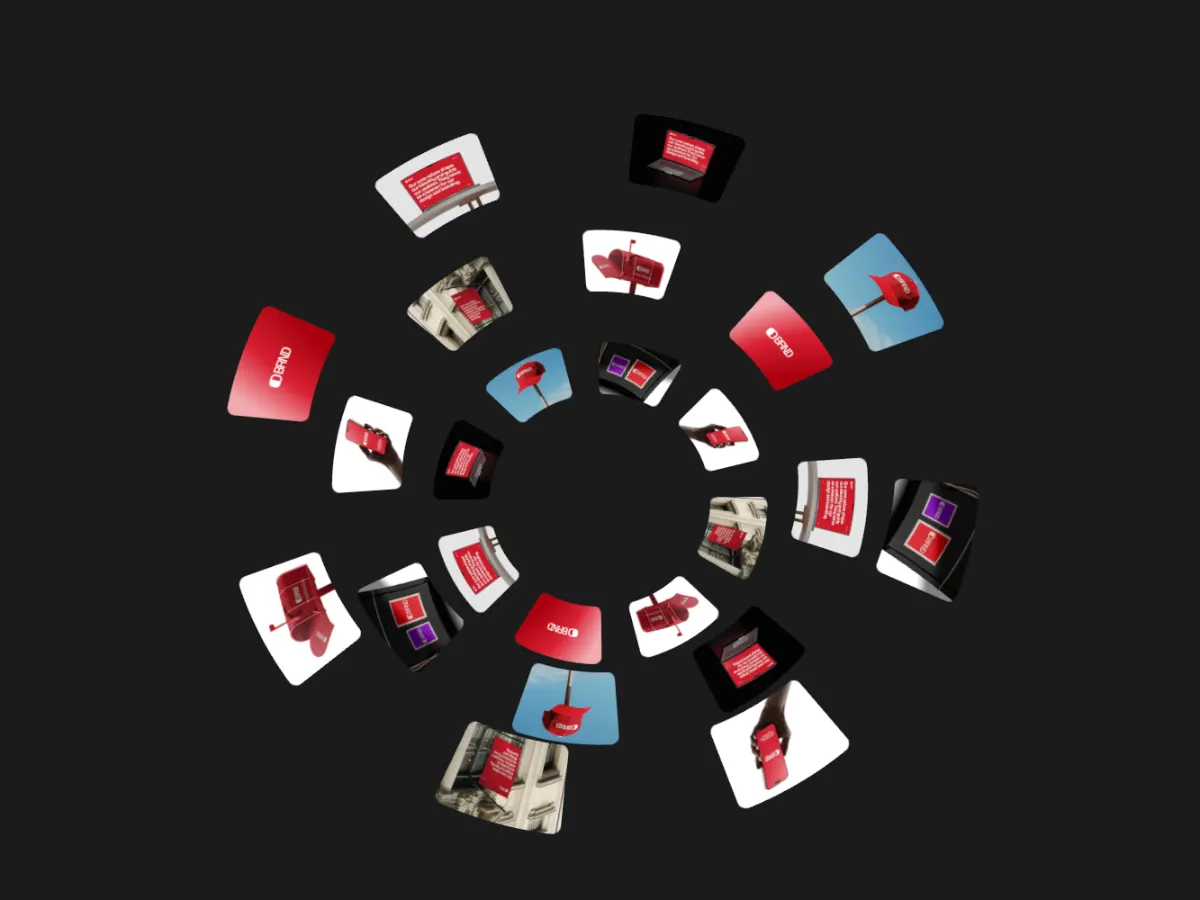
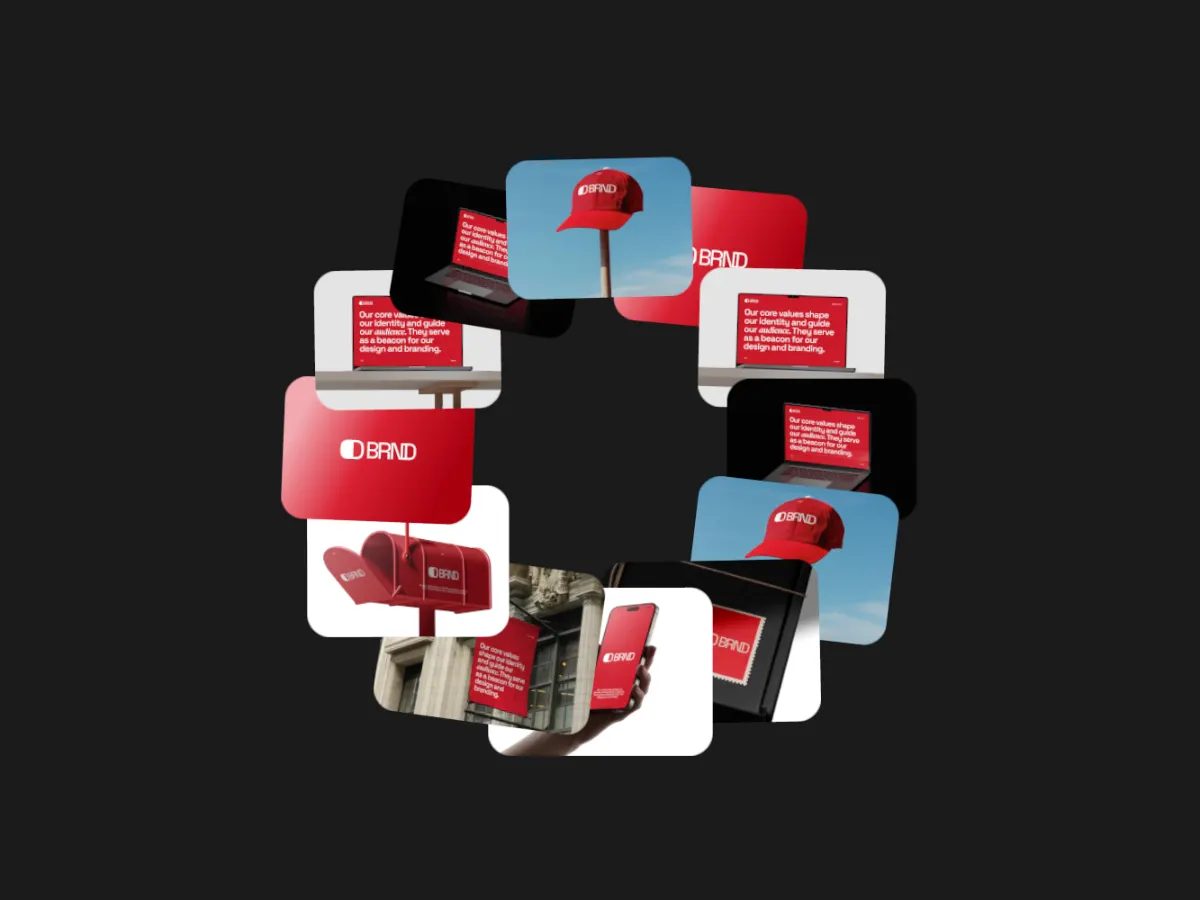
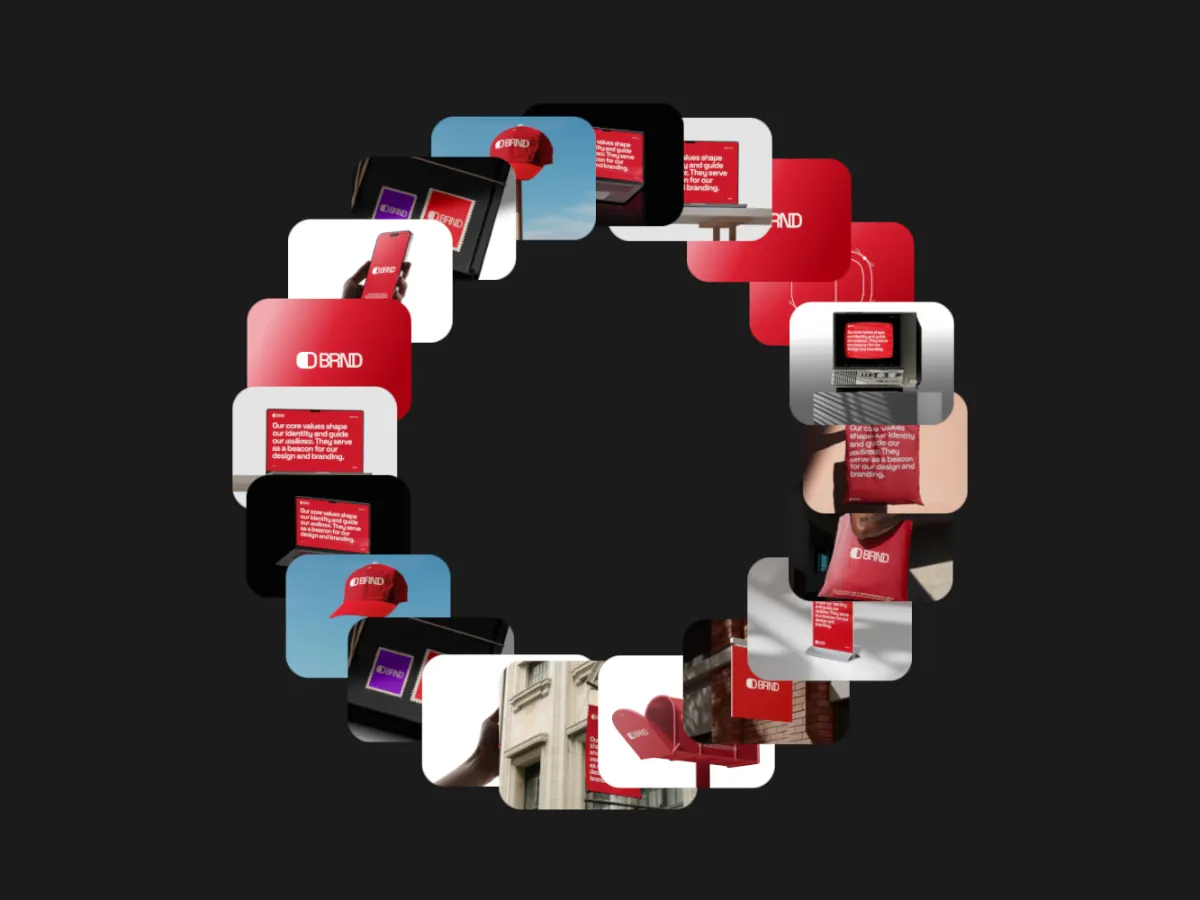
Two to four rings of cards spin into a funnel, inner rings deeper, alternating direction.
Opens in the studio with sample work. Free at 720p.
How Vortex Spin moves
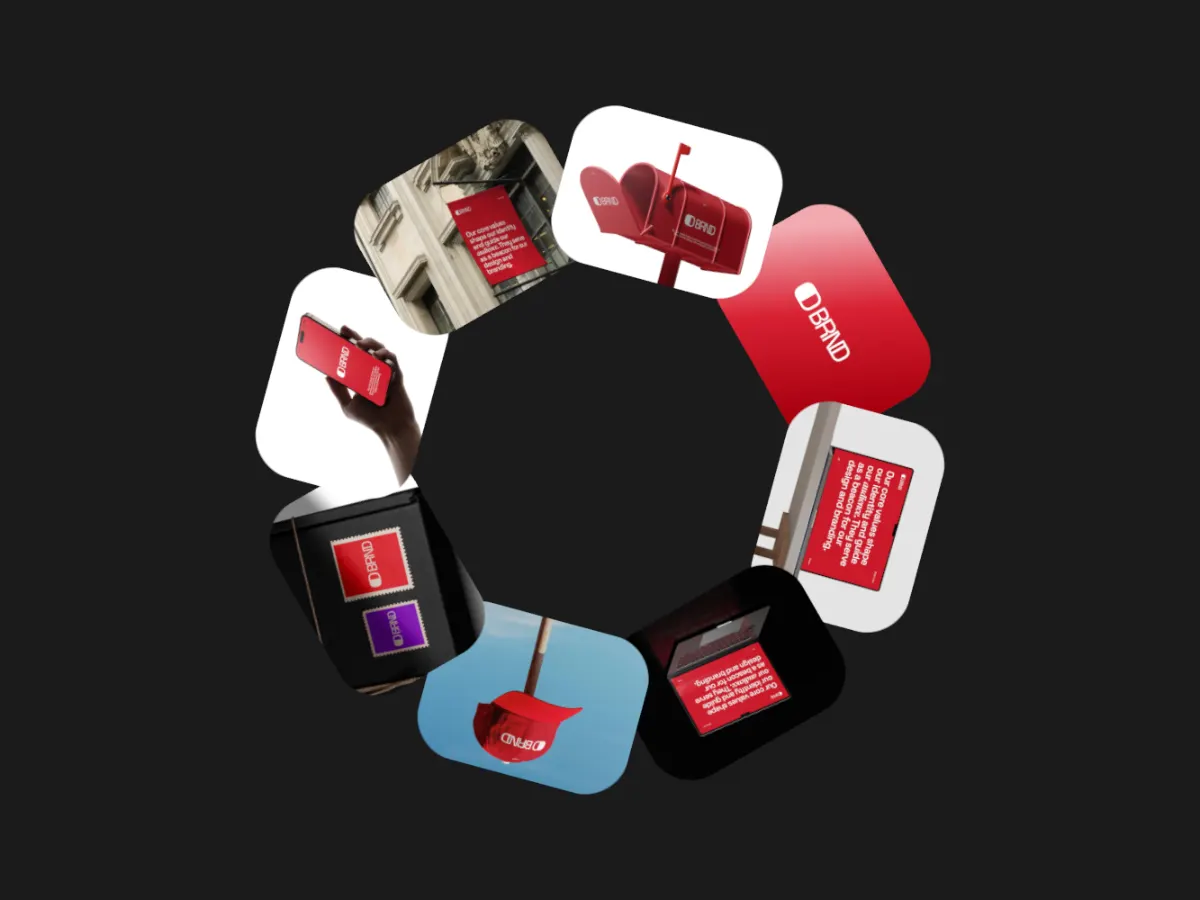
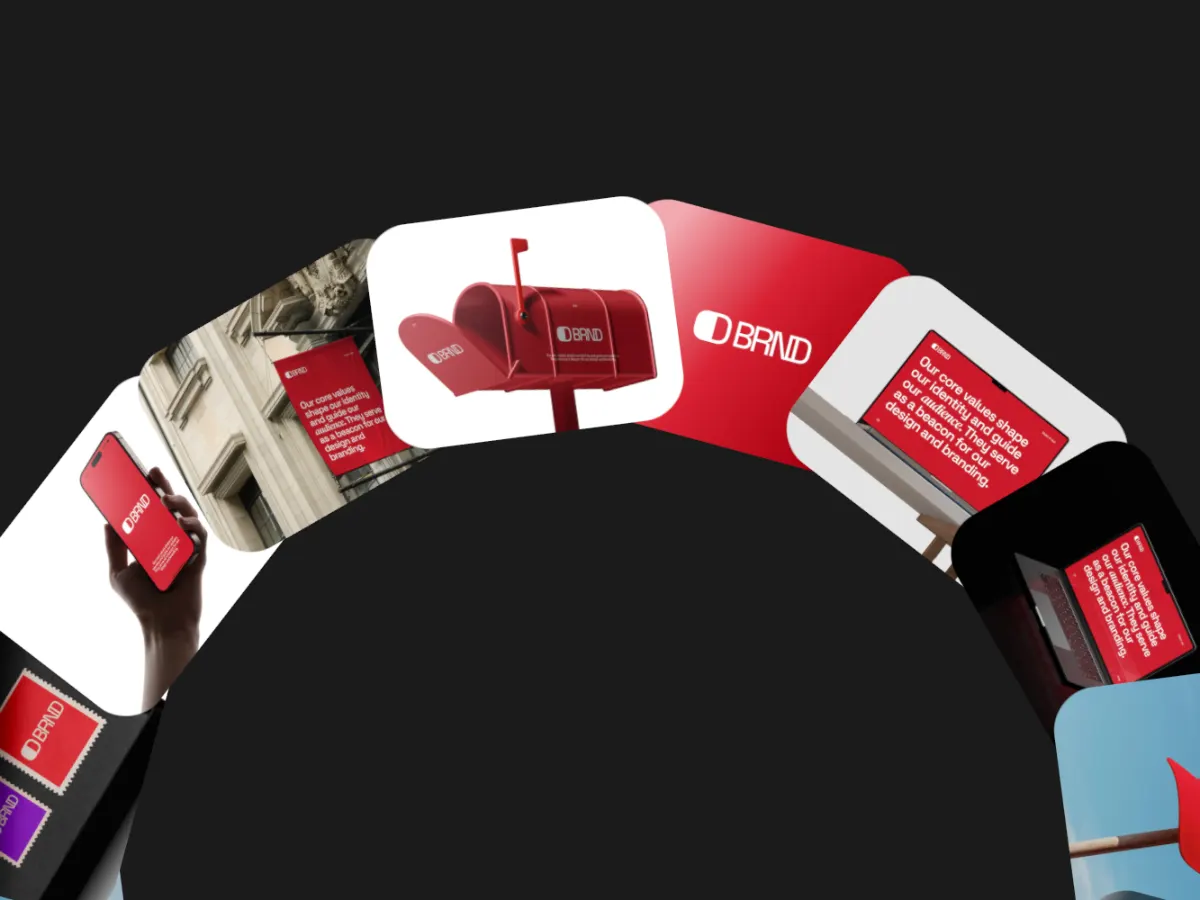
Vortex Spin arranges cards in two to four concentric rings and spins them, the inner rings set deeper so the whole thing reads as a funnel. By default the rings alternate direction, and they are offset by half a card so pictures never line up like spokes. Cards can curve with their ring like slices of a donut or stay flat. A hypnotic background for a music, fashion or creative studio post, at 1:1 or 16:9.
In the studio you can tune its 8 settings along with the background, shadow and loop length, and your images never leave your device.
Vortex Spin settings
Every setting below is in the studio panel for Vortex Spin. Each one changes the loop live, so you can try values while it plays.
| Setting | Range | Starts at |
|---|---|---|
| Corner radius | 0% to 12% | 1% |
| Rings | 2 to 4 | 3 |
| Ring size | 20% to 90% | 34% |
| Card size | 8% to 24% | 15% |
| Depth | 10% to 100% | 50% |
| Back fade | 0% to 80% | 35% |
| Card style | Curved, Flat | Curved |
| Direction | Clockwise, Counter-clockwise, Alternate | Alternate |
Make a Vortex Spin video
- Step 1
Open the template
"Use this template" opens Vortex Spin in the studio at 1:1, already playing with sample work.
- Step 2
Add your work
It starts with 8 spots for images or short videos. Empty spots repeat your images, so a few are enough.
- Step 3
Tune the motion
Change the 8 settings above, the loop length (20 seconds to start), background and shadow.
- Step 4
Export the loop
Download MP4 or WebM. 720p is free with a free account and no watermark; 1080p, 2K and 4K come with Pro.
Where Vortex Spin works well
More Orbit templates
Other kinds of motion
- 3D & Perspective 13
- Multiscene 8
- Isometric 4
- Orbit 9
- Carousel & Flow 11
- Grid 9
- Spotlight & Focus 4
- Reveal & Wipe 4
- Stack & Scatter 8