Hero Reel: a hero reel of one full-bleed image and a row of thumbnails
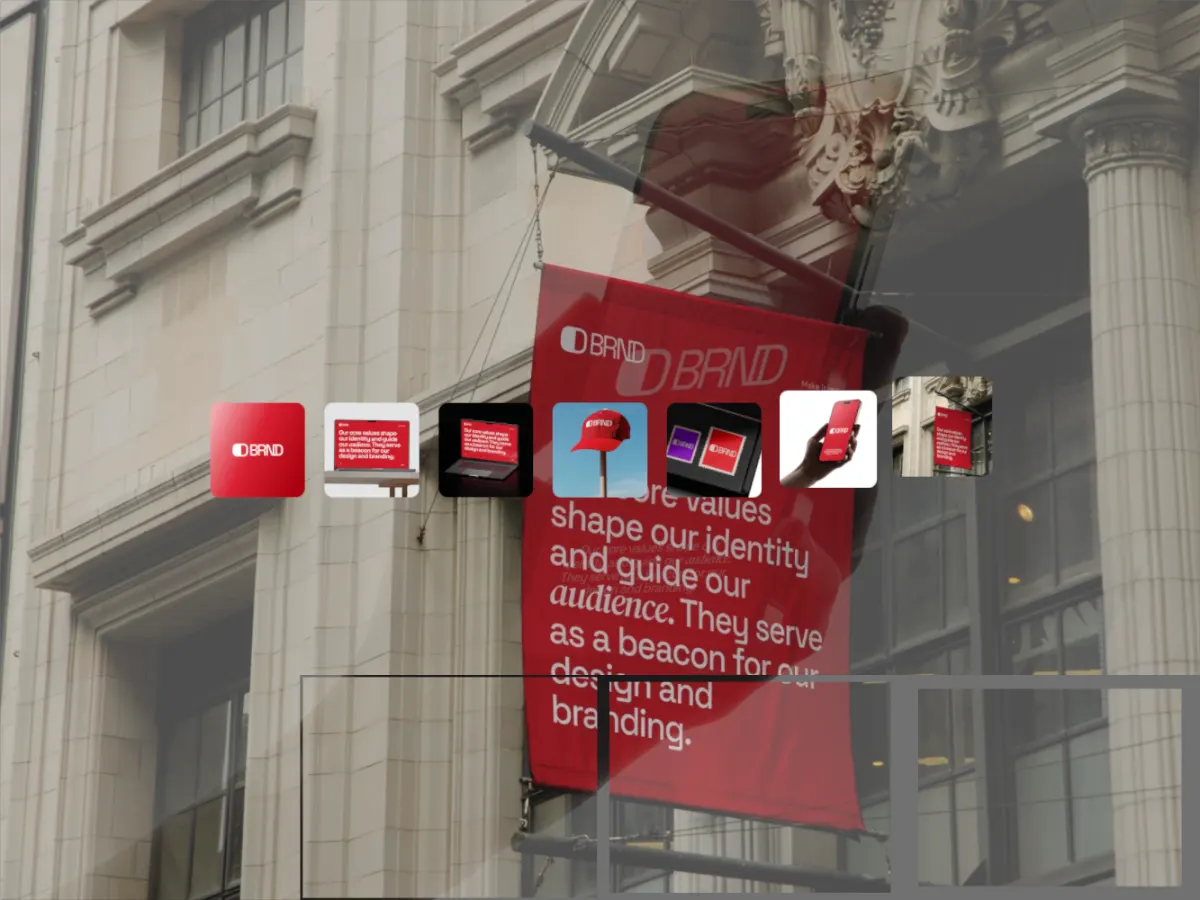
ProA full-bleed background image, a row of thumbnails across the middle, and tiled reveals. Make a hero reel of one full-bleed image and a row of thumbnails from your own screenshots, right in your browser: no After Effects, nothing to install.
Opens in the studio with sample work. Try it free; exporting it needs Pro.
How Hero Reel moves
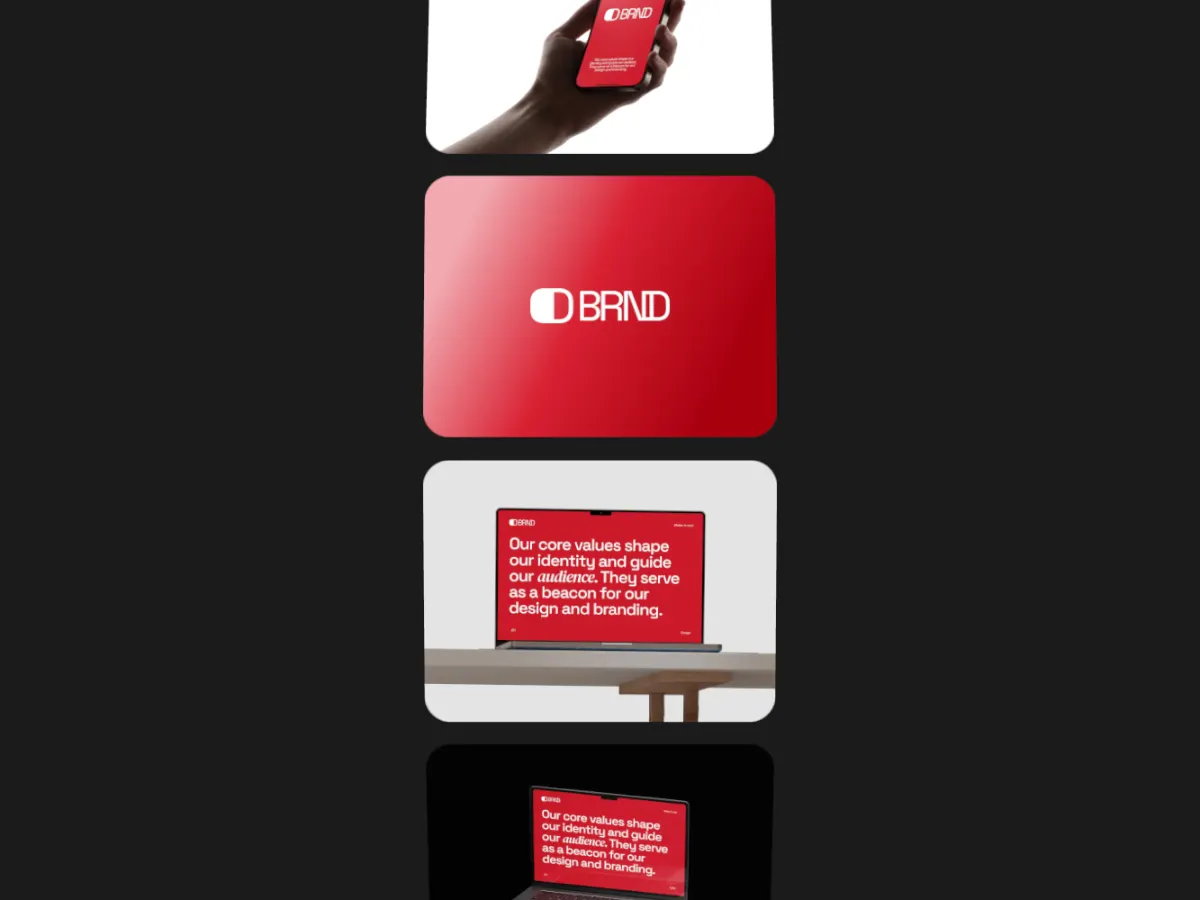
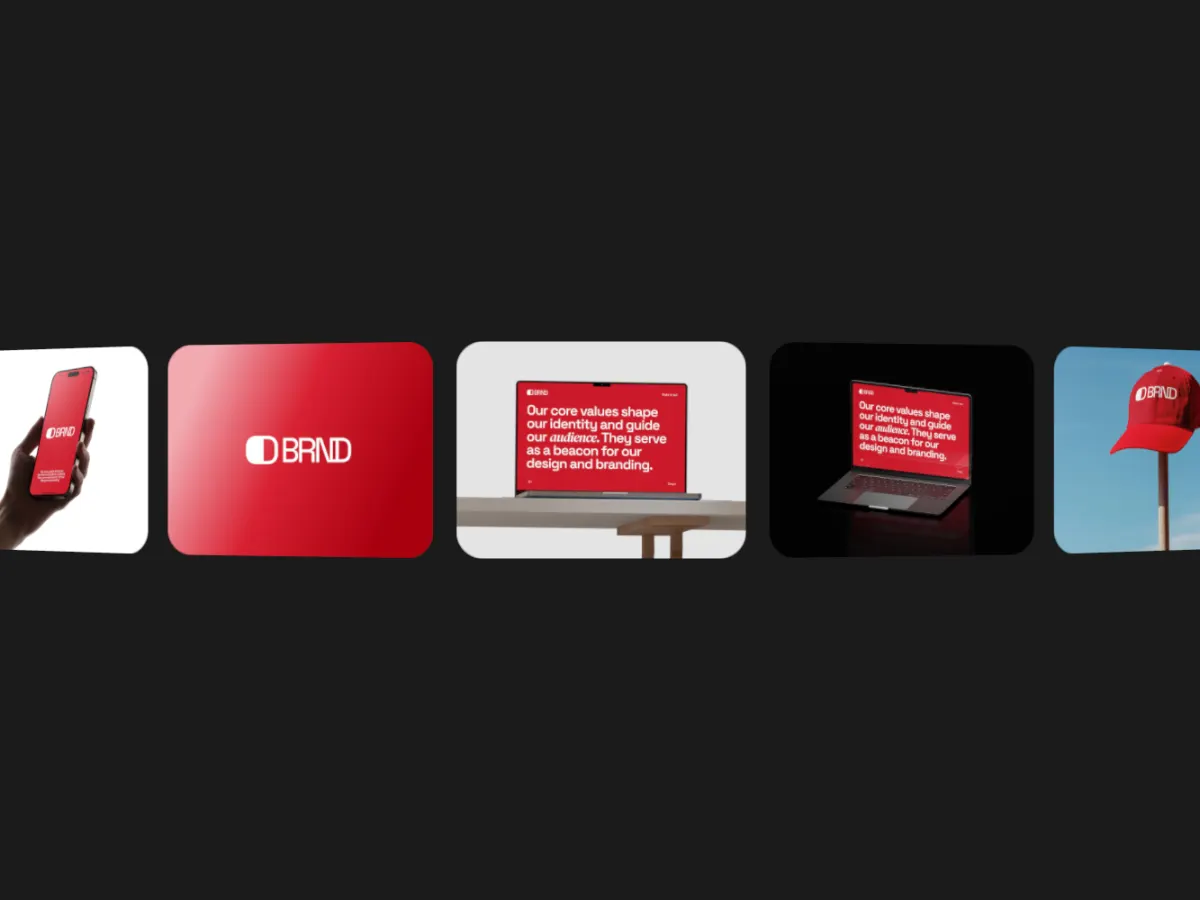
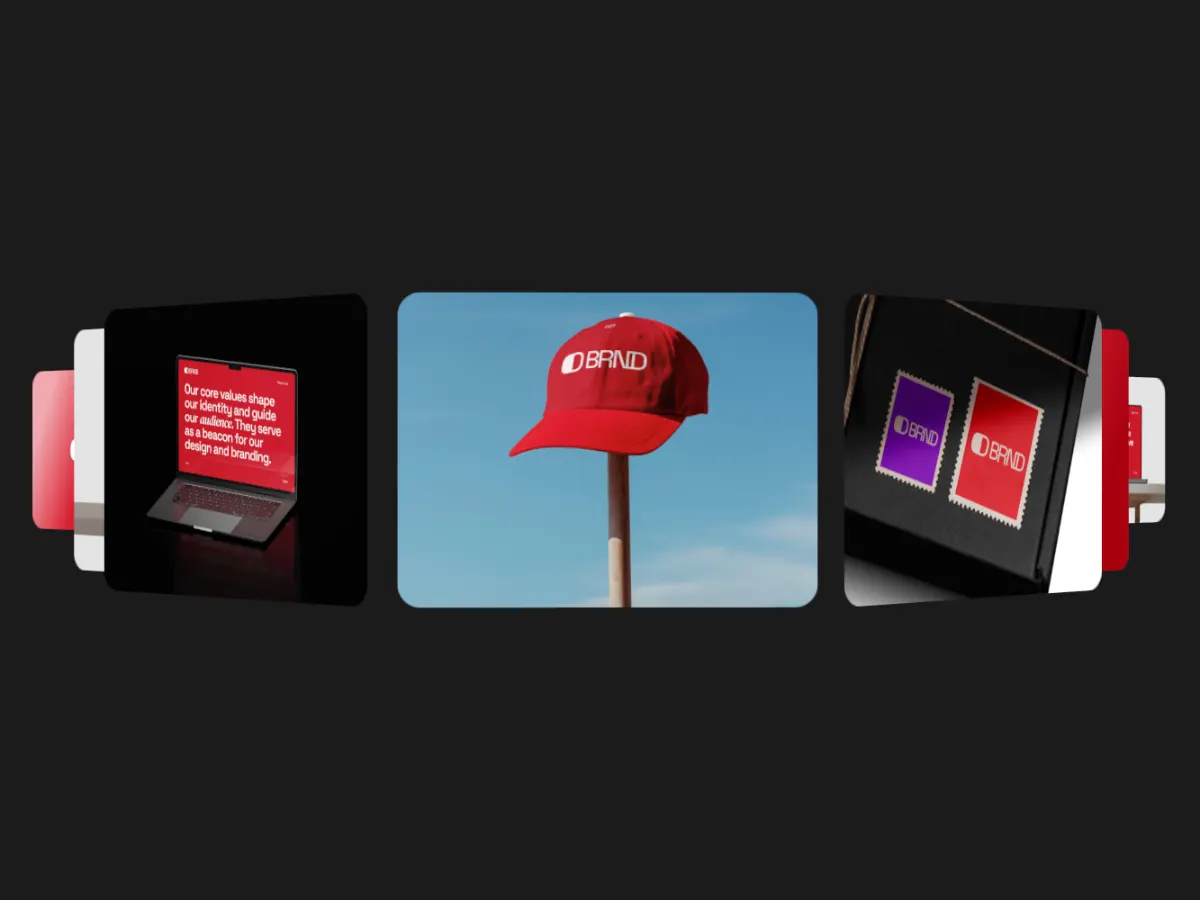
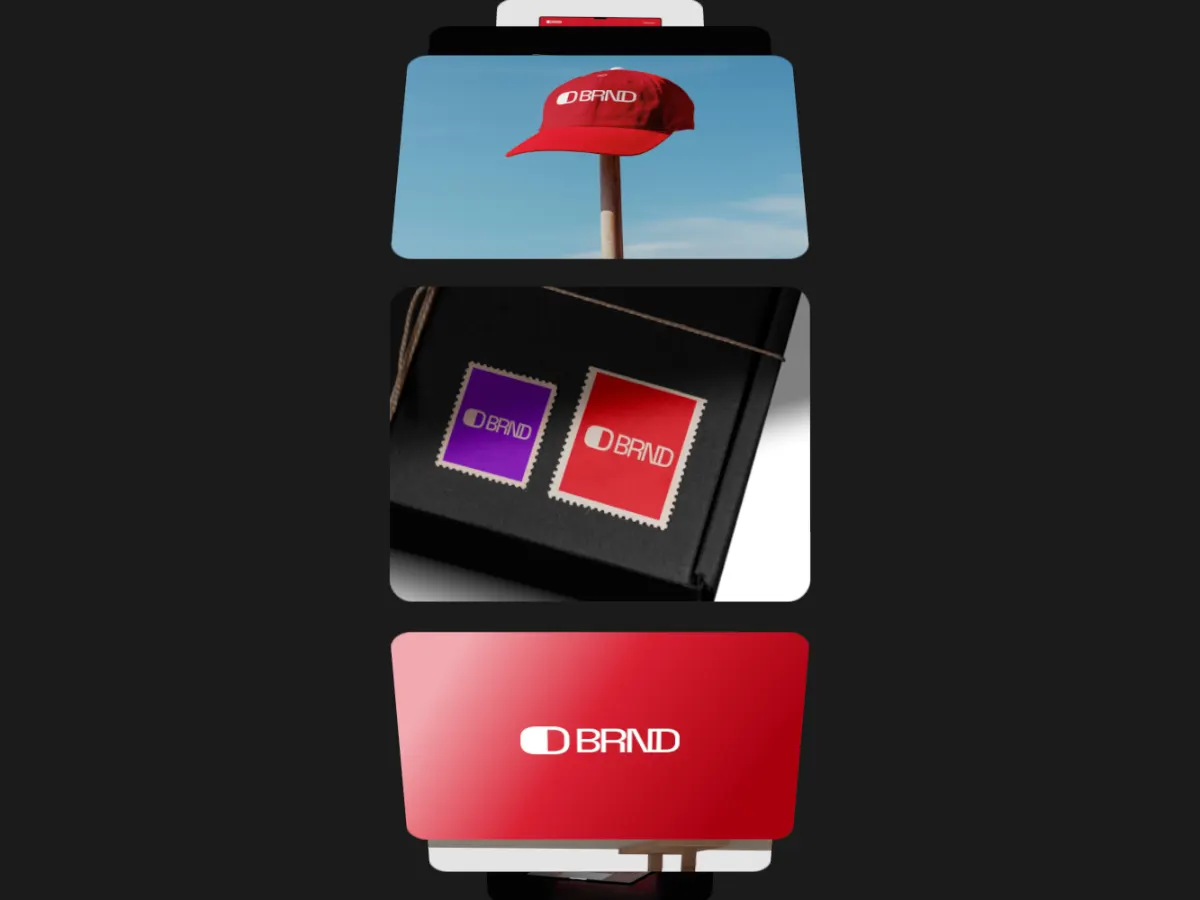
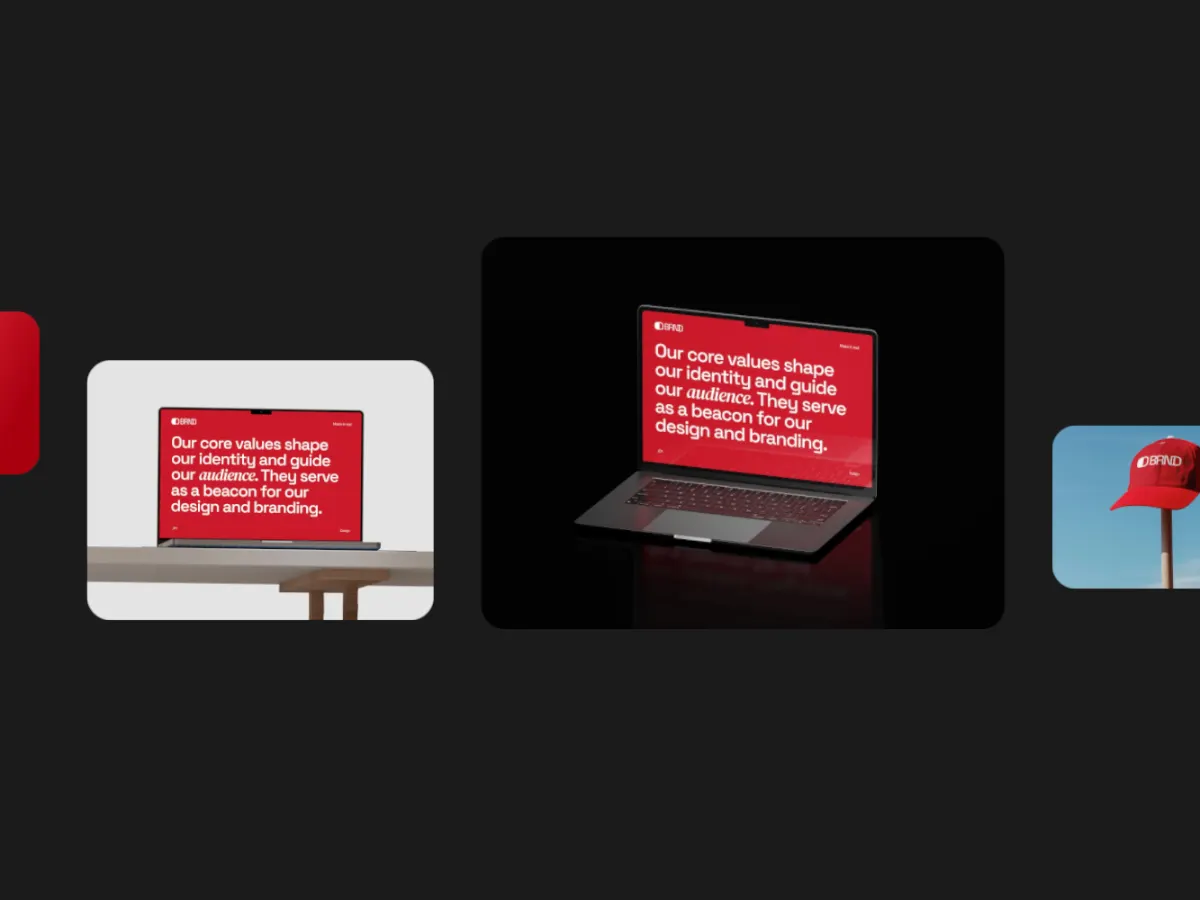
Hero Reel fills the frame with one image and runs a row of thumbnails across the middle, the active one lifting. Each change reveals the next background in tiles or blinds, in normal, diagonal, radial, spiral or random order, with a slow Ken Burns push. Seven slots. It works like an animated website hero, so use it for landing pages, real estate or travel work at 16:9.
In the studio you can tune its 15 settings along with the background, shadow and loop length, and your images never leave your device.
Play Hero Reel live
This one runs on the same engine as the studio, at 16:9. What you see here is what you export.
Hero Reel settings
Every setting below is in the studio panel for Hero Reel. Each one changes the loop live, so you can try values while it plays.
| Setting | Range | Starts at |
|---|---|---|
| Padding | 0% to 20% | 6% |
| Corner radius | 0% to 12% | 3% |
| Active lift | 0 to 4 | 1.8 |
| Active scale | 100% to 120% | 108% |
| Card spacing | 0 to 6 | 2 |
| Hero opacity | 0% to 100% | 55% |
| Ken Burns | 0% to 100% | 60% |
| Hold | 20% to 80% | 55% |
| Easing | Custom, Smooth, Natural, Slow down, Snappy, Accelerate, Elastic, Bounce, Overshoot, Impulse, Swing, Linear | Smooth |
| Style | Grid, Blinds | Grid |
| Pattern | Normal, Diagonal, Radial, Spiral, Random | Normal |
| Rows | 1 to 8 | 4 |
| Columns | 1 to 8 | 4 |
| Stagger | 0% to 100% | 60% |
| Speed Variation | 0% to 100% | 0% |
Make a Hero Reel video
- Step 1
Open the template
"Use this template" opens Hero Reel in the studio at 16:9, already playing with sample work.
- Step 2
Add your work
It starts with 7 spots for images or short videos. Empty spots repeat your images, so a few are enough.
- Step 3
Tune the motion
Change the 15 settings above, the loop length (10 seconds to start), background and shadow.
- Step 4
Export the loop
Download MP4 or WebM. 720p is free with no watermark: your first export needs no account, later ones a free account. 1080p, 2K and 4K come with Pro.
Where Hero Reel works well
More Carousel & Flow templates



Other kinds of motion
- 3D & Perspective 19
- Multiscene 8
- Isometric 4
- Orbit 9
- Carousel & Flow 13
- Grid 10
- Spotlight & Focus 8
- Reveal & Wipe 6
- Stack & Scatter 9