Cover Flow: the classic cover flow carousel
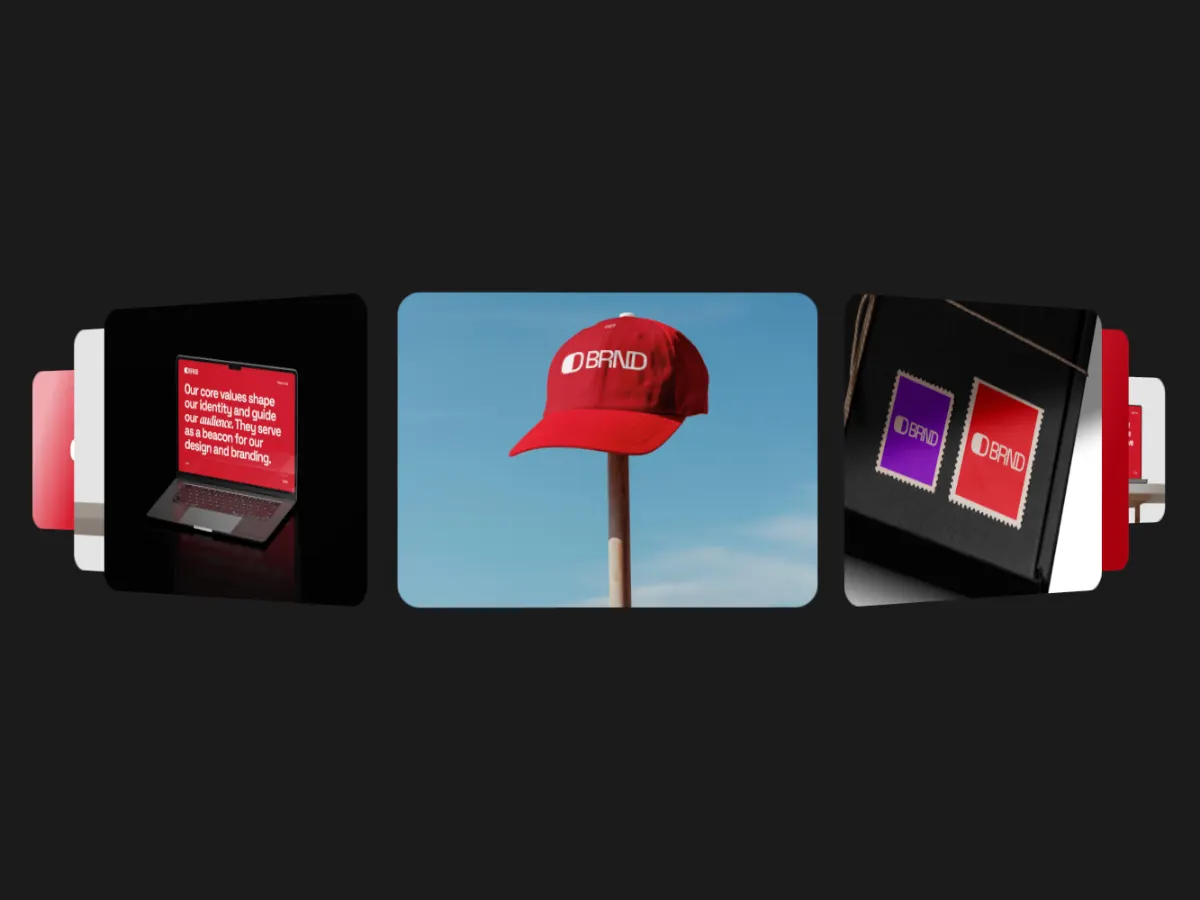
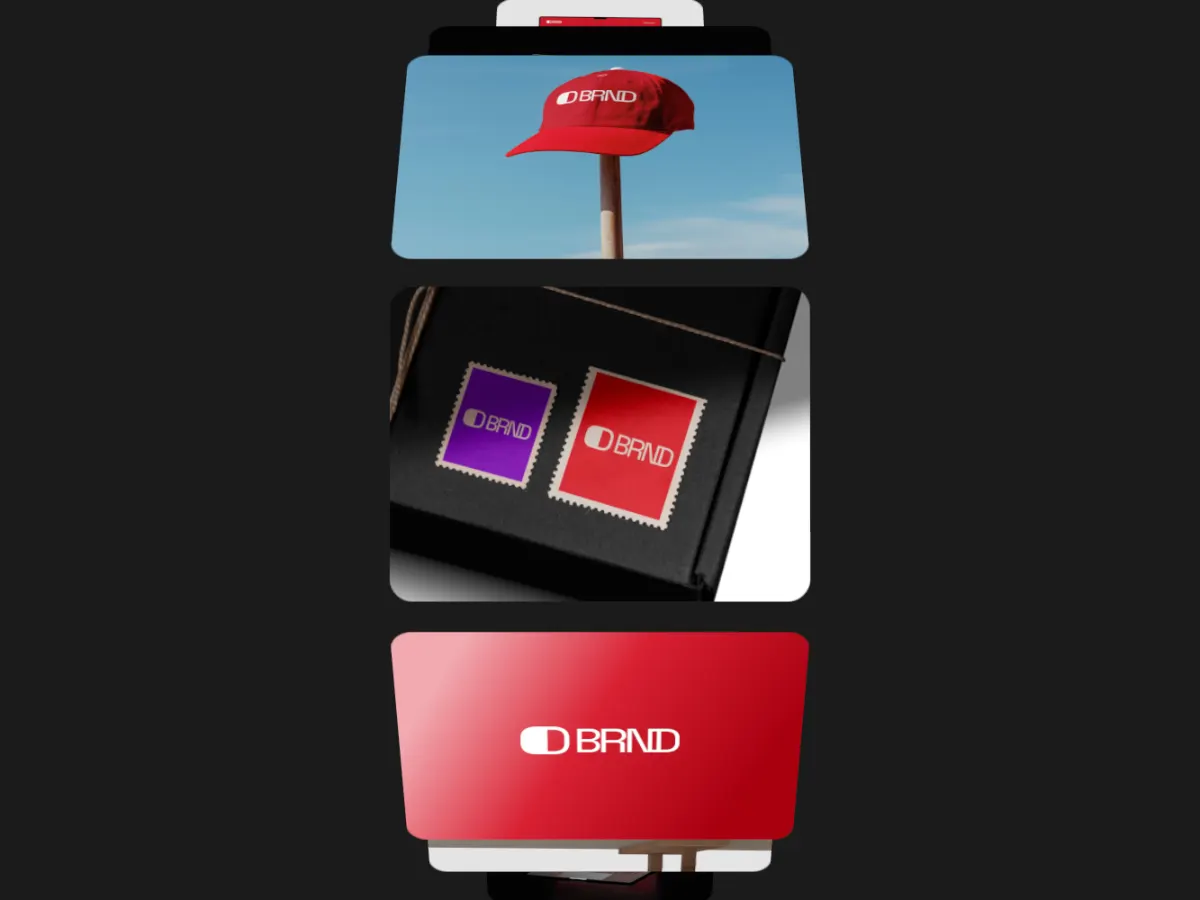
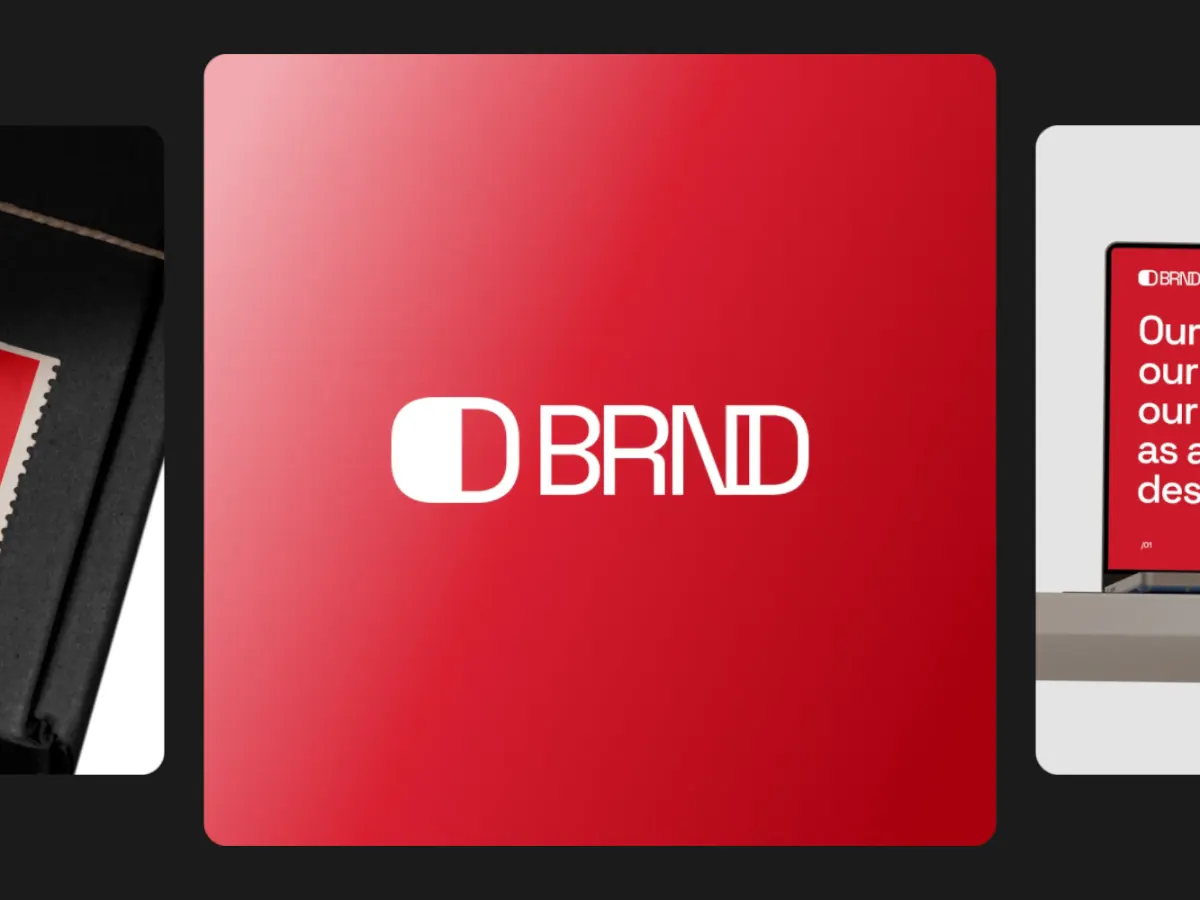
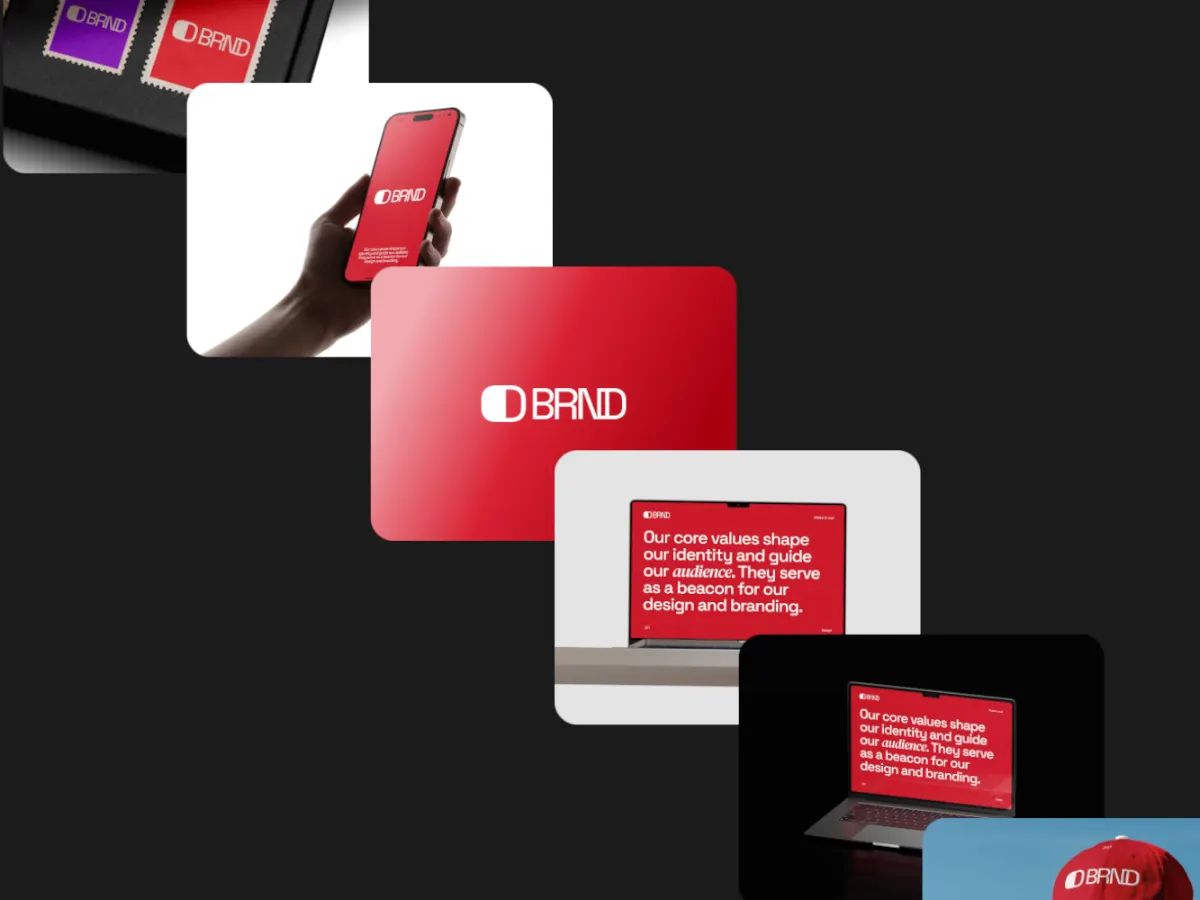
A flat centre card with tilted cards stacked on either side, stepping one card at a time.
Opens in the studio with sample work. Free at 720p.
How Cover Flow moves
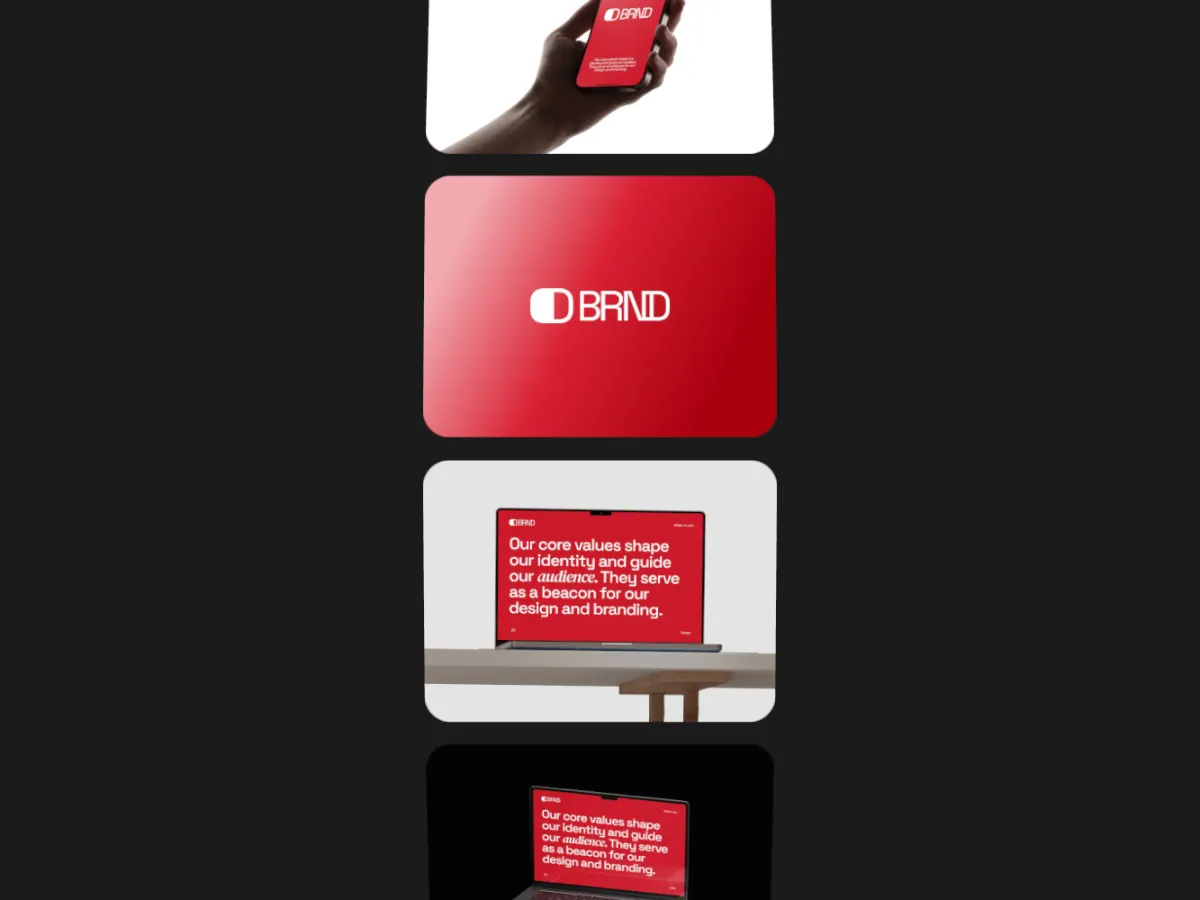
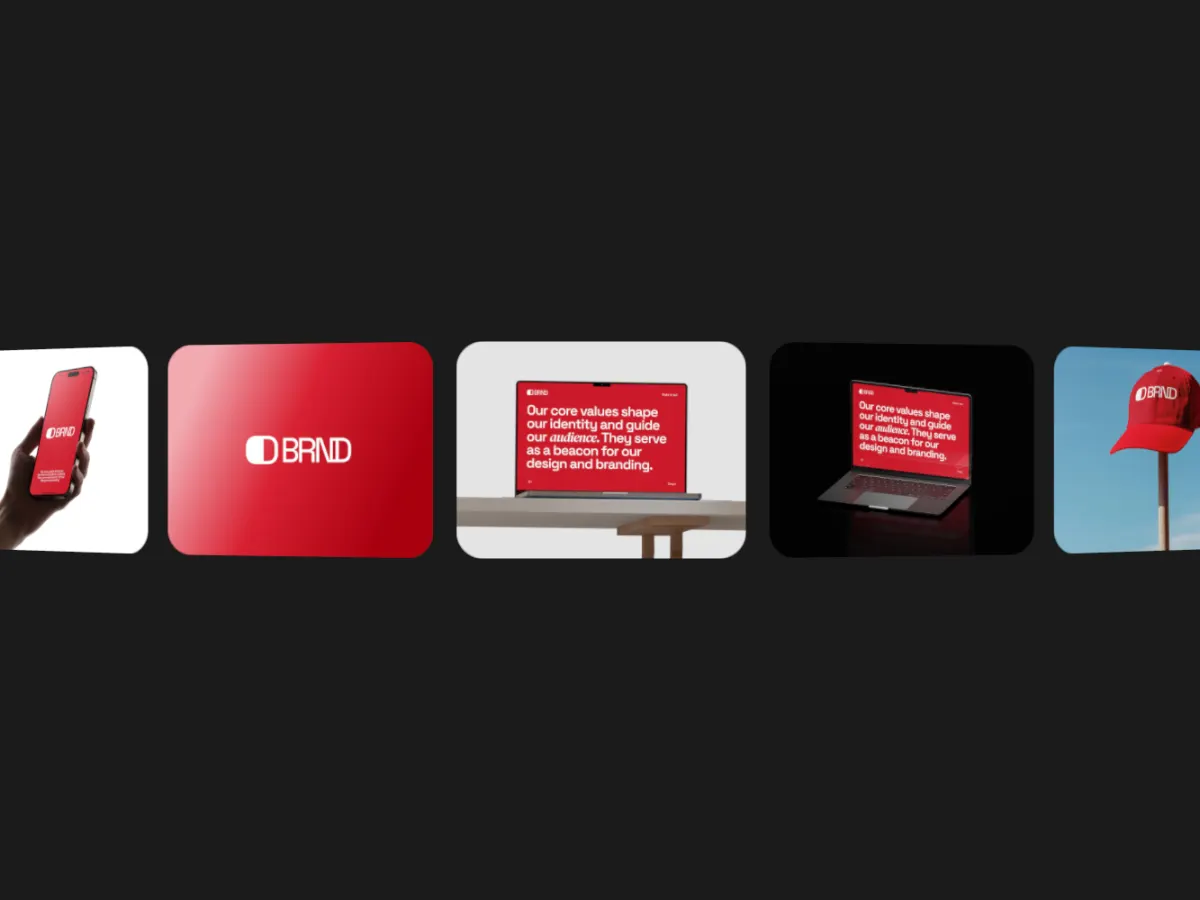
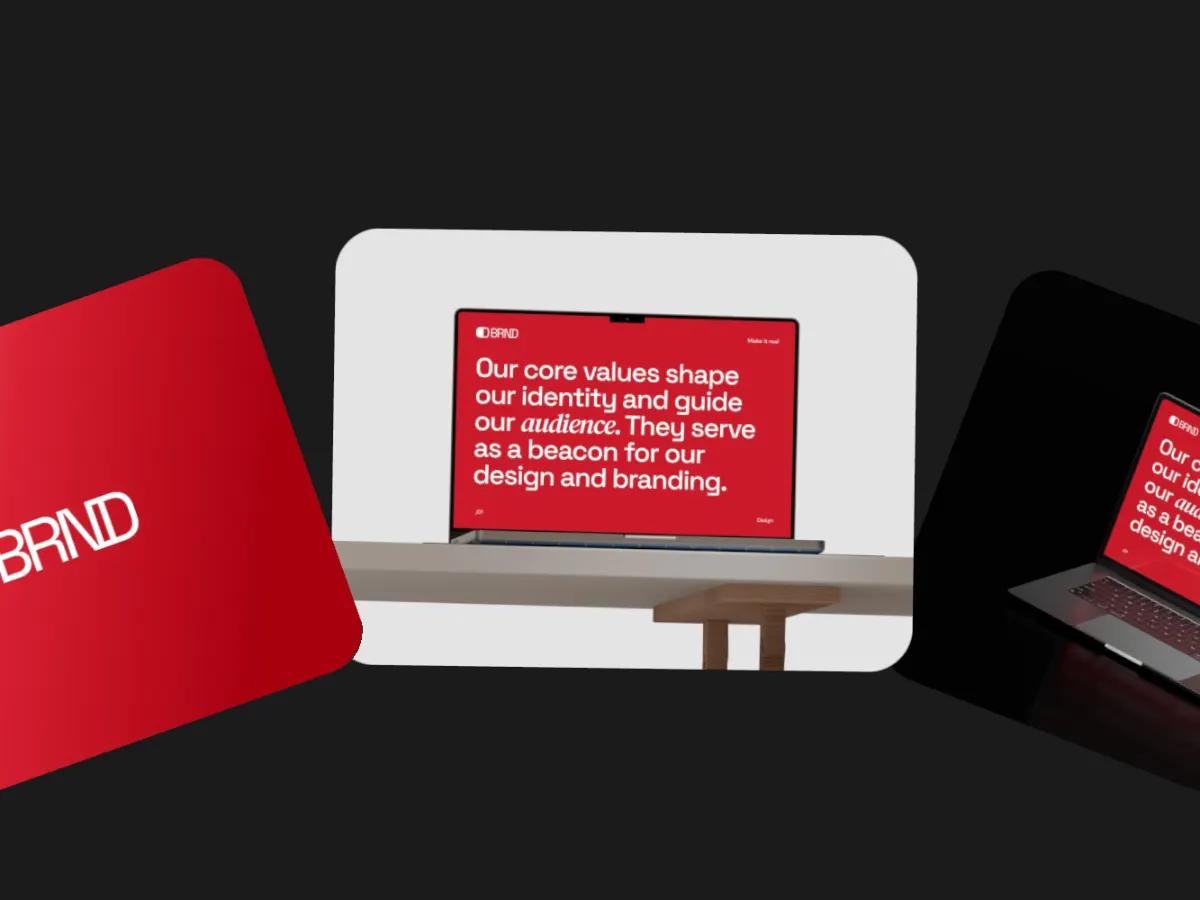
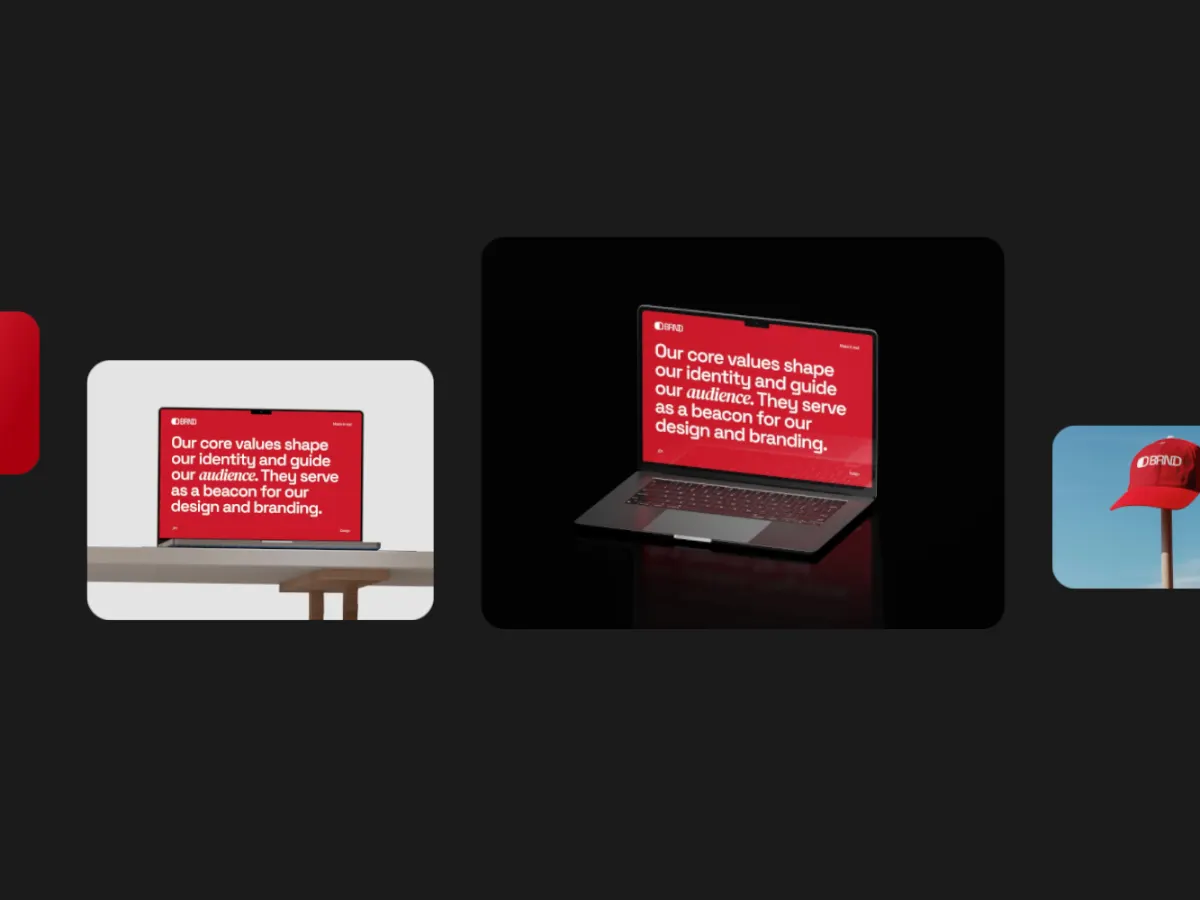
Cover Flow shows one card flat in the centre with the others tilted and stacked on either side, and steps through them one at a time, the cover flow look people know from music libraries. Side tilt, gap and a flow angle that slants the whole deck are adjustable, and it can also scroll continuously. Five slots. A familiar, readable carousel for album art, book covers or app screens, at 16:9.
In the studio you can tune its 9 settings along with the background, shadow and loop length, and your images never leave your device.
Cover Flow settings
Every setting below is in the studio panel for Cover Flow. Each one changes the loop live, so you can try values while it plays.
| Setting | Range | Starts at |
|---|---|---|
| Padding | 0% to 20% | 6% |
| Corner radius | 0% to 12% | 3% |
| Card size | 30% to 62% | 46% |
| Gap | 0% to 16% | 4% |
| Side tilt | 0° to 70° | 40° |
| Flow angle | 0° to 90° | 0° |
| Easing | Custom, Smooth, Natural, Slow down, Snappy, Accelerate, Elastic, Bounce, Overshoot, Impulse, Swing, Linear | Smooth |
| Direction | Right → left, Left → right | Right → left |
| Motion | Stop at center, Continuous | Stop at center |
Make a Cover Flow video
- Step 1
Open the template
"Use this template" opens Cover Flow in the studio at 16:9, already playing with sample work.
- Step 2
Add your work
It starts with 5 spots for images or short videos. Empty spots repeat your images, so a few are enough.
- Step 3
Tune the motion
Change the 9 settings above, the loop length (12 seconds to start), background and shadow.
- Step 4
Export the loop
Download MP4 or WebM. 720p is free with a free account and no watermark; 1080p, 2K and 4K come with Pro.
Where Cover Flow works well
More Carousel & Flow templates
Other kinds of motion
- 3D & Perspective 13
- Multiscene 8
- Isometric 4
- Orbit 9
- Carousel & Flow 11
- Grid 9
- Spotlight & Focus 4
- Reveal & Wipe 4
- Stack & Scatter 8