Spin Swap: one card that spins over to the next image
ProOne big card spins half a turn on every beat and lands on your next image.
Opens in the studio with sample work. Try it free; exporting it needs Pro.
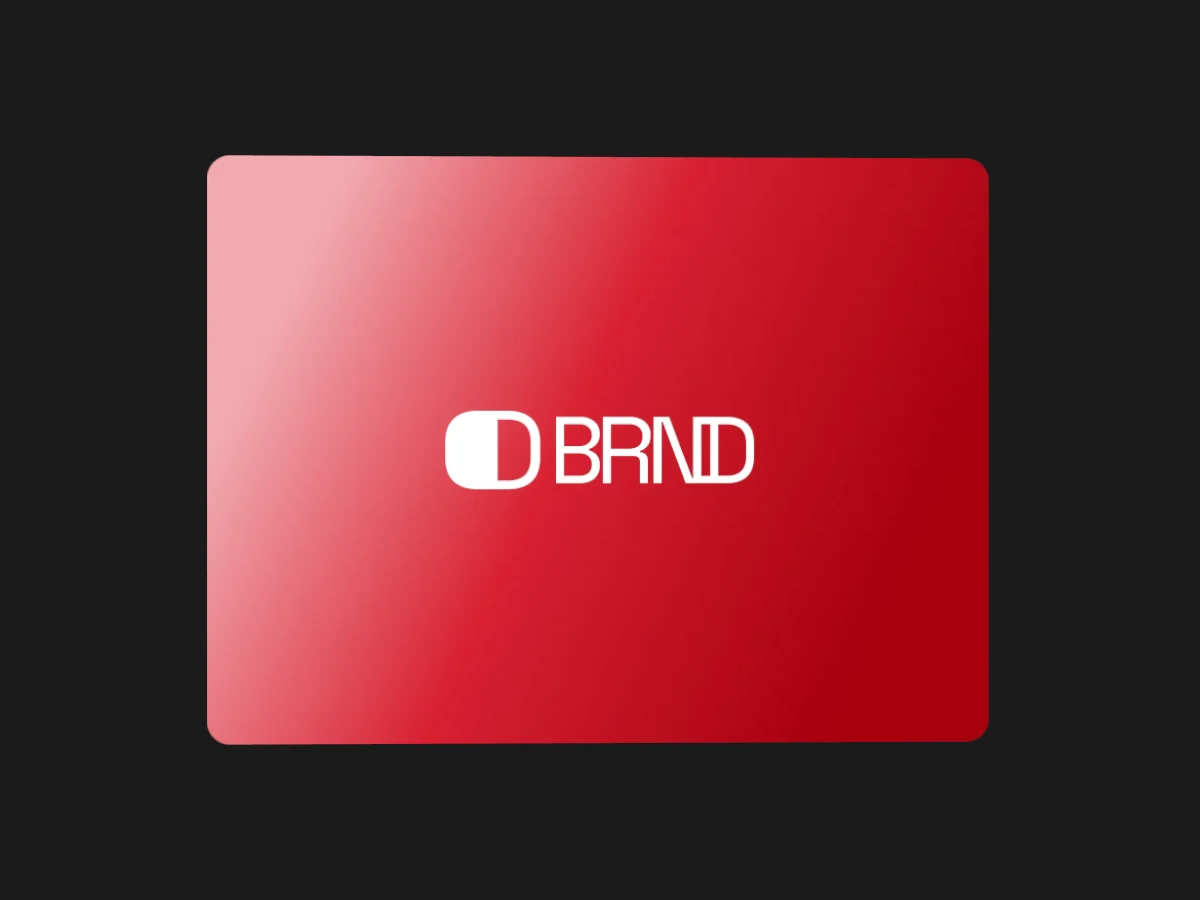
How Spin Swap moves
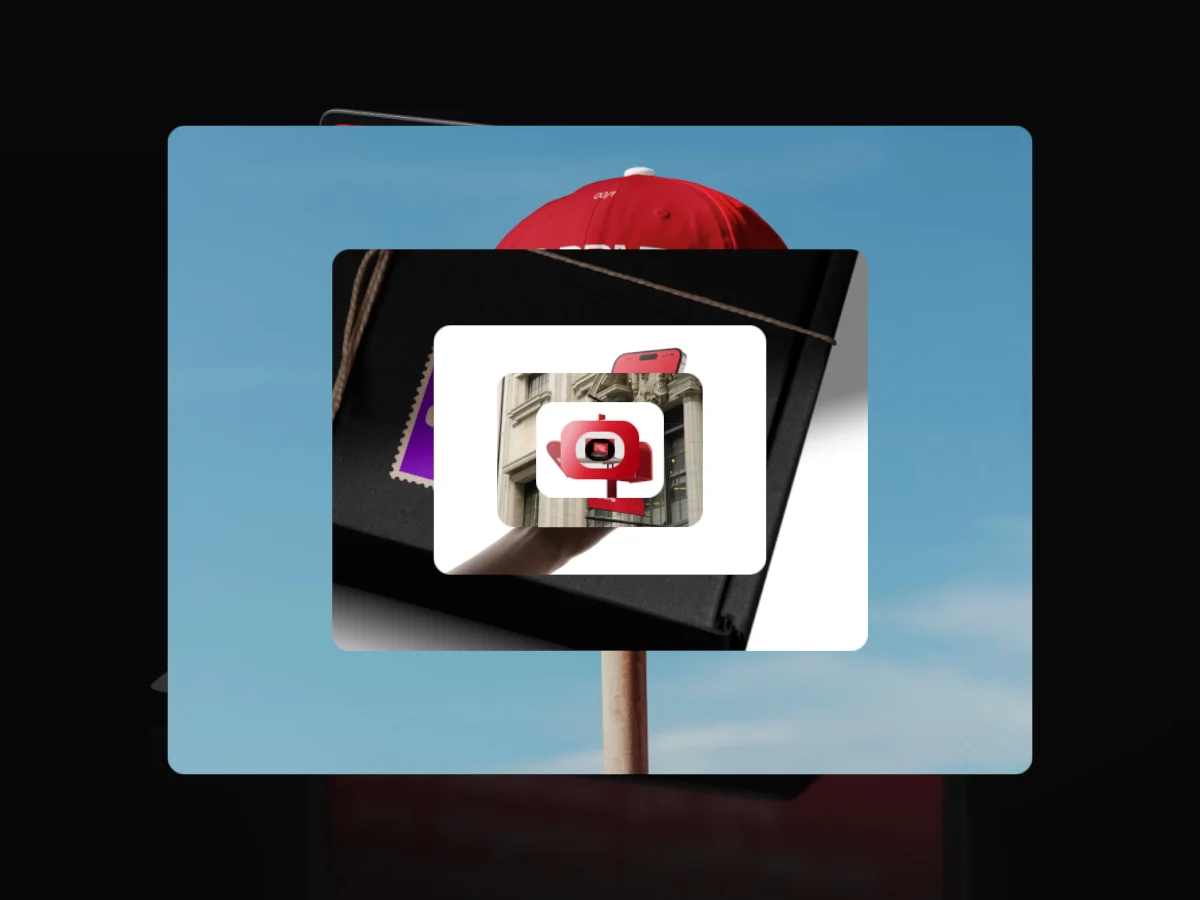
Spin Swap keeps a single card in the middle of the frame and turns it half way around on each step, switching to the next image at the edge-on moment so the back never shows. Pick a vertical or horizontal spin, how long each spin takes and how far the card lifts toward you. A clean way to step through a set of screens or posters one at a time.
In the studio you can tune its 8 settings along with the background, shadow and loop length, and your images never leave your device.
Spin Swap settings
Every setting below is in the studio panel for Spin Swap. Each one changes the loop live, so you can try values while it plays.
| Setting | Range | Starts at |
|---|---|---|
| Padding | 0% to 20% | 6% |
| Corner radius | 0% to 12% | 3% |
| Card size | 30% to 92% | 74% |
| Spin axis | Vertical, Horizontal | Vertical |
| Spin time | 15% to 90% | 45% |
| Lift | 0% to 60% | 20% |
| Easing | Custom, Smooth, Natural, Slow down, Snappy, Accelerate, Elastic, Bounce, Overshoot, Impulse, Swing, Linear | Smooth |
| Perspective | 0% to 40% | 22% |
Make a Spin Swap video
- Step 1
Open the template
"Use this template" opens Spin Swap in the studio at 1:1, already playing with sample work.
- Step 2
Add your work
It starts with 6 spots for images or short videos. Empty spots repeat your images, so a few are enough.
- Step 3
Tune the motion
Change the 8 settings above, the loop length (8 seconds to start), background and shadow.
- Step 4
Export the loop
Download MP4 or WebM. 720p is free with a free account and no watermark; 1080p, 2K and 4K come with Pro.
Where Spin Swap works well
- Dribbble shot video
Turn static 4:3 designs into an animated Dribbble shot. Seamless MP4 loops sized for Dribbble, made in your browser. Free 720p export.
- Product Hunt video
Make a Product Hunt launch video from your product screenshots. A looping 16:9 MP4 ready for YouTube, made in your browser. Free 720p export.
- Instagram Reels
Turn screenshots into Instagram Reels and Stories at 9:16, or feed videos at 4:5. Motion built for tall frames, made in your browser. Free 720p.
More Spotlight & Focus templates
Other kinds of motion
- 3D & Perspective 19
- Multiscene 8
- Isometric 4
- Orbit 9
- Carousel & Flow 13
- Grid 10
- Spotlight & Focus 8
- Reveal & Wipe 6
- Stack & Scatter 9